I’m trying to free up storage and clear cache on my iPad, but I can’t find a real CCleaner-style app that does much on iPadOS. I’ve already deleted apps and files, and the system data still seems high. What do people use instead to clean up an iPad and improve performance?
I went looking for the same thing on my iPad and the App Store was a mess. A lot of so-called free cleaners either interrupt you with ads every few taps or hide the only useful tools behind a weekly fee. CCleaner kept popping up, but it is iPhone-only, not built for iPad, and the free version felt trimmed down to the point of being pointless.
From what I saw, Piriform made a simple call here. They put out an iPhone app near the end of 2023 and stopped there. On iPad, you are stuck running the phone version in compatibility mode. It looks off. Buttons feel sized for a smaller screen. Layout wastes space. Nothing about it feels native, and I have not seen any sign of a proper iPad release coming.
What I found that works on iPad without ads
The name I kept seeing, and the one I ended up trying, was Clever Cleaner. This one has a real iPad app, no ads, and no subscription block waiting after setup. On iPad cleaner apps, tha'ts rare.
Here is why it stood out on a tablet instead of a phone.
The Heavies section puts your media in size order, biggest first, with the file size shown on each item. On my iPad, large videos were the main problem, not tiny junk files. A few long recordings and screen captures were eating gigabytes. Seeing the list in order saved time because I did not need to dig through albums trying to guess what was taking space.
The Similars section groups near-duplicate photos. Burst shots, repeated tries, small angle changes, all of it gets bundled together. It marks a Best Shot so you keep one and clear the rest fast. CCleaner puts a price tag on this type of tool, $34.99 per year, and even then I found its matching less clean than what I got here.
The Screenshots section sounds simple, but it helped more than I expected. Every thumbnail shows the exact size before you delete anything. If your iPad is full of research grabs, work notes, receipts, markup images, all the usual clutter, this makes cleanup quicker. You are not deleting blind.
Why the no-ads part matters more on iPad
I keep more private stuff on my iPad than on my phone. PDFs, client files, drafts, photo sets, random scans. So I paid attention to how the app handled data. With Clever Cleaner, processing stays on the device. Photos do not get sent off to some remote server for comparison. I care about that, and if your tablet has work material on it, you probably will too.
Most of the other apps I tested leaned one of two ways. Constant ads, or a subscription wall. Sometimes both, which is kind of wild for a cleanup app. This one skips the ad spam and does not hit you with a time-limited trial either. That alone made it easier to recommend.
What none of these apps can reach
There is one limit people keep missing. Apple does not let third-party cleaner apps remove system junk, Safari cache, or internal app data on iPad or iPhone. If an app hints otherwise, I would not trust it. These tools are for media cleanup, not deep system maintenance.
For photos, videos, screenshots, and oversized files, Clever Cleaner covered the stuff I needed. For duplicate contacts, Easy Cleaner worked fine for me and did the merge without drama. For mailbox junk, Cleanfox was faster than sorting subscriptions by hand in Mail.
Those three took care of the storage buildup I kept running into, and I did not need to pay for any of them or sit through ad clutter every minute.
4 Likes
There isn’t a proper CCleaner for iPad because Apple blocks the parts people want cleaned. Third party apps do not get access to system cache, app internals, or the chunk of storage shown as System Data. So most “cleaner” apps on iPad are photo organizers with a fancy name.
I agree with part of what @mikeappsreviewer said. Clever Cleaner is one of the few names worth trying if your main problem is photo and video bloat. It fits iPad better than the stretched phone apps. Still, I would not expect any cleaner app to shrink System Data much. That number moves for Safari, streaming caches, logs, updates, and temp files iPadOS manages on its own.
What people use instead is a mix of manual resets:
- Offload and reinstall big apps like Netflix, TikTok, Instagram, YouTube.
- Clear Safari history and website data in Settings.
- Remove downloaded media inside apps, not in Files.
- Restart, then check storage again after a few hrs.
- Update iPadOS. Old temp files sometimes drop after updates.
If System Data stays huge, backup and erase is still the only fix tht works consisntly.
If you want a roundup, this list of free iPhone cleaner apps is a decent starting point, even though iPad options are thinner: best free cleaner apps for iPhone and iPad storage cleanup
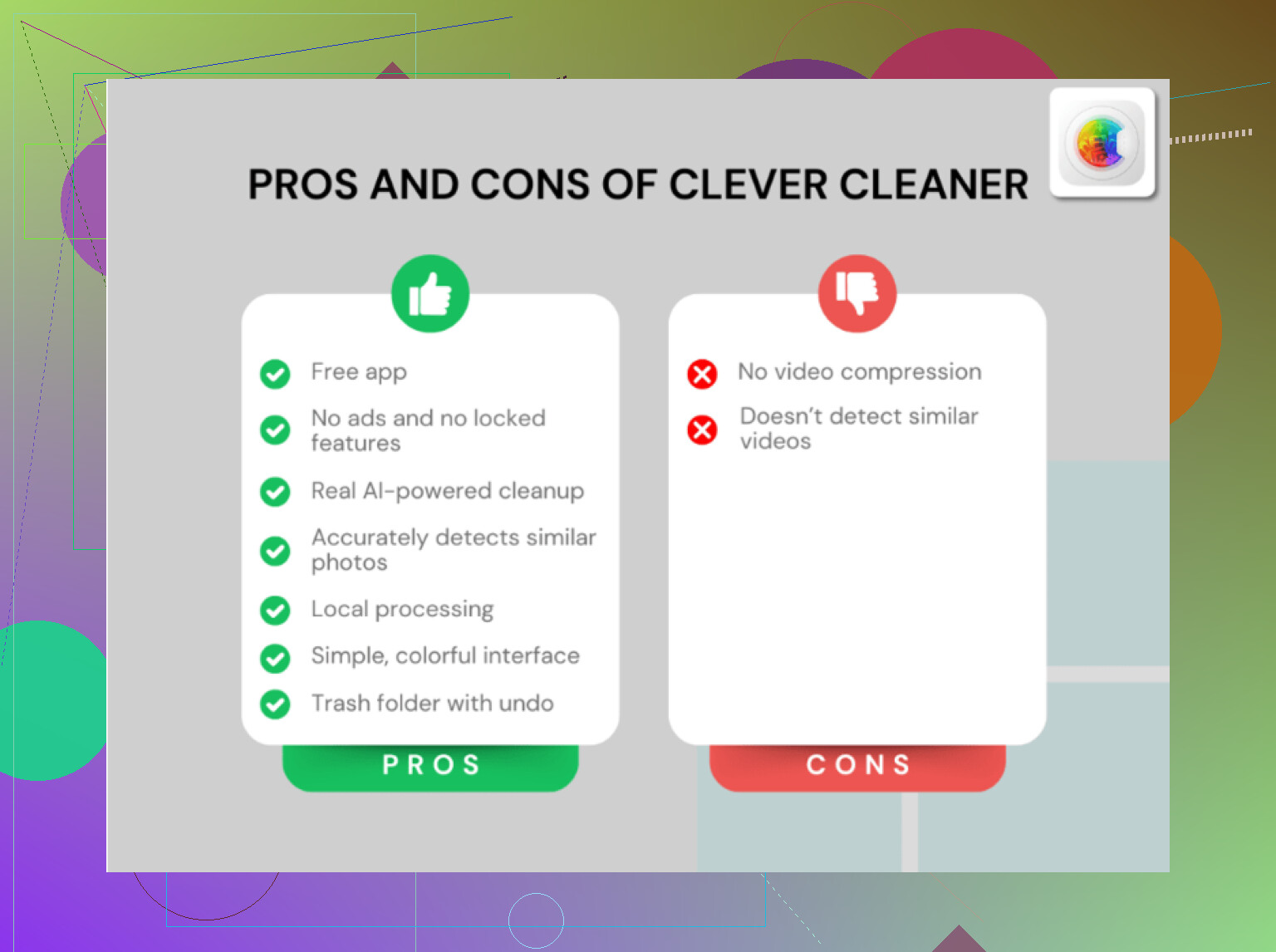
There basically isn’t a “real” CCleaner for iPad because iPadOS does not let apps poke around in the places that matter. So no app is going to sweep system cache, purge hidden temp files across other apps, or magically cut down System Data the way people expect. That part of the job belongs to Apple, annoyingly.
I mostly agree with @mikeappsreviewer and @hoshikuzu, but I’m a little more skeptical about cleaner apps in general. Most of them are just gallery managers wearing a janitor costume. If your storage problem is photos, videos, screenshots, or giant screen recordings, then yeah, something like Clever Cleaner actually makes sense on iPad because it’s built for media cleanup, not fake “RAM boosting” nonsense.
What I’d use instead, beyond the usual delete/offload stuff they already covered:
- Check Messages attachments. Old videos and meme dumps in conversations can eat a ton of space.
- Look at Files app downloads, especially ZIPs, PDFs, Procreate exports, and video projects.
- Remove offline content from apps like Spotify, Podcasts, Kindle, Disney+, not just streaming apps people always mention.
- If you use Apple Notes a lot, scanned docs and embedded media pile up faster than ppl realize.
- For cloud apps, make sure files are not kept downloaded locally.
Also, System Data is sometimes just misreported for a while. I’ve seen it stay bloated, then drop after charging overnight on Wi-Fi. Not super satisfying, but it happens.
If you want a visual walkthrough, this helps: how to clear storage on iPhone and iPad fast for free
Short version: no true CCleaner exists for iPad because Apple won’t allow it. People use manual cleanup plus media-focused apps like Clever Cleaner, and if System Data stays ridiculous, backup and full reset is still the only real nuke option.
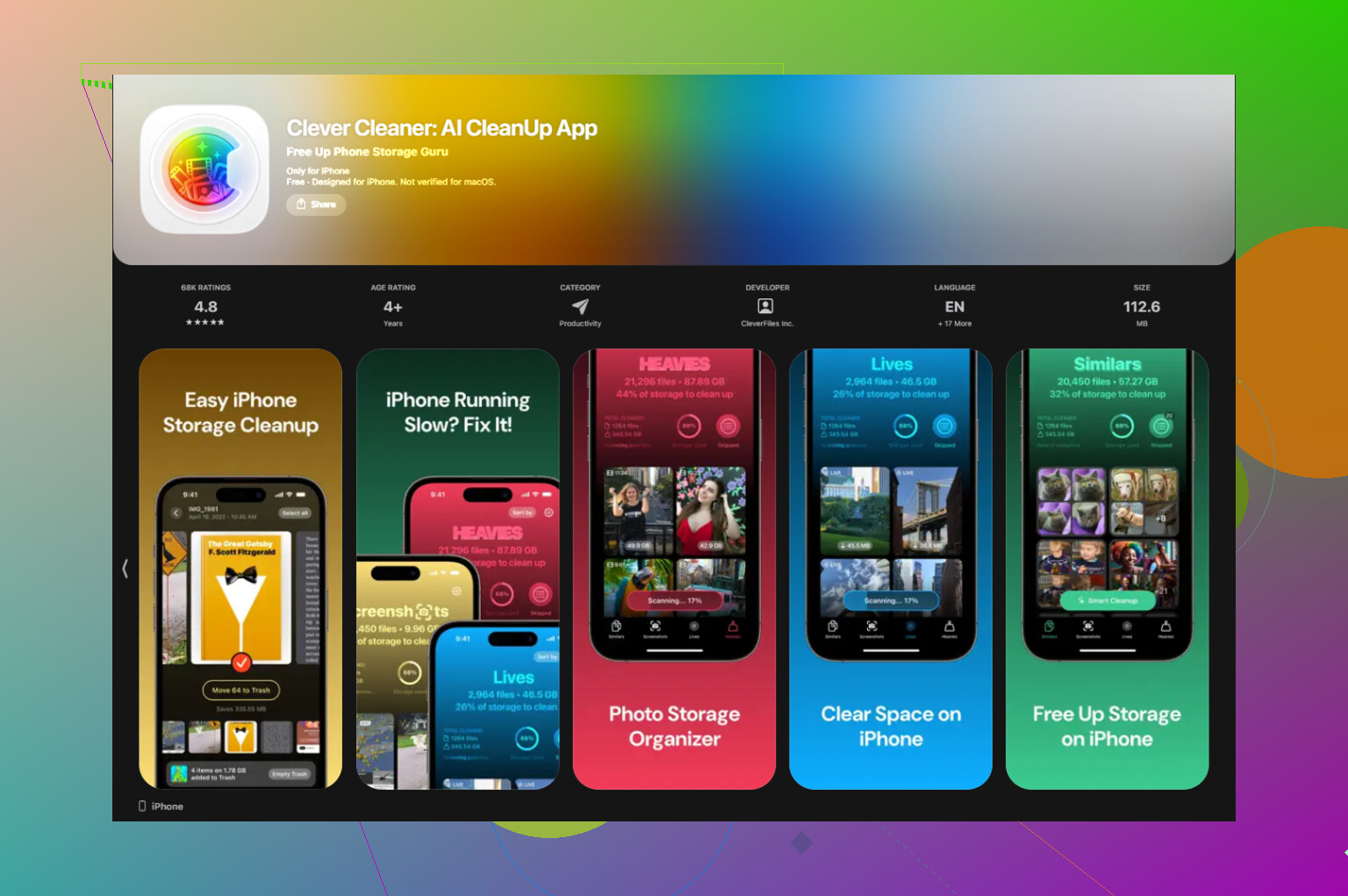
The annoying truth is there is no proper CCleaner for iPad because Apple sandboxes everything hard. So I slightly disagree with people hunting for a “best cleaner” first. If your issue is actual System Data, cleaner apps are usually the least important part of the fix.
A few places people skip that are worth checking:
- Mail app attachments and downloaded message content
- Books and PDF readers with large local libraries
- Editing apps like LumaFusion, CapCut, Procreate, GarageBand, iMovie, Lightroom. These stash exports, previews, and project caches
- Podcast downloads and “saved” episodes
- Browser cache in Chrome/Firefox too, not just Safari
- Recently Deleted in Photos and Files
About what @hoshikuzu, @andarilhonoturno, and @mikeappsreviewer said: I agree with the broad point that most iPad cleaners are really media sorters. That said, that is not useless. If your storage leak is photo clutter, Clever Cleaner is one of the few names that makes sense on iPad.
Pros of Clever Cleaner:
- proper iPad layout
- good at finding large videos, screenshots, similar photos
- no ad circus
- useful for quick visual cleanup
Cons:
- will not meaningfully reduce System Data
- cannot touch hidden app caches
- less helpful if your storage issue is downloads or pro app project files
- “AI cleaner” branding oversells what iPad apps can actually do
What people really use instead is a combo: app-specific cleanup, checking creative apps for local project junk, and sometimes just waiting a day or two because iPadOS recalculates storage slowly. If that number stays absurd after all that, erase/restore is still the only dependable reset.