My iPad has gotten really slow even though I only use it for basic things like browsing, email, and streaming. Apps take forever to open, typing lags, and it sometimes freezes for no clear reason. I need help figuring out what could be causing this and what I can do to speed up my iPad.
Your restart ruled out the easy fix. I ran into the same mess on my iPad, and the slowdown ended up being a pile of smaller issues, not one clean cause.
If you installed an iPadOS update recently, give it some time first. Mine stayed sluggish for hours after updating, once for most of a day. It was still doing background cleanup and indexing. If it keeps dragging after that, I’d check storage before anything else.
Storage was the big one for me. iPadOS needs free space to handle cache, temp files, and general system work. Apple likes some headroom, and from what I saw, once the device gets past roughly 80 percent full, performance starts slipping. Newer iPads also lean on storage for memory swap. When free space gets tight, app switching slows down, Safari reloads tabs, and animations start to hitch.
That was my problem. I had years of screenshots, duplicate photos, old screen recordings, and random large videos sitting there. The iPad felt slow even after restarts because the storage was packed.
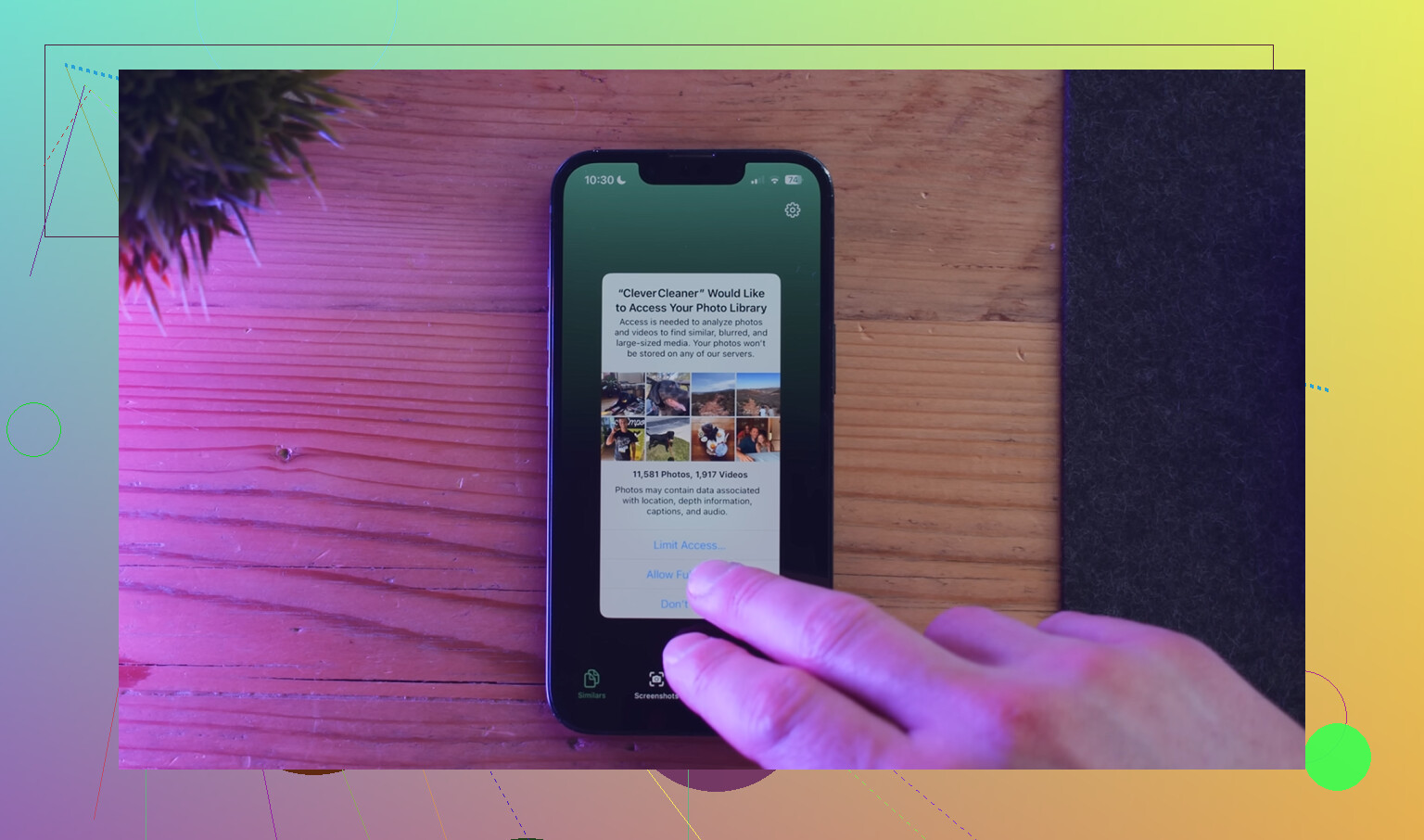
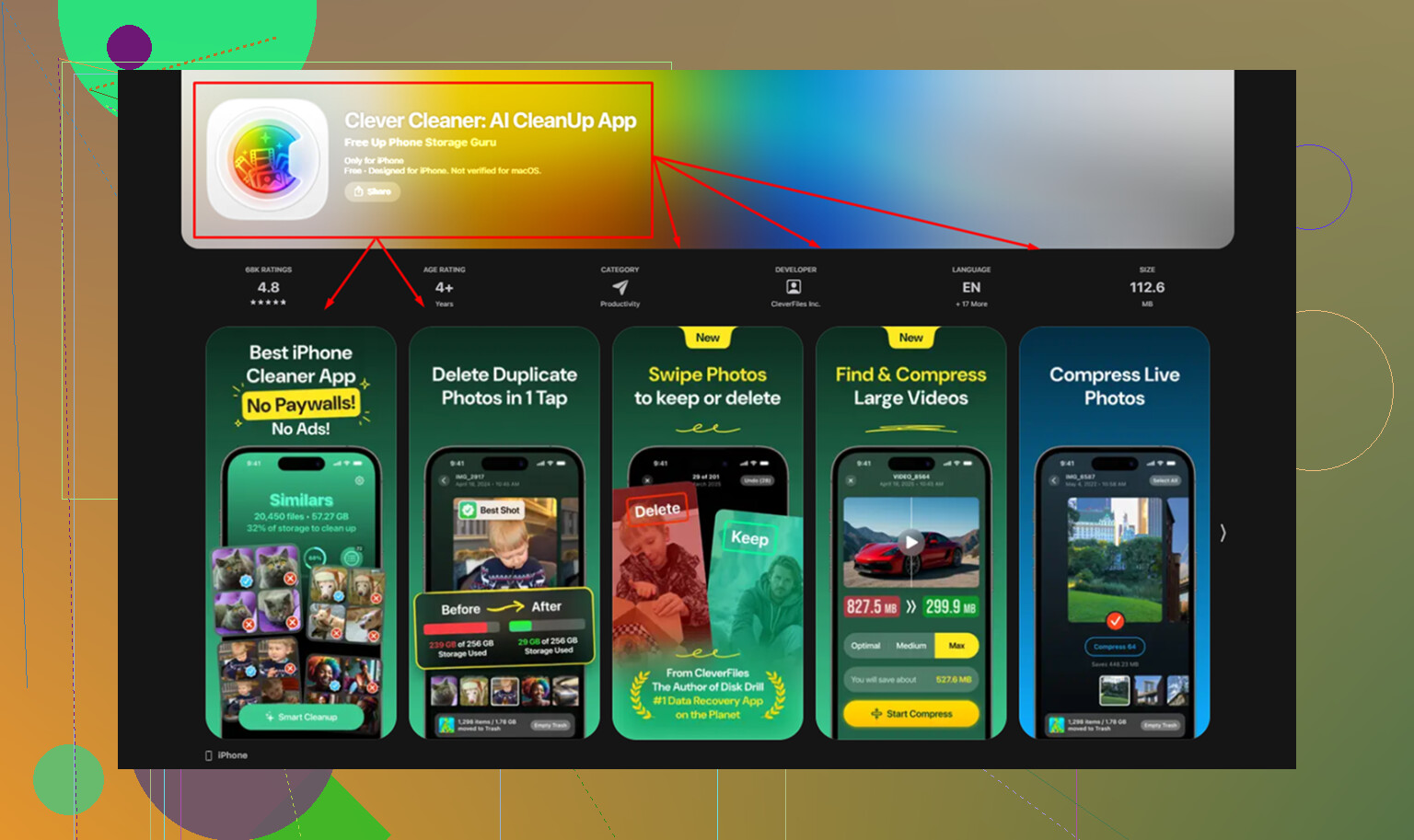
I cleaned mine out with Clever Cleaner. I found it while trying to avoid junk apps, and it did the job without ads or a paywall popping up every ten seconds. The part I used most was the Heavies section. It sorts files by size, so you see fast what is eating space. There is also a Similars section for near-duplicate photos, which helped because I had way too many burst shots and repeat pics. It shows file sizes before deletion, too. I liked one other thing, all the scanning stayed on the device. After clearing around 15 GB, my iPad stopped feeling broken. No magic, storage was the fix.
If your slowdown shows up mostly in Safari, I’d treat it as a separate problem. Safari gets bloated over time. Go to Settings, Safari, then clear History and Website Data. I did this after pages started hanging and it helped more than I expected. Also look at your tabs. If you keep a small forest of them open, your iPad keeps juggling all of it.
A few other checks helped me trim the lag:
-
Low Power Mode
If the battery icon is yellow, performance is being held back on purpose. Turn it off in Battery settings if speed matters more than battery life. -
Background App Refresh
Open Settings, then General. I turned this off for most apps. You do not need every app fetching data in the background all day. -
Reduce Motion
On older iPads, this one helps. Go to Accessibility, then Motion, and enable Reduce Motion. The interface feels quicker because it swaps the heavier animations for simpler transitions.
One more thing. If your iPad is four or five years old, the battery might be part of it. Older batteries struggle under load, and the system scales things back to avoid crashes. Still, I would start with storage cleanup before thinking about repairs or replacement. In my case, freeing space fixed the worst of it fast.
5 Likes
If you only do light stuff and it still feels slow, I’d look at two things people skip.
First, your keyboard lag and random freezes often point to Safari junk, bad extensions, or one app misbehaving. Typing lag is not always a “device is old” issue. If you use a third party keyboard, remove it for a day. Same for VPN apps, ad blockers, antivirus apps, and browser extensions. I’ve seen one bad content blocker make page loads crawl and the whole iPad feel broken.
Second, check battery health by symptoms, since iPad does not show a clean Battery Health page like iPhone. If it gets warm doing email or web browsing, drains fast, or slows down more under 50 percent, the battery might be tired. Older iPads with weak batteries get choppy even with simple tasks.
I slightly disagree with @mikeappsreviewer on one part. Storage matters, sure, but if typing lags system-wide, I’d suspect a software conflict before assuming space is the whole problem.
What I’d do, in order:
- Remove VPN, cleaner, security, and ad-block apps for a day.
- Turn off widget stacks you do not use.
- Delete one or two worst offender apps, Facebook and Gmail are common pigs on older iPads.
- Test in Safe-ish mode, meaning use only Apple apps for a few hours.
- If it still drags, back it up and do a full reset. Fresh install, not restore from old junk if you want a clean test.
If storage is high, yes, clean it. Clever Cleaner is fine for finding large files and duplicate photos. If you want a longer take, this full week of Clever Cleaner testing and results breaks down what it does. Small cleanup, then test speed before changing ten things at once. Thast the fastest way to find the real cause.
I’d actually push back a little on @mikeappsreviewer and @byteguru here. If you only do “basic stuff” and the iPad is still choking, sometimes the issue is not usage at all. It’s age plus web bloat. Modern websites, ad scripts, autoplay junk, and heavy email apps can absolutely bully an older iPad.
A few things I’d check that they didn’t really get into:
- Test your internet before blaming the iPad. Slow Wi-Fi can look exactly like a slow tablet.
- Turn off Siri Suggestions in Search and widgets you never use. Those background lookups add up.
- Mail can be a sleeper problem. If you have multiple inboxes syncing constantly, remove and re-add the worst one.
- Check if the lag happens while charging. Cheap cables/adapters sometimes make touch input feel weird. Sounds dumb, but yup, real thing.
- If you use Chrome instead of Safari, compare them. On iPad, browser perf can be oddly uneven.
Also, keyboard lag sometimes comes from predictive text/dictation bugs. Try disabling both for a day and see if typing stops stuttering.
If your storage is crowded, then yeah, clean it. Clever Cleaner is decent for spotting giant files and duplicate photos fast. If you want a more readable breakdown, this NY Weekly review of Clever Cleaner and iPhone cleanup tools sums up what it does.
If none of that changes anything, honestly, it may just be an older iPad hitting its wall. Kinda annoying, but basic tasks in 2026 aren’t that “basic” anymore tbh.