I just started using cloud PC gaming and found that my current controller has input lag and random disconnects. I need help figuring out which controller works best for compatibility, low latency, and easy setup so I can avoid wasting money on the wrong one.
Xbox Wireless Controller is still the safest pick for cloud PC gaming.
Why:
- Best Windows support. Plug it in, it works.
- Low latency over USB. Bluetooth is fine, but USB is better.
- Fewer random disconnects than a lot of cheap pads.
- Most cloud PC services map Xbox buttons right away.
If you want the lowest lag, use:
- Wired USB first.
- Official 2.4GHz dongle second.
- Bluetooth last.
My short list:
- Xbox Wireless Controller, best overall for PC cloud gaming.
- 8BitDo Ultimate 2.4G, great value, solid latency, good software.
- DualSense, good build, but Windows support is messier and some games need Steam or extra setup.
- DualShock 4, still decent, but older and less reliable for plug-and-play on PC.
If your issue is input lag plus disconnects, the controller might not be the only problem. Bluetooth on Windows is often the weak spot. A bad adapter, crowded Wi-Fi, or power saving settings wreck the expereince fast.
Do this first:
- Test with USB cable.
- Turn off Bluetooth power saving in Device Manager.
- Update the controller firmware.
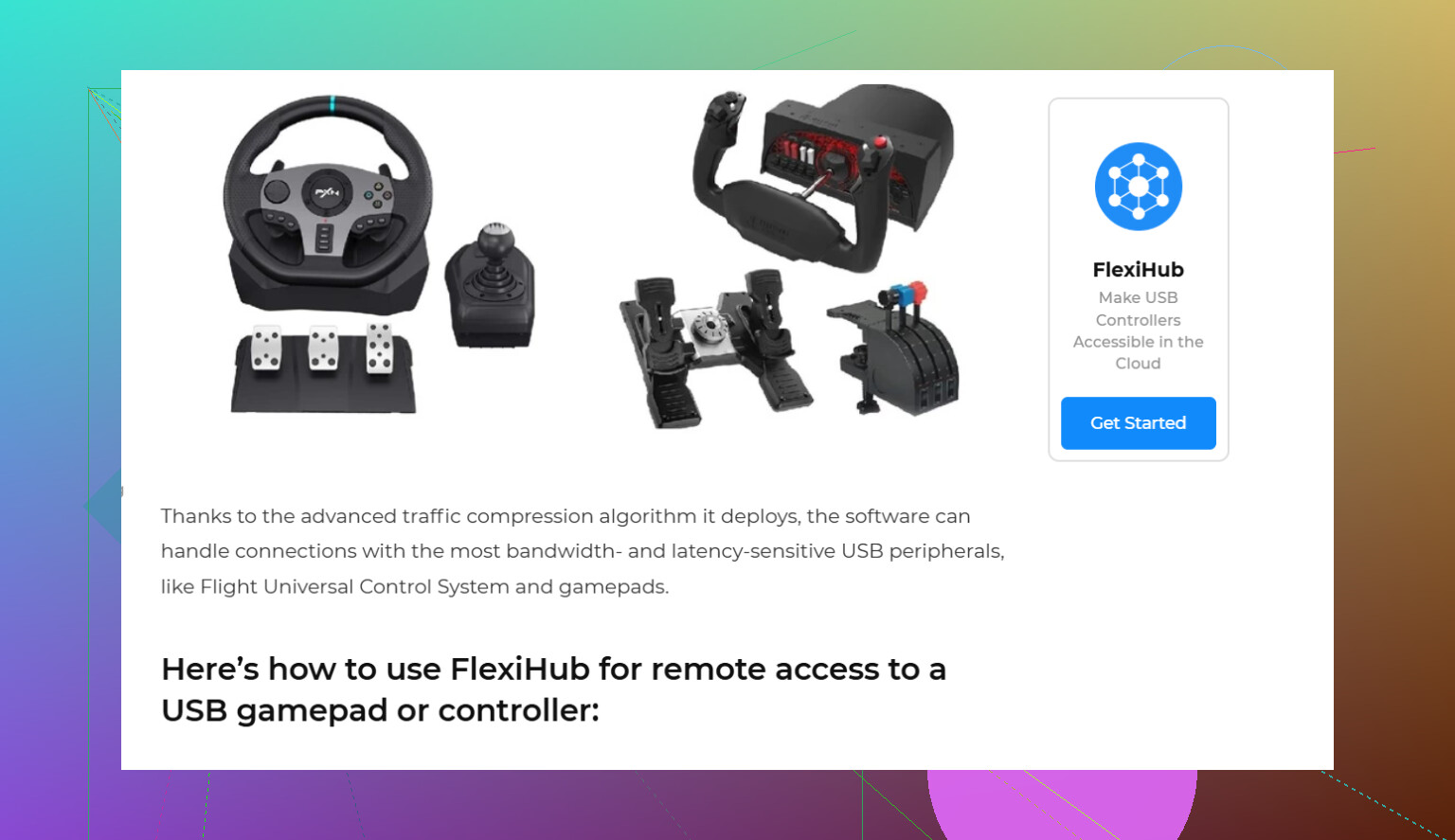
- If you use cloud PC from another device, try connect your game controller to a cloud PC with passthrough access. FlexiHub is useful if you need stable remote controller access across devices.
If you want zero fuss, get an Xbox pad and use it wired. That fixes this stuff for most poeple.
I’d split this into two answers: best controller, and best connection method. Those are not always the same thing.
@nachtschatten is right that Xbox is the easiest default, but I’d push back a little on “best” if you care about consistency more than brand. For cloud PC gaming, a good 2.4GHz controller can actually feel better than Bluetooth-only stuff, especially if your room already has Wi-Fi, earbuds, and twelve other things fighting for signal. Bluetooth on Windows is kinda notorious for being janky.
My picks:
-
8BitDo Ultimate 2.4G / Ultimate for Windows
- sleeper pick for cloud gaming
- very low latency
- easy button mapping
- usually more stable than cheap generic pads
- dock is nice, less faffing around
-
Xbox Wireless Controller
- best compatibility, no contest
- easiest setup with most cloud PC apps and games
- if you go Xbox, I’d use USB or the wireless adapter, not plain Bluetooth if you can avoid it
-
DualSense
- awesome controller, but kinda overrated for cloud PC specifically
- great hardware, messy Windows behavior outside Steam
- if you want “just works,” this is not always it
If disconnects are happening, I honestly would not buy another controller first unless your current one is bargain-bin trash. I’d check:
- motherboard / USB Bluetooth quality
- Wi-Fi congestion on 2.4GHz
- battery saving settings
- cloud app controller passthrough behavior
If you’re playing on one device and sending controls to a cloud PC, FlexiHub is actually relevant here. It can help with stable remote USB controller passthrough instead of relying on sketchy detection. If you want to set that up, start with get the FlexiHub app for remote controller access.
Short version:
Best overall: Xbox controller
Best alt pick: 8BitDo Ultimate 2.4G
Best “I already own it” option: DualSense, but expect some annoyng setup stuff now and then.
17 Likes
I’d rank it by where you’re playing, not just the controller itself.
If you’re on Windows + cloud PC service, the safest pick is still Xbox with USB-C wired. I slightly disagree with @nachtschatten on one point though: I would put wired above every wireless option if your top priority is lowest latency and zero weirdness. It is less convenient, but for cloud gaming you are already stacking network delay on top of controller delay, so shaving off local issues matters more.
My rough ranking:
-
Xbox controller wired
- Pros: native support everywhere, fast setup, fewer disconnects
- Cons: cable
-
8BitDo 2.4GHz models
- Pros: often better than Bluetooth, solid for Windows
- Cons: compatibility can vary outside standard XInput mode
-
DualSense wired
- Pros: great sticks/triggers
- Cons: still more annoying on Windows in non-Steam situations
One thing people overlook is the USB path. If your controller is fine locally but gets flaky once the input is being forwarded into a remote/cloud PC, FlexiHub can help by passing the controller through as a remote USB device instead of hoping the cloud app handles it cleanly.
FlexiHub pros
- useful for remote USB passthrough
- can reduce device detection headaches
- handy if your setup involves another machine or VM-like workflow
FlexiHub cons
- adds another software layer
- not magic if your home network is unstable
- can be overkill for simple single-PC local cloud streaming
So my answer is: Xbox wired first, 8BitDo 2.4G second, and only go Bluetooth if you have no better option.