I lost my original Skyworth TV remote and need a working remote app to control the TV from my phone. I tried a couple of apps, but they either would not connect or did not support my model. I need help finding a reliable Skyworth TV remote app that actually works and is easy to set up.
If you want a free iPhone remote app for a Skyworth TV, the first thing I’d check is your TV’s system. Skyworth uses more than one platform. Some sets run Android TV or Google TV. Others don’t. So the app you pick depends on the model sitting in your room, not the logo on the frame.
I ran into this because I thought there’d be one clean official app. There isn’t, at least not one answer that fits every Skyworth set. Most people end up using a universal remote app instead.
The one I’d start with is TVRem – Universal TV Remote app
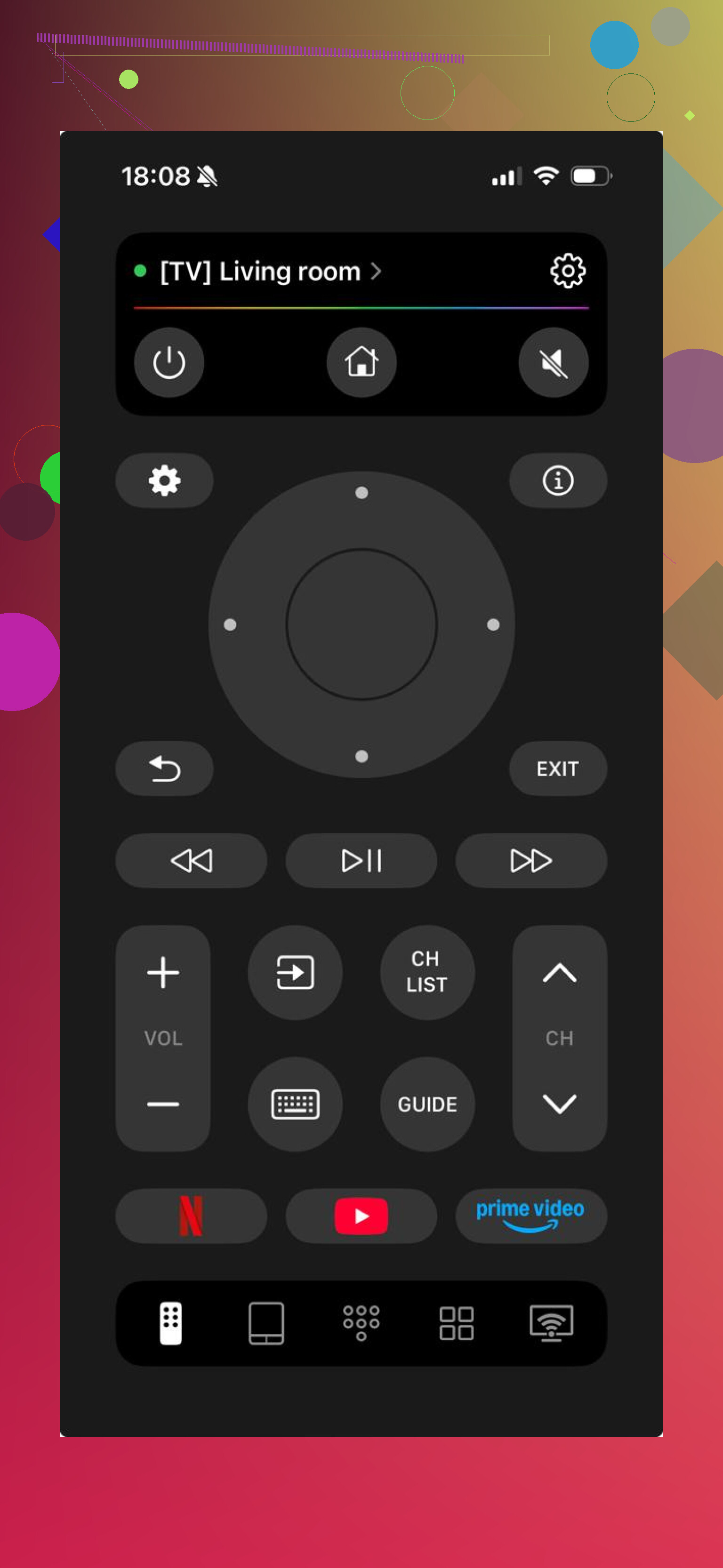
From what I saw, it works well with Android TV and Google TV devices, which covers a lot of newer Skyworth models. Setup is easy enough. Put your iPhone and TV on the same Wi-Fi, open the app, and it usually finds the TV on its own. After pairing, you get the stuff most people need, directional controls, power, keyboard input for search, and shortcuts for apps.
The part I liked most was simple. The app is free. A lot of remote apps drag you through setup, then hit you with a paywall when you try to type or use basic controls. This one didn’t do tht.
Another app worth trying is TV Remote – Universal Remote.
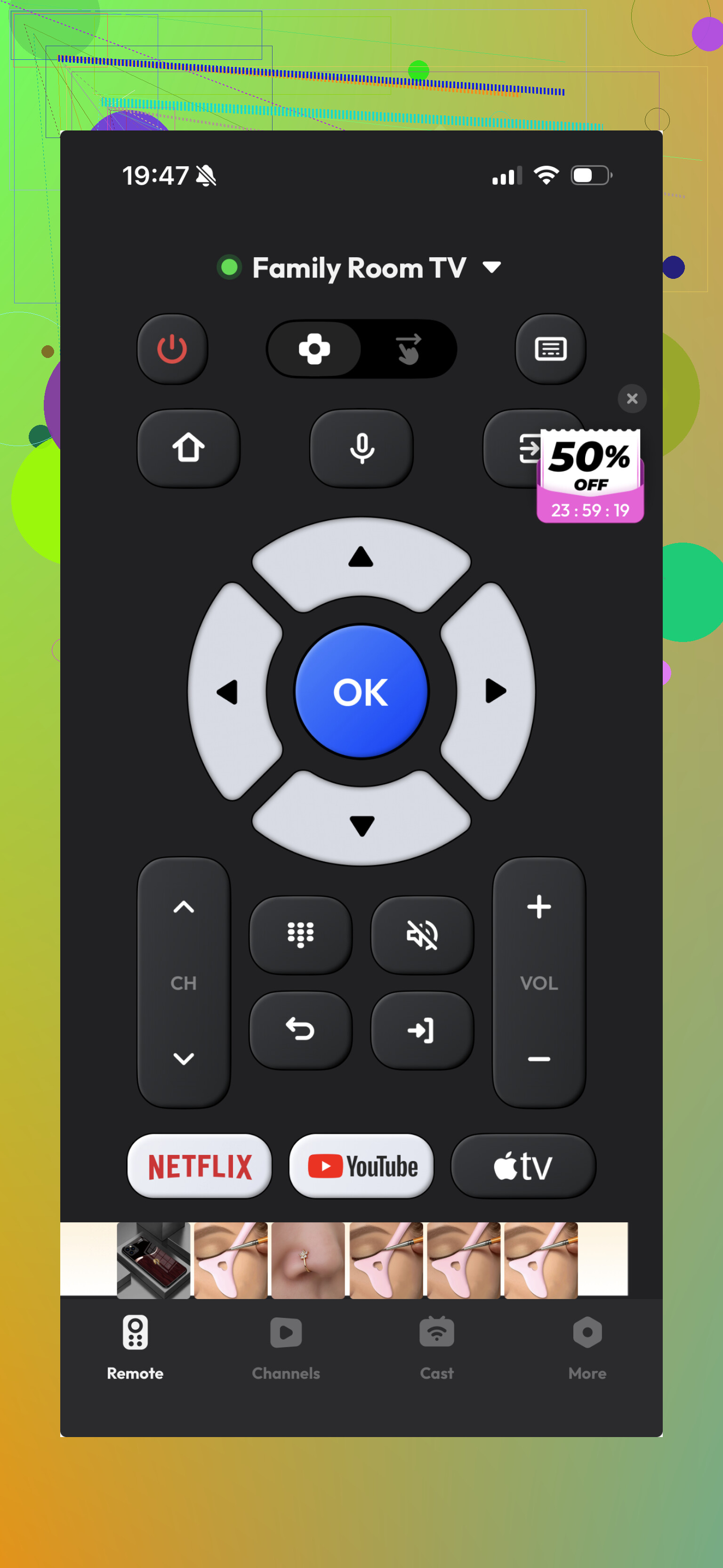
It works with Skyworth TVs in a fair number of cases because it’s built as a general-purpose remote. I found it usable, though not as polished. The basics are there, but typing felt slower, and moving around smart TV menus wasn’t as smooth.
If your Skyworth TV runs Android TV or Google TV, you might also get remote features through Google’s own system tools. That route depends a lot on the exact TV model and how your setup is configured.
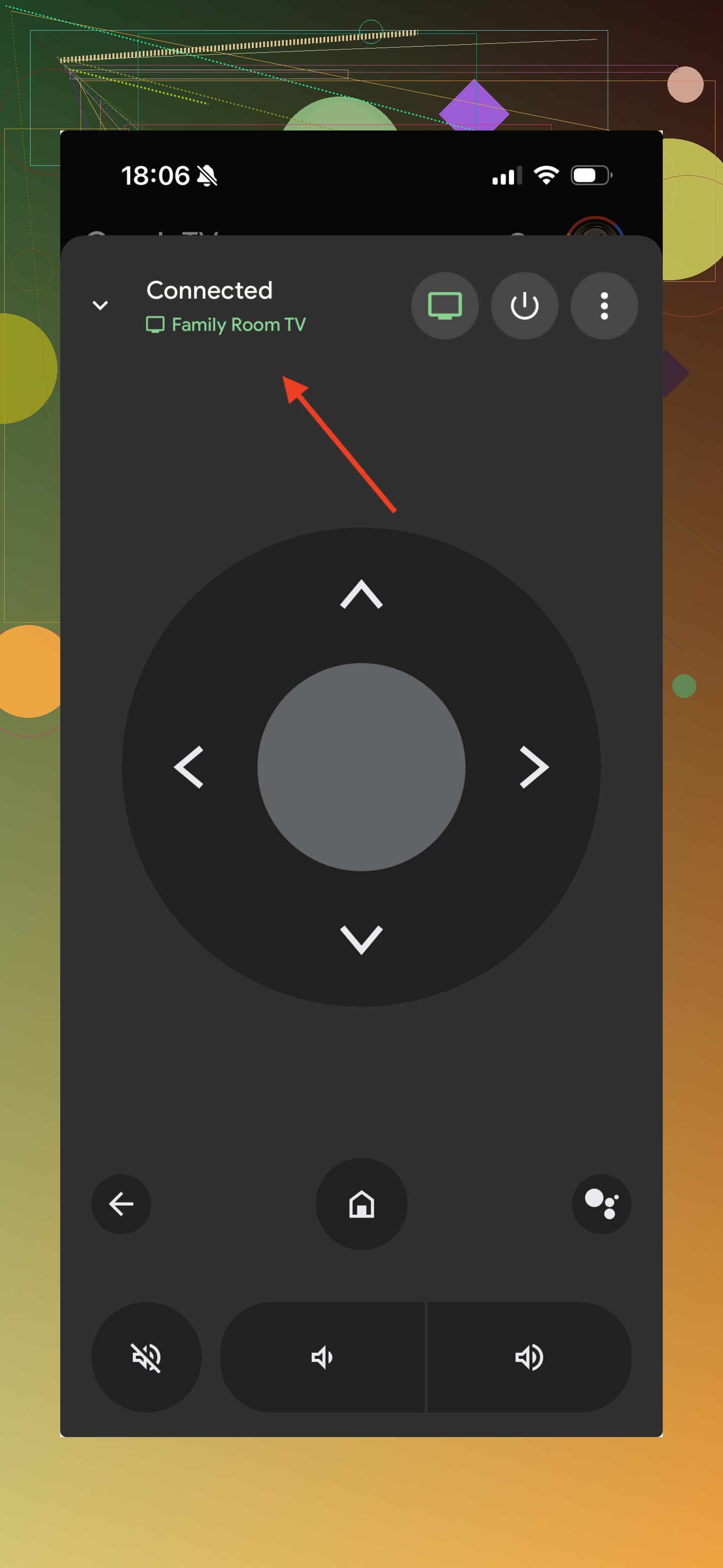
So yeah, all three paths might work. The difference is mostly how painless the setup feels and how complete the controls are once you’re connected.
If you want something quick to install, likely to connect, and usable without paying, TVRem looks like the safest pick. It handles more than one TV system, not one brand only, which helps if you change TVs later or have a mixed setup at home.
10 Likes
I’d split this by TV type first, because Skyworth is messy.
If your Skyworth runs Android TV or Google TV, I don’t fully agree with @mikeappsreviewer that a universal app should be your first stop. I’d try Google TV on your phone first. It often works better with Android-based sets than third-party apps, especially for pairing and text input. Less junk, fewer ads.
If your TV is a non-Android Skyworth, phone apps are hit or miss. A lot of them fail because those models need IR, not Wi-Fi. So check your phone. If it has an IR blaster, try a universal IR remote app. If it does not, most “remote apps” from the store are a waste of time for those older sets.
Fast checklist:
- Look in TV settings for Android TV, Google TV, or Coolita.
- If Android or Google TV, use Google TV app first.
- If Coolita or older smart TV, search for Skyworth TV Assistant or remote apps made for Toshiba/Skyworth groups.
- If nothing connects, buy a $10 to $20 physical universal remote. Faster, less pain, no app nonsense.
Best app pick from my side, Google TV app for Android-based Skyworths. Best backup plan, cheap universal remote. Not fancy, but it works and saves you the headach.
I’d actually split this a little differently than @mikeappsreviewer and @andarilhonoturno.
The real “best” Skyworth remote app is usually the one that matches the TV chipset, not the brand badge. Skyworth has sold TVs under a bunch of software stacks, and some of them barely talk to generic remote apps at all. That’s why people install 5 apps and all 5 feel broken.
What I’d try that hasn’t really been stressed enough: look for your TV in your router’s connected devices list. If the TV is on Wi-Fi and shows up with names like AndroidTV, GoogleTV, AOSP, or sometimes even just a model code, then use a network remote app. If it never appears there, you may be wasting time with Wi-Fi apps and need either IR or a replacement remote.
Also, if your phone is Android, try the built-in Google Home remote tile, not just the Google TV app. Weirdly, I’ve had sets refuse one and accept the other. Makes zero sense, but that’s Skyworth-land.
For iPhone, I mostly agree with @mikeappsreviewer that universal apps are your best bet, but I would not assume any app is “reliable” until it can do 3 things:
- wake the TV from sleep
- handle volume properly
- type into search boxes without lag
A lot of apps connect, but only half-work. That’s the scam lol.
If your TV is older or running Coolita, stop burning time on random App Store remotes. At that point, a cheap replacement remote or universal IR remote is honestly the less annoying answer. Not glamorous, but way more consistant.
I’d test one thing before installing any more apps: can your TV be controlled over HDMI-CEC from another device you already own?
If you have a Chromecast, Fire TV, Android box, PS5, Xbox, or even a soundbar hooked up, turning on CEC lets that device’s remote handle basic Skyworth controls. That is honestly more reliable than a lot of phone apps, and it gets you unstuck fast enough to reach the TV menus and figure out the platform.
Where I slightly disagree with @andarilhonoturno and @waldgeist is that router detection and OS checks are helpful, but not always necessary first. If you just need a working stopgap, CEC is the shortcut people forget. @mikeappsreviewer is right that universal apps can work, but I would treat them as phase two, not phase one.
If you do want a phone app, the Skyworth TV remote app category has the usual pros and cons:
Pros
- no extra hardware
- easy text input
- can control multiple TVs
- handy if the original remote is gone for good
Cons
- pairing can fail on older Skyworth models
- power and volume often work inconsistently
- many apps are stuffed with ads or subscriptions
- useless if your TV only supports IR and your phone lacks IR
My order would be:
- Try HDMI-CEC through another device remote
- Use that access to check TV system and network settings
- Then test a Skyworth TV remote app only if the TV is clearly network-controllable
- If still flaky, buy a replacement remote and be done with it
So best “app” answer? Not always an app. Best practical answer is often CEC first, app second, physical remote third if the app half-works.