I’m tired of juggling multiple remotes for my TV, soundbar, and streaming devices, and the cheap universal remote I bought keeps losing sync and missing key functions. I’d really appreciate recommendations for a reliable universal TV remote that’s easy to program, supports most brands, and is good for everyday family use.
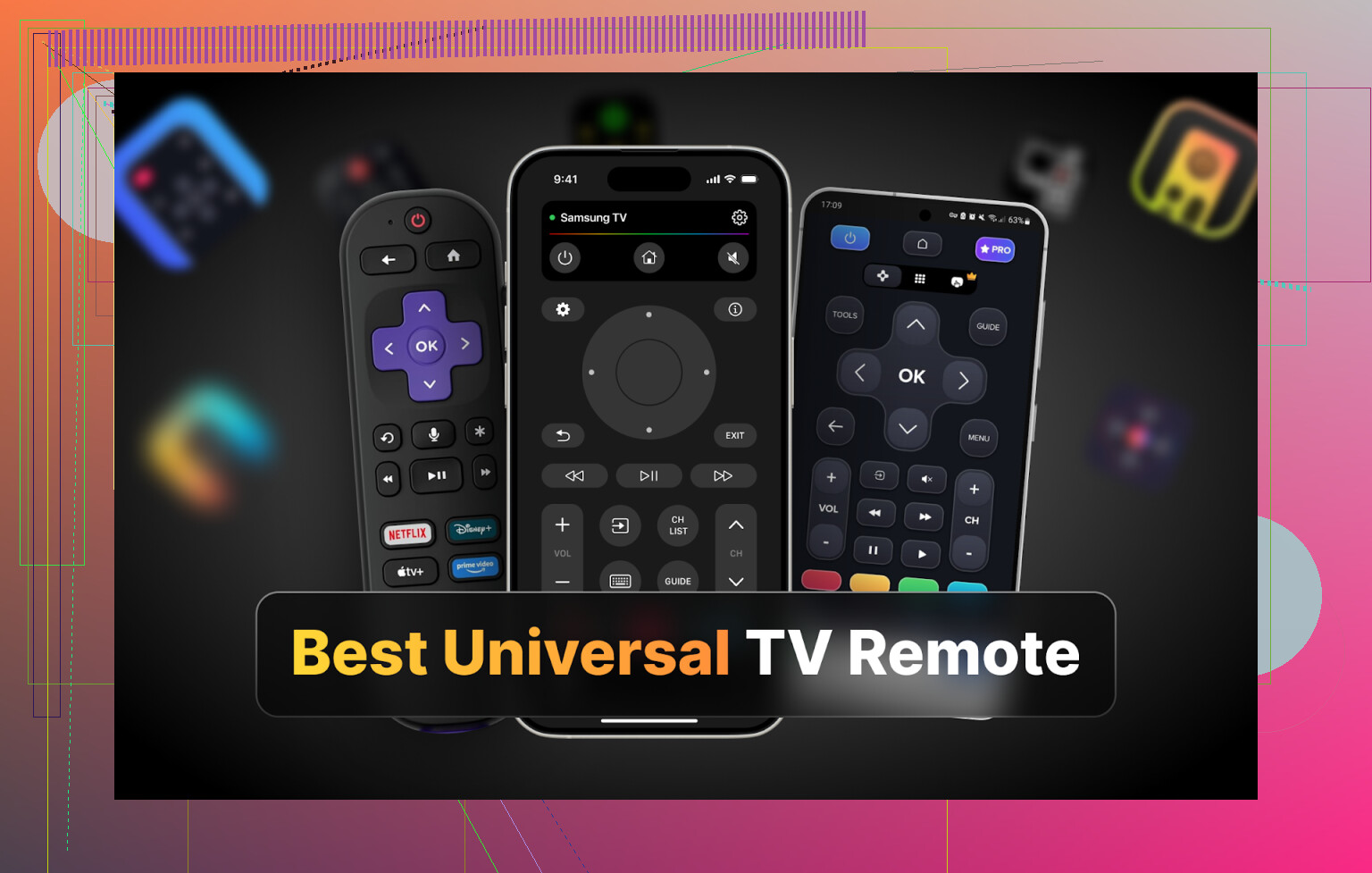
Hi all
At some point this year I realized I was spending more time looking for remotes than watching anything. Two TVs in the house, Samsung in the living room, LG in the bedroom, two different remotes, both like to vanish into couch gaps.
So I gave up on the plastic sticks and went hunting for universal remote apps. Phone is always on me, usually charged, and I figured if I got this working right I would stop hearing “where’s the remote?” fifteen times a week.
Below is what I tried on iPhone, Android, and Mac. None of this is sponsored, I was just annoyed enough to test a bunch of them.
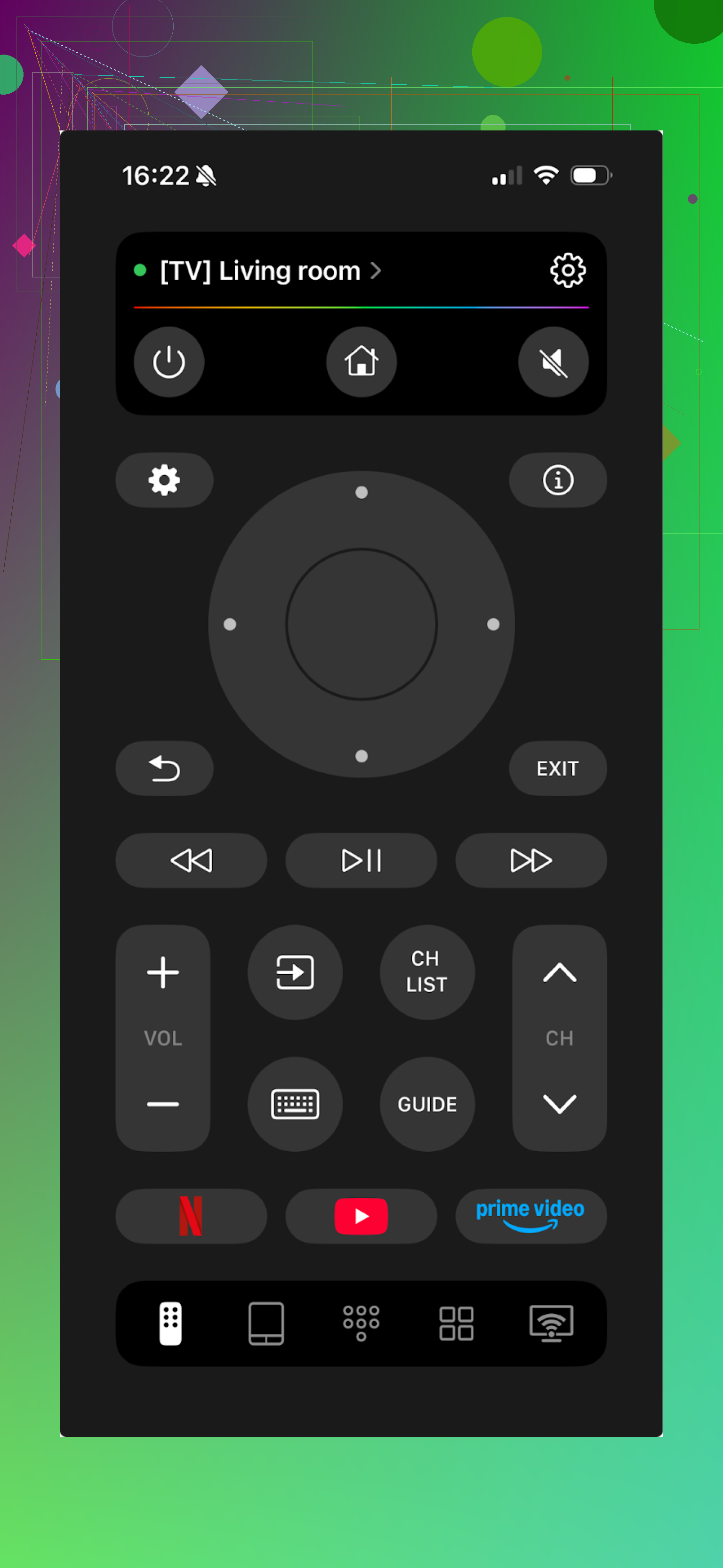
PART 1. iPHONE TV REMOTE APPS I TRIED
I pulled four highly ranked apps from the App Store and lived with each for at least a couple evenings.
Apps:
TVRem Universal TV Remote
TV Remote – Universal Control
Universal Remote TV Smart
TV Remote – Universal
TVRem Universal TV Remote
This one ended up being my main pick on iOS.
I tested it on a Samsung and an LG. It also lists Sony, Android TV, Roku and other brands in the setup list. Connection was boring in a good way. Same Wi‑Fi, select TV, done.
Stuff I used a lot:
• Touchpad instead of arrow spam
• On-screen keyboard
• Channel and app switching
• Voice input and assistant support on TVs that support it
The surprising part for me was the pricing. No trial screen, no subscription popup, no “pro” tier.
Pros
- Simple layout, no clutter
- Easy pairing with TVs
- No paywall so far
- Works with a bunch of brands and platforms
- Covers everything I normally do with a physical remote
Cons
- No Vizio support right now
Price
Free
Link
I also checked this Reddit thread while I was comparing apps:
https://www.reddit.com/r/DataRecoveryHelp/comments/1qqa2bh/best_universal_tv_remote/
For more information about the universal TV remote app, visit the product page:
My verdict on TVRem
If your TV brand is supported, this feels like what most people expect from a “universal remote” on iPhone. Plain interface, everything works, no subscription nagging during normal use. Lack of Vizio support is the one hard blocker.
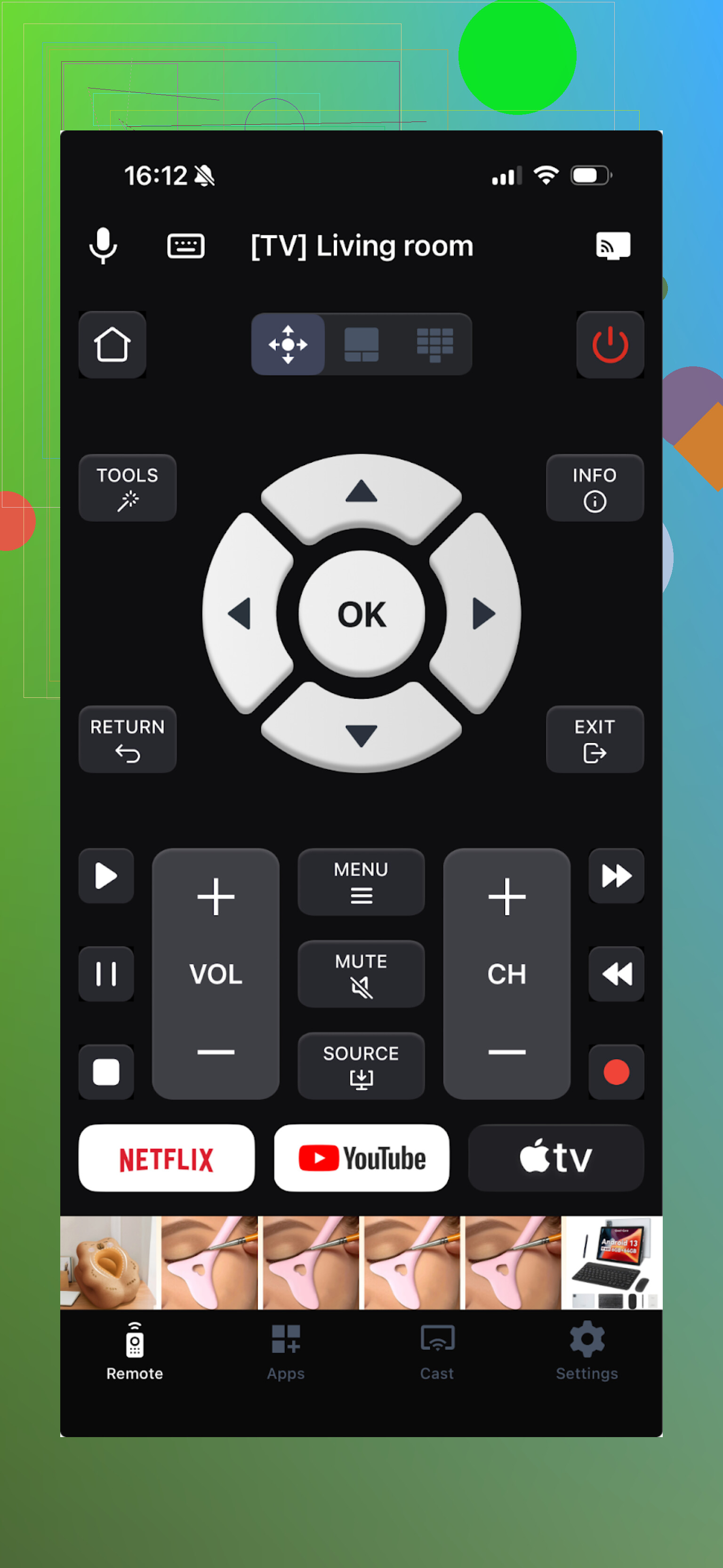
TV Remote – Universal Control
This one tries to do a bit of everything and wants you to pay for that.
Connection is Wi‑Fi based. Once your phone and TV are aligned on the same network, the app finds the TV reliably. I used the touchpad, keyboard, and channel launcher the most. Casting is there too, but I was mostly focused on remote basics.
To test all features I had to start the free trial. Without the trial, most of the buttons lead to paywalls.
Pros
- Has the usual stuff: touchpad, keyboard, etc.
- Covers many TV brands
Cons
- Ads inside the app
- Most of the important controls are behind a subscription
- I had a couple of crashes while opening the menu
Price
From 4.99 and up
Link
My verdict on TV Remote – Universal Control
It works, and once you pay, it looks like a full-featured remote app. I did not buy a subscription because I was trying to avoid turning a remote into another monthly bill. The constant offers whenever I tapped new icons were tiring.
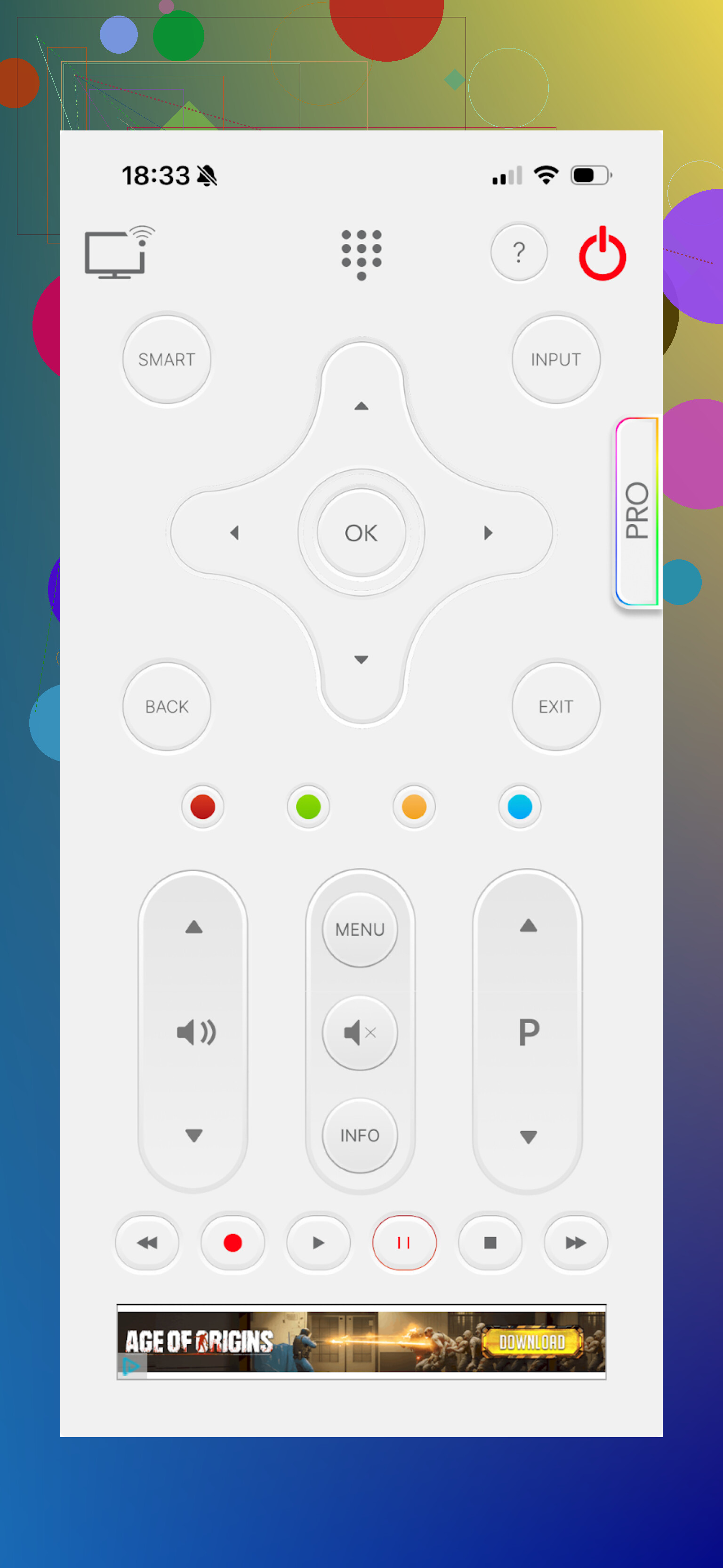
Universal Remote TV Smart
This one annoyed me the fastest.
Functionally it is similar to the others. It supports a lot of brands and has volume, channel switching, navigation, and a keyboard. The part that pushed me away was the layout and the ad behavior.
The buttons feel thrown together and did not resemble a normal remote in my head. Every time I thought “okay, at least I can open YouTube fast,” I hit an upsell screen instead.
Pros
- Works with many brands
Cons
- Clumsy interface
- No voice control
- Forced video ads that interrupt usage
- Most actions trigger some sort of paywall
Price
From 7.99 and up
Link
My verdict on Universal Remote TV Smart
This one dropped off my phone quickly. Layout felt off, the ad system was aggressive, and the pricing did not seem aligned with the experience.
TV Remote – Universal
Final iPhone app I tested.
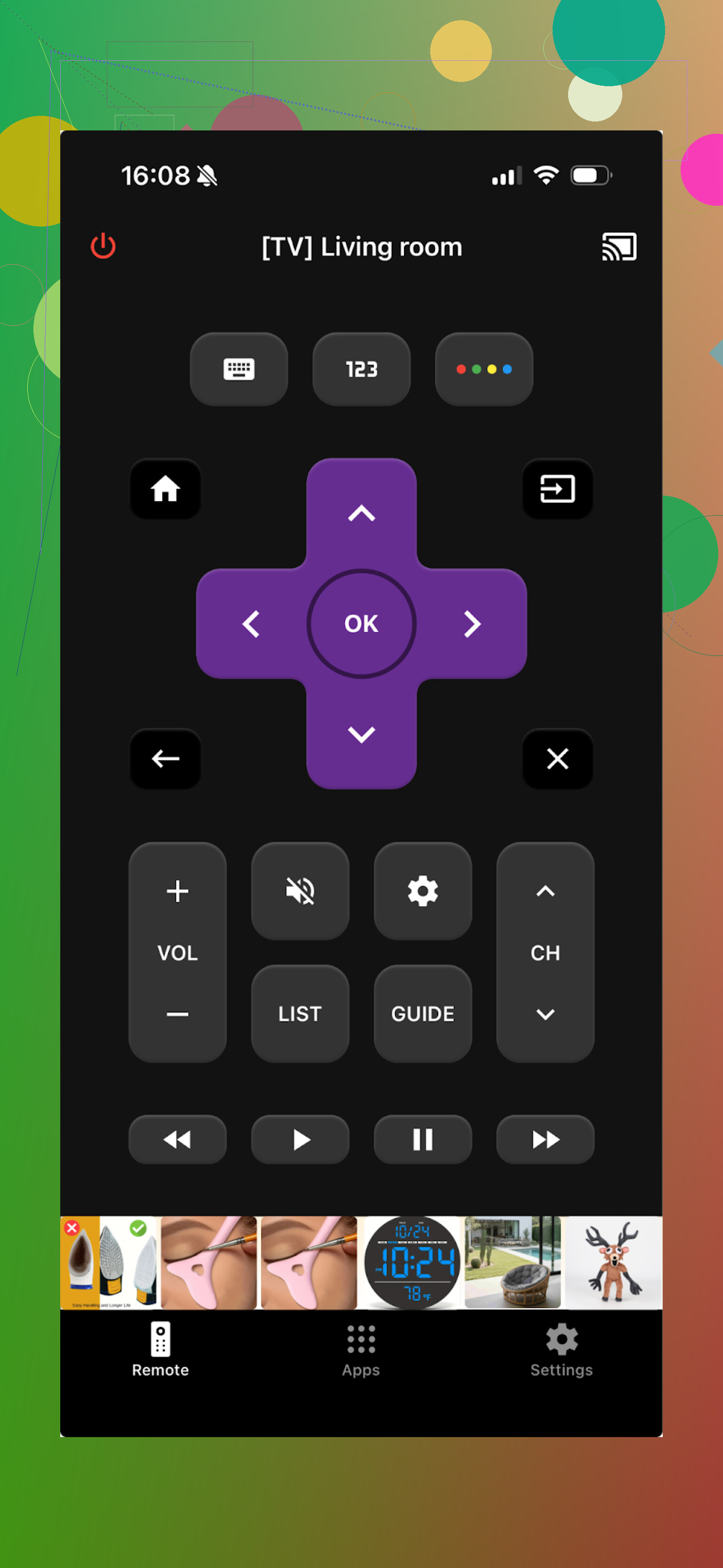
This one aims to cover many brands including LG, Samsung, Sony, Vizio, Android TV, and others. Setup requires both your iPhone and TV on the same Wi‑Fi. It discovered both my TVs without issues.
Functionality is barebones in the free tier. You get basic navigation, switching channels and apps, play/pause, and keyboard input.
Pros
- TV search and connection is straightforward
- Interface is cleaner than a lot of others
- Core buttons are present
- Comes with a free trial to test the full feature set
Cons
- Ads in the app, removable with payment
- Almost every “advanced” button takes you to a purchase screen
Price
From 4.99 and up
Link
My verdict on TV Remote – Universal
I used the trial and tested everything. The remote itself behaves OK. There was minor lag on the main screen on my phone, but nothing huge. The constant paywalls and ads made it feel heavier than it needed to be.
PART 2. ANDROID TV REMOTE APPS
My wife is on Android, so I went through a few on her phone and on an older Android spare.
Universal TV Remote Control
This one appears under different names in the store, make sure you follow the link.
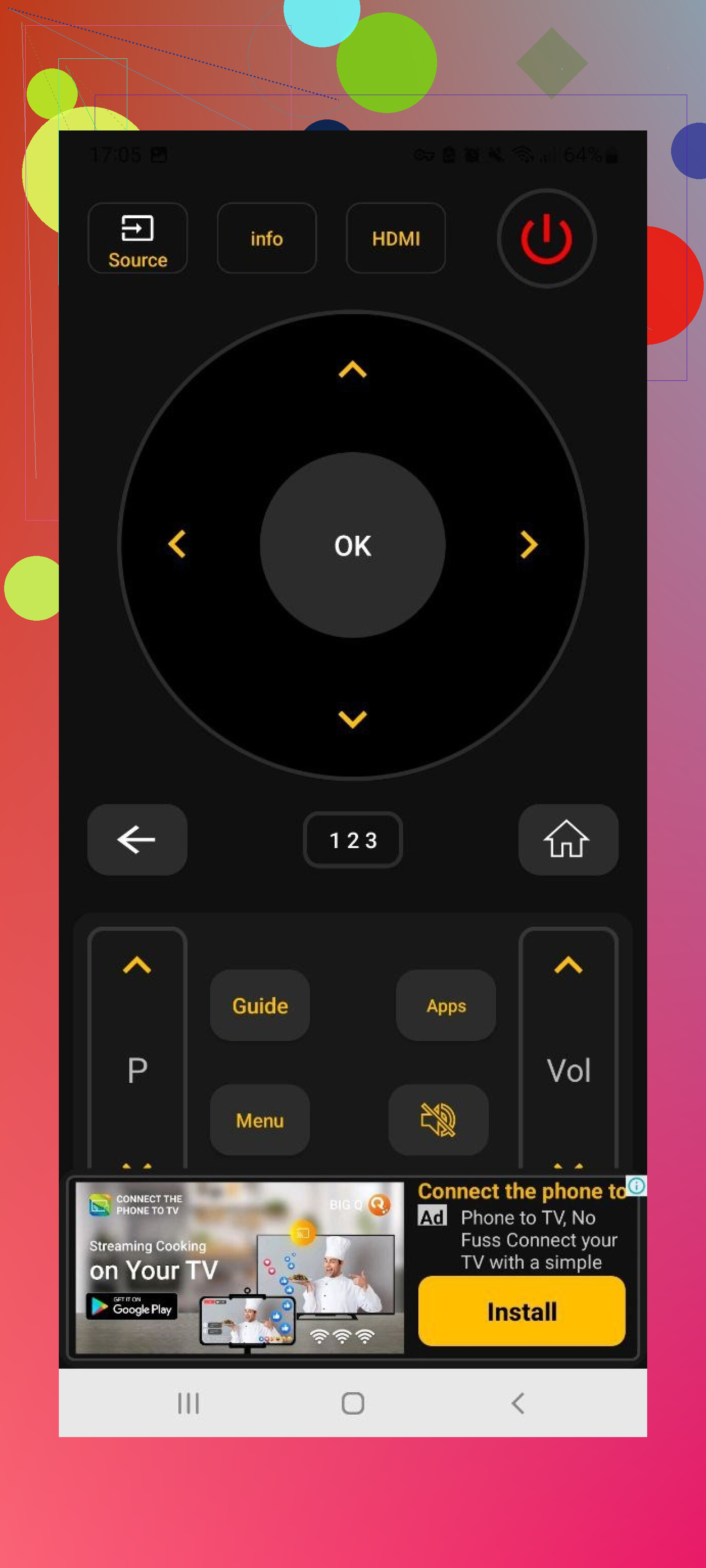
It supports Sony, Samsung, LG, Philips, TCL, Hisense, Panasonic and more. It works both over Wi‑Fi and as an infrared remote on phones that still have IR blasters.
Features I noticed:
• Trackpad navigation
• Voice search
• App control
• Keyboard
All of that is free, but the price you pay is your patience with ads.
Pros
- Broad TV support
- Works via Wi‑Fi and IR
- All the core features are included in the free mode
Cons
- Ad volume is high, some were tough to close
- The app crashed more than once, and I had to reconnect to the TV
Price
Free
Link
My verdict on Universal TV Remote Control
I liked the feature list at first. After fifteen minutes of tapping out of ads, I was done with it. If you do not mind aggressive advertising, it works. I do mind it, so I dropped it.
Remote Control For All TV | AI
Another universal remote for Android, with “AI” sprinkled all over the page.
Free version gives you basic buttons only. Power, volume, simple navigation. The connection process on my network felt slow. Detection sometimes took longer than it should for a TV that was literally in front of me.
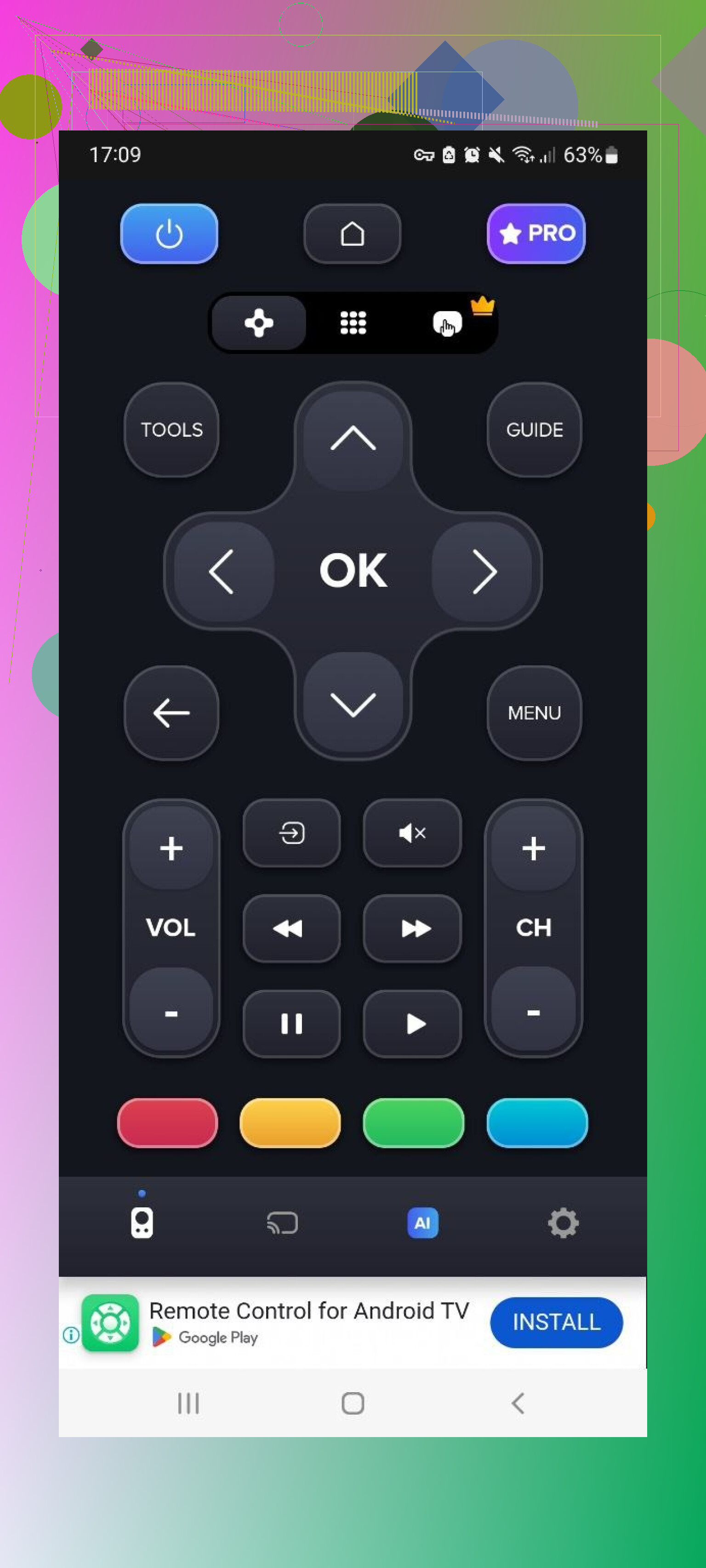
Paid tier unlocks:
• Removing ads
• Voice assistant
• Keyboard with voice input
• Screen mirroring
Pros
- Supports many brands
- Basic remote is included without paying
Cons
- Many ads in the free version
- TV detection feels sluggish
- Most helpful features require subscription or purchase
Price
From 4.99 and up
Link
My verdict on Remote Control For All TV | AI
This is fine if you only want a simple free remote and do not care about delays. For daily quick use, the combination of slow detection and locked features got old.
Universal TV Remote Control (Unimote)
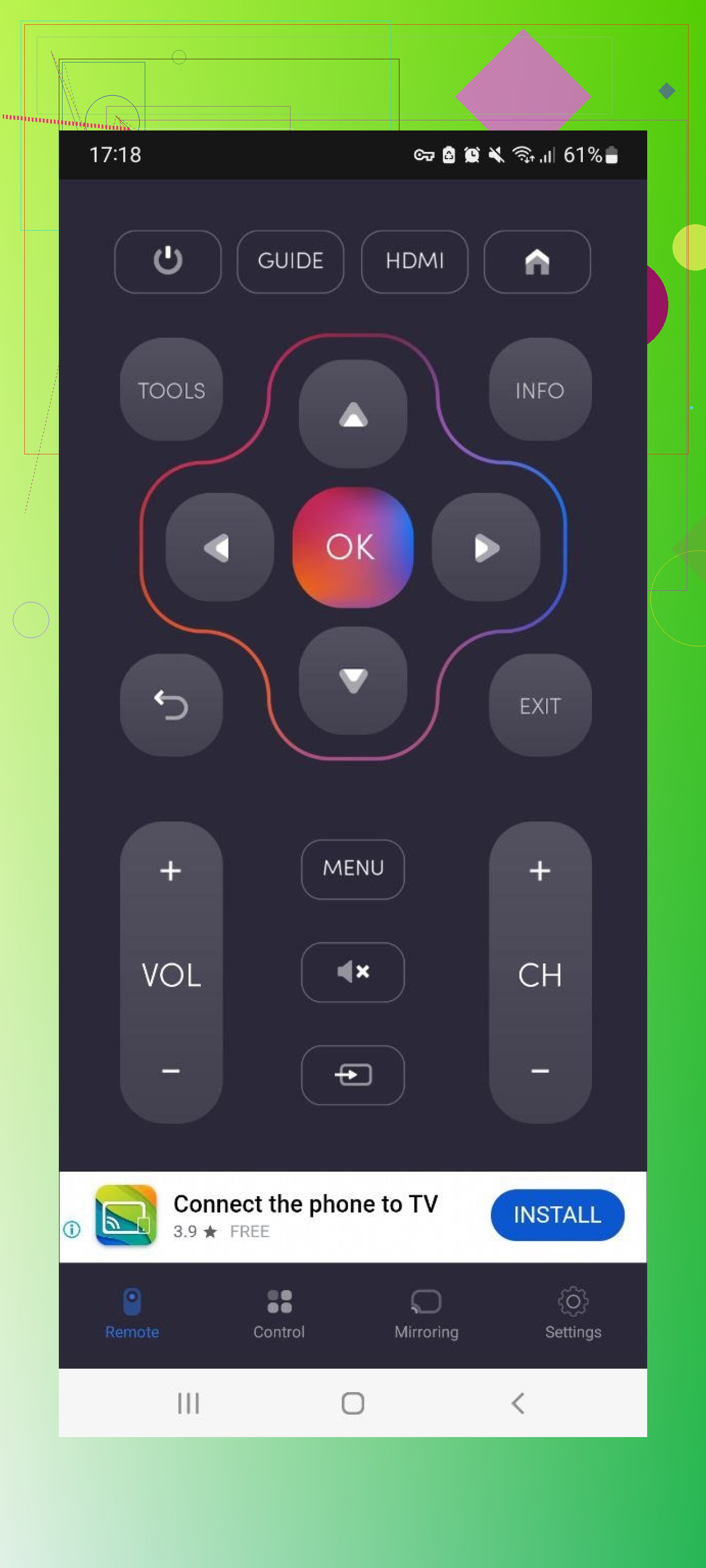
This one supports both Wi‑Fi and IR. If your phone has IR, it can act like an old-school remote and control non-smart TVs too.
It found my Samsung quickly, but the connection would not always stick the first time. I often had to retry. Ads came fast, including full-screen videos, which killed any “quickly mute the TV” scenario.
Pros
- Straightforward interface for basic input
- Works with both IR and Wi‑Fi devices
Cons
- Heavy ad usage, constant interruptions
- Free tier is limited, many options locked
- Connection is unstable, sessions drop randomly
Price
From 5.99 and up
Link
My verdict on Unimote
I keep it as an emergency backup on one phone since it handles some older devices with IR. For daily living-room use, it is too unstable and noisy with ads.
Universal TV Remote Control (another one)
Yes, another app with almost the same name. The link is the only safe way to identify it.
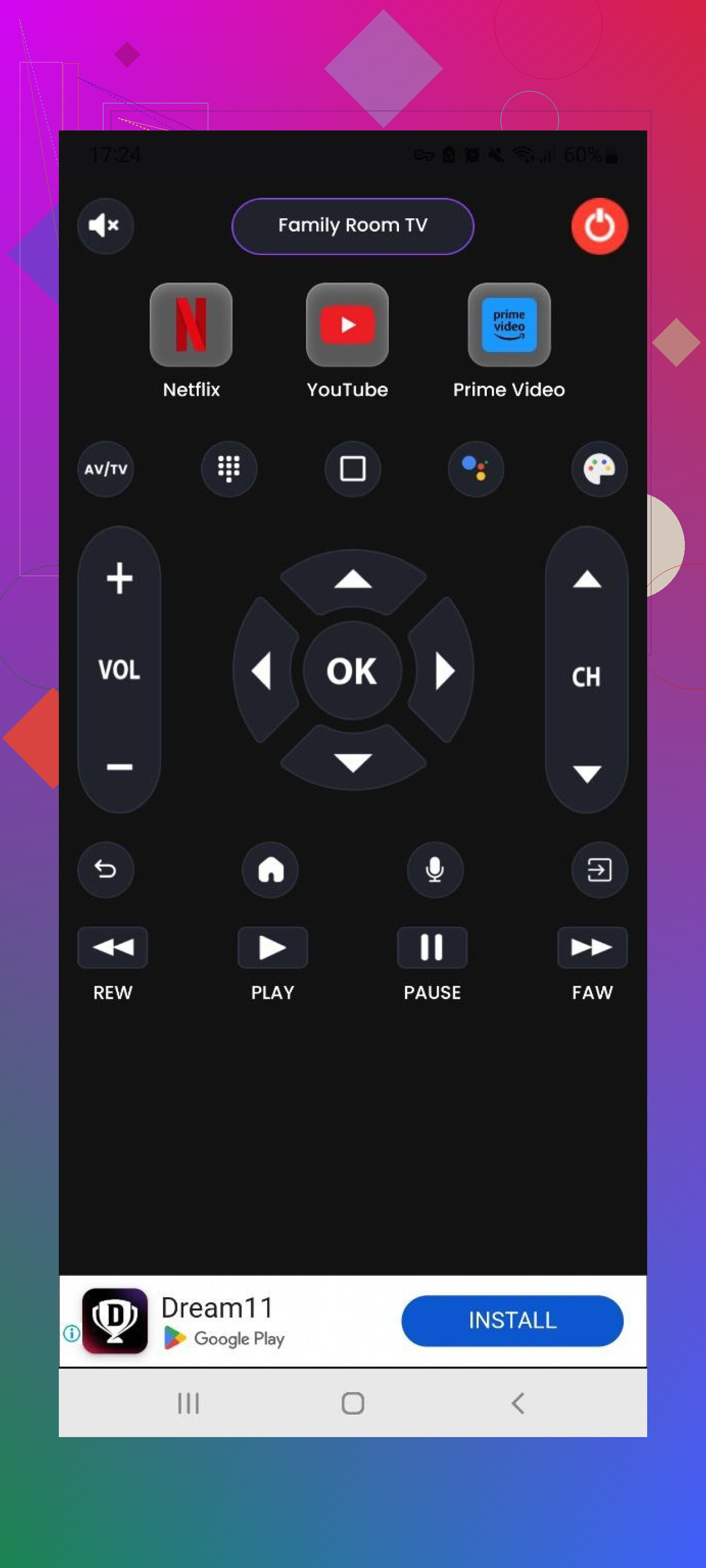
This one supports LG, Samsung, Sony, TCL, and others. It has a standard main control screen, power buttons, Home/Menu buttons, and simple playback controls like Play, Stop, Back, and Forward. It works via Wi‑Fi and IR.
Pros
- All basic controls are covered
- Free trial is available
Cons
- A lot of advertising
- Most of what people want to use routinely is in the paid tier
Price
From 3.99 and up
Link
My verdict on this Universal TV Remote Control
The free mode feels like a demo. Features exist, but you spend your time dismissing ads or being told to upgrade. If you are sensitive to that, it is not worth the hassle.
PART 3. MAC APPS TO CONTROL YOUR TV
This part surprised a few friends when I mentioned it. You can sit with your MacBook and use it as a remote.
TVRem Universal TV Remote (Mac)
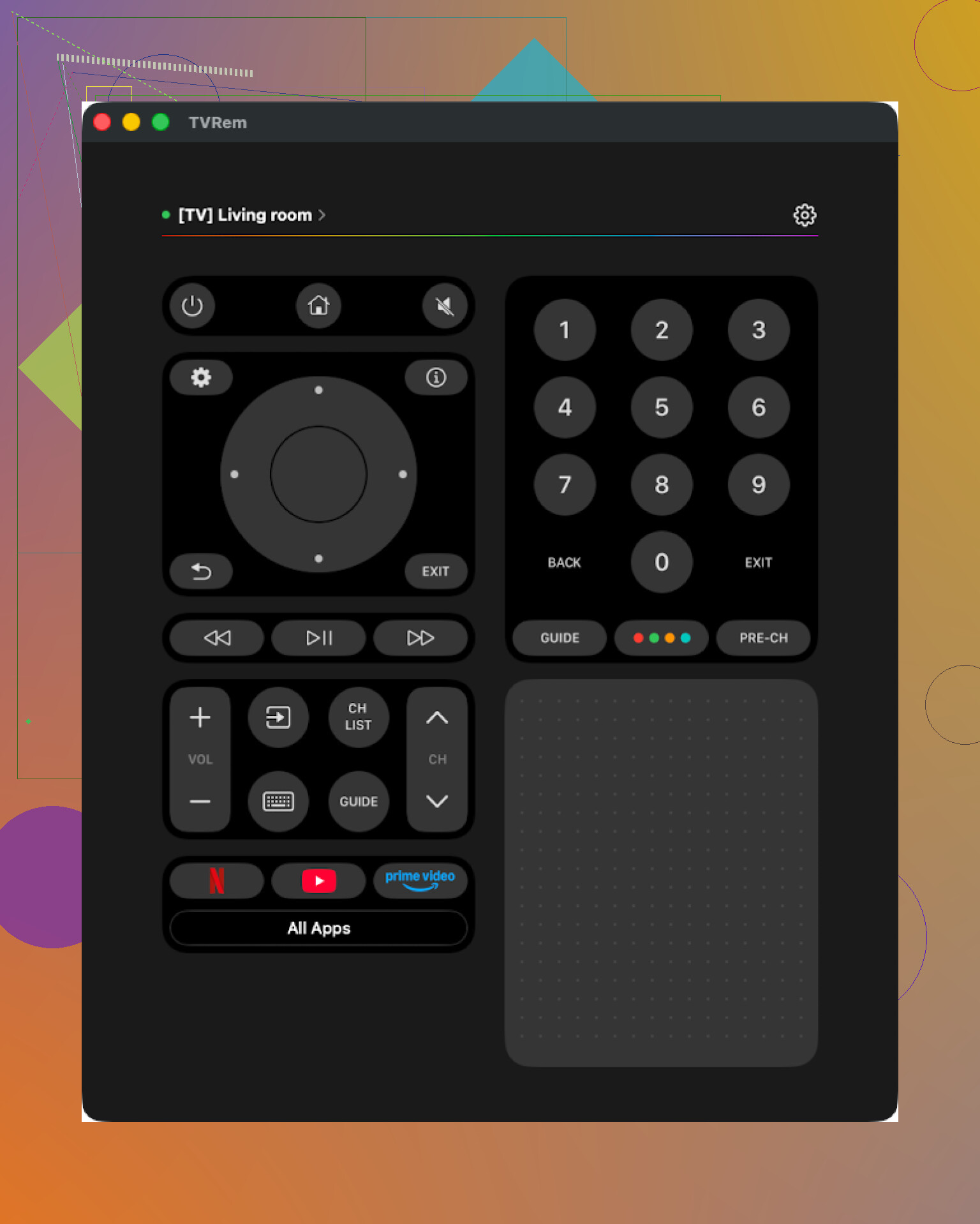
Same name as the iPhone one, downloaded from the Mac App Store.
I tested it with a Samsung TV. The connection process was short, and the interface felt even calmer than the phone version. Fewer distractions, clear buttons, no guessing.
Tools I ended up liking on Mac:
• Trackpad for moving around TV apps
• Built‑in keyboard for searches
• App launcher to open Netflix, YouTube, etc. quickly
No subscription prompts, no banners, nothing like that.
Pros
- Clean interface that is easy to understand
- No ads, no paywalls
- Works with lots of popular brands
- All basic functions are there
Cons
- Same limitation as on iPhone, no Vizio support
Price
Free
Link
My verdict on TVRem for Mac
If you often watch stuff while working or sitting with a Mac on your lap, this is convenient. For my setup this was the only Mac remote I kept.
TV Remote, Universal Remote (Mac)
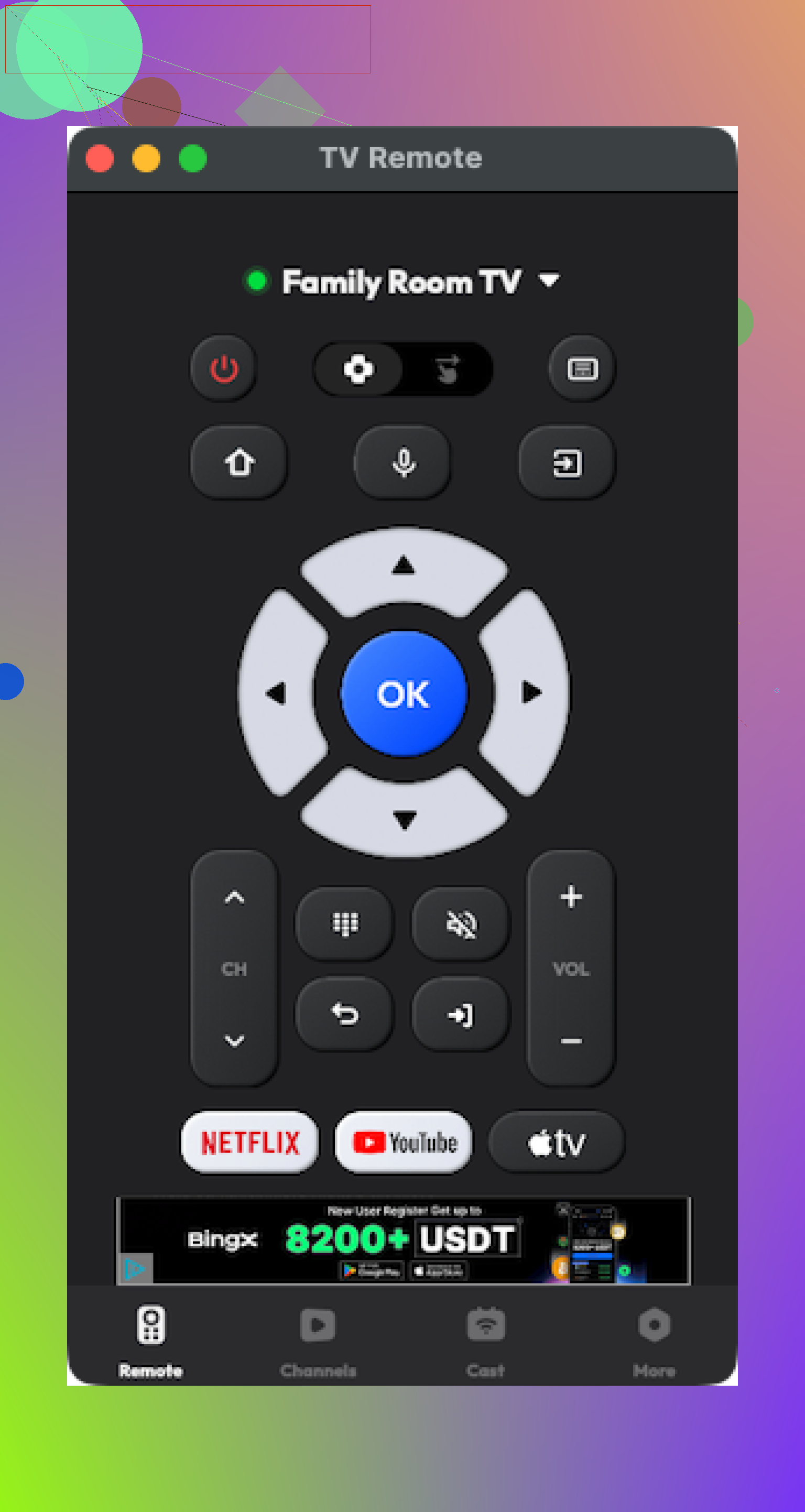
Also on the Mac App Store, similar idea. It connects to many brands and has a not-bad interface.
Once connected, basic functions worked as expected. But a lot of features I instinctively tried to click were behind a paid upgrade. I also hit a couple of random crashes over a few evenings.
Pros
- Interface is reasonable
- Supports many brands and has the core controls
Cons
- Many things require payment
- Occasional crashes
Price
From 4.99 and up
Link
My verdict on TV Remote, Universal Remote for Mac
If you are fine spending a bit and do not mind the occasional crash, you get a workable Mac remote. I dropped it because I already had TVRem, which stayed stable and free for me.
PART 4. PHYSICAL REMOTE VS PHONE / MAC APP
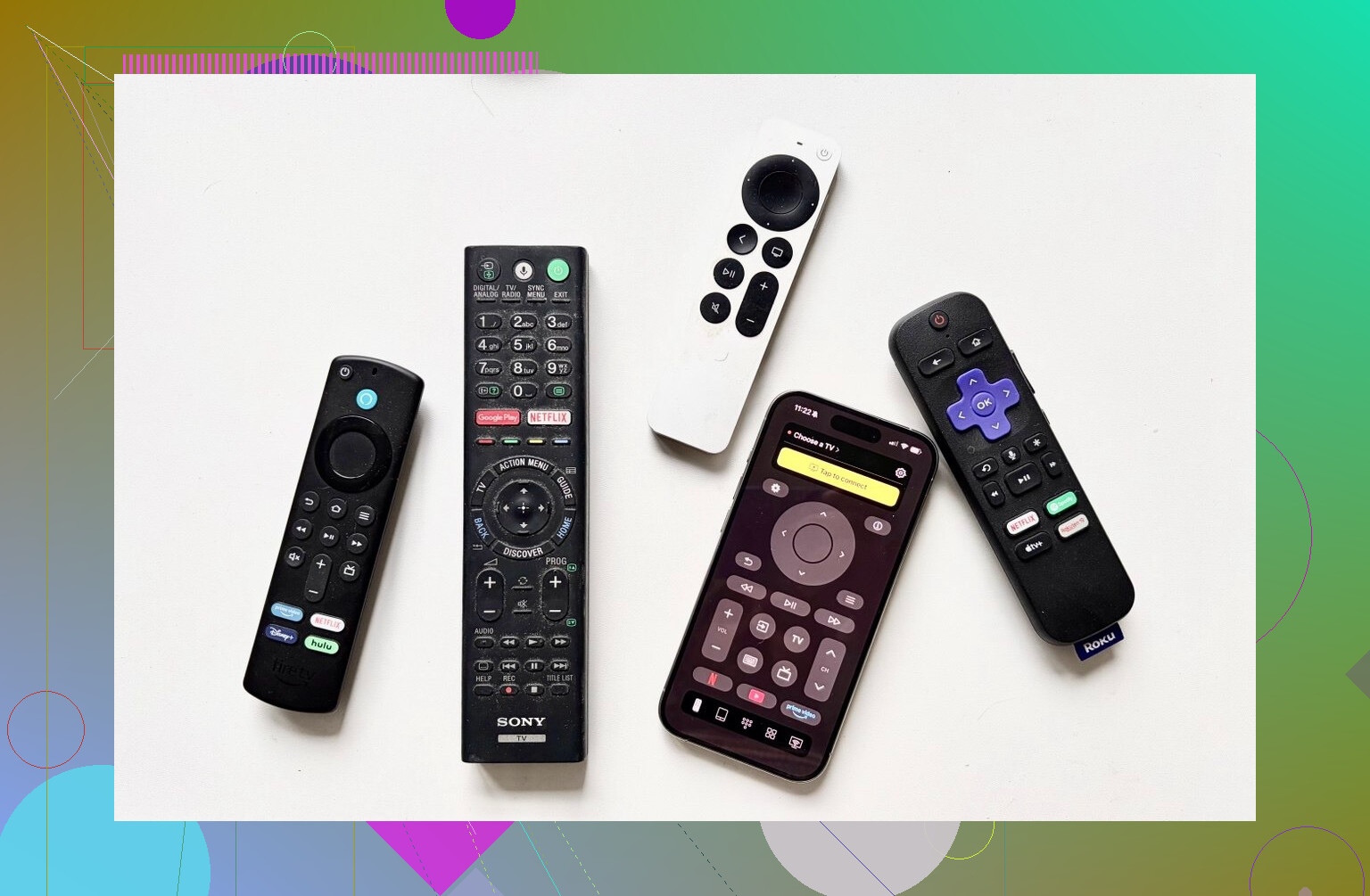
What I noticed comparing both over a few weeks at home.
Definitions
Physical remote
The plastic remote shipped with your TV or bought as a replacement.
Remote app
Software on your phone, tablet, or Mac that sends commands to your TV.
Why I leaned toward apps
-
Less “where is it” time
My phone is always in the same few spots. The Samsung remote traveled everywhere. Under cushions, behind the TV, inside toy boxes. I wasted less time once I moved to apps. -
Text input stops being painful
Typing Netflix passwords or YouTube searches with arrow keys takes forever. Remote apps with keyboards turn that into something tolerable. TVRem’s keyboard on both iPhone and Mac made this much easier at home. -
Cost
Replacement remotes add up. On Amazon right now:
• Samsung TV remotes for 2019–2025 models sit around 15–20 dollars
• LG remotes go from roughly 13 to 35 dollars depending on the model
A free app like TVRem, or a one-time cheap app, ends up cheaper if you have multiple TVs or lose remotes often.
-
Multiple devices from one place
With one universal app, I switch between the Samsung and LG without standing up or remembering which remote belongs to which room. If you have consoles, streaming sticks, and smart home gear, some apps also talk to those. -
Interface quality
Physical remotes for smart TVs often feel cramped. Apps usually give you fewer, clearer elements on a screen and remove rarely used buttons.
Where apps fall short
• They need Wi‑Fi or Bluetooth in most cases. If the TV is off in a deep sleep mode or the router is down, some apps do nothing.
• You depend on your phone or laptop battery. If that dies, you fall back to the physical remote.
• Some TV models only expose basic functions over the network, so you might miss a few buttons.
FINAL TAKEAWAYS FROM LIVING WITH THIS
After a few weeks of mixing and matching, I ended up with this setup:
On my iPhone
TVRem Universal TV Remote is my daily driver.
Link again: TVRem Universal TV Remote App App - App Store
Why I stuck with it:
• Free so far
• Touchpad and keyboard save time
• Works with my Samsung and LG
• No ads during normal usage
The one limitation is Vizio. If you own a Vizio TV, this will not help you yet.
TV Remote – Universal felt decent after I tested its trial, and I can see some people buying it. For me, paying monthly or yearly for a remote feels off, so I skipped the subscription.
On Android in the house
My wife picked Universal TV Remote Control from the Play Store:
Feature-wise it handles everything she needs on her TV. I still dislike the ad load, but she is less bothered and likes the IR option for an old TV in another room.
On Mac
I kept only TVRem Universal TV Remote installed. It does what we need, stays stable, and did not ask for money.
If you are tired of juggling plastic remotes, I would start with a free universal app for your main phone, see how it behaves with your exact TV model, then decide if you still want a backup physical remote in a drawer. For my place, phone and Mac apps ended up being enough for daily use.
43 Likes
Short answer for “one remote that works with everything”: you will not get true 100 percent coverage, but you can get close if you pick the right approach.
Since @mikeappsreviewer already went hard on phone and Mac apps, I will focus on physical remotes and one hybrid option.
- If you want a real hardware “control center”
Look at:
• Sofabaton X1, if you use streaming boxes and multiple devices
• Sofabaton U2, if you want a cheaper Harmony replacement
Why X1:
• Controls TV, AVR or soundbar, Apple TV, Fire TV, Roku, Xbox, etc
• Uses a hub, so you do not need direct line of sight
• Activities like “Watch TV” turn on TV, switch AVR input, set sound, all in one button
• Backlit buttons, IR plus Bluetooth support
Realistic downsides:
• Setup takes time. Expect 30 to 60 min to get it dialed in.
• App feels clunky. Works, but not pretty.
• If you own oddball devices, you might need to “learn” a few buttons from old remotes.
If you mostly use one TV and one soundbar, X1 is overkill. If you hop between TV, console, streamer and want one-button activities, it is the closest thing to old Logitech Harmony.
- If you want “good enough” and cheap
Skip the $10 “universal” bricks on Amazon. Those are why you are losing sync now.
Look for:
• GE UltraPro or GE Backlit Universal Remote
• Inteset 4 in 1
GE UltraPro:
• Around 10 to 20 dollars
• Preprogrammed codes for most TV brands, soundbars, Blu‑ray, streaming boxes
• Learning function to copy missing buttons from the original remote
Inteset 4 in 1:
• Better for AVRs and streaming
• Has preset device codes for Apple TV, Xbox One, Roku
• Lets you program macros so one key can turn on TV, set input, etc
These do not need apps, Wi Fi, or subscriptions. Once you program them, they behave predictably. The learning feature fixes “missing functions” like discrete input or picture mode.
- If you like apps but do not trust them fully
Here is where I slightly disagree with @mikeappsreviewer. I like apps as a backup, not as the main remote, because:
• Wi Fi glitches mean no control
• Some TVs expose only basic commands over IP, so you lose picture settings or advanced stuff
• Phone battery dies, you are stuck
A good combo:
• One solid physical universal remote as primary
• One phone remote app installed and tested for emergencies
If you have iPhone and supported TVs, TVRem is a fine free option, as they said. I would still keep at least a simple GE or Inteset remote on the table.
- Picking the right path for your setup
Quick map:
A. Setup like: TV plus soundbar plus 1 streamer
• Budget under 30 dollars
Go GE UltraPro or Inteset 4 in 1
• Want easy phone backup
Add TVRem or official brand apps on your phone
B. Setup like: TV plus AVR plus 2 or more streamers plus console
• Want one button to run everything
Go Sofabaton X1
• Accept some setup pain, get long term comfort
C. Setup like: single modern smart TV plus soundbar only
• Easiest option
Enable HDMI CEC in TV settings so TV remote controls the soundbar
Use official remote or a simple GE universal, keep a free app on your phone as backup
- For your exact issue: losing sync and missing key functions
When you shop, look for three things on the product page:
• “Learning” feature
Lets the universal remote record any button from your original remotes. Fixes missing functions.
• Support for discrete power and inputs
Useful for macros and avoids “out of sync” issues where the TV is on but the remote thinks it is off.
• Activity or macro support
Lets you program a single button to send a sequence, like power TV, power soundbar, set HDMI 1.
If you want names and do not want to research much:
• Simple but reliable: Inteset 4 in 1
• More advanced, Harmony style: Sofabaton X1
Pair either of those with one phone app you like, and you stop juggling five plastic sticks and that sketchy $8 “universal” that forgets its codes every week.
Short version: there is no “works with literally everything” magic wand, but you can get very close if you pick the right type of remote for your setup instead of another $9 “universal” brick.
I’ll skip repeating the app angle @mikeappsreviewer already dissected, and I’m not going to rehash the Sofabaton / GE / Inteset rundown @espritlibre did, except to say they’re looking in the right general area.
Here’s where I’d steer you a bit differently:
- Decide what “everything” means for you
If your stack is:
- TV
- Soundbar or AVR
- 1–2 streaming boxes (Roku / Fire TV / Apple TV etc)
Then you want:
- IR plus Bluetooth support
- Activities or macros
- “Learning” function so it can copy weird buttons from the OEM remotes
- Ideally a hub so you don’t get the “out of sync” problem every time something misses a command
Your cheap universal is probably:
- IR only
- No discrete power / input codes
- No learning
So it can never really be in sync. It is not your fault, it’s the hardware.
- If you want Harmony-like control, but don’t want to futz with apps all day
Sofabaton X1 gets mentioned a lot, and for good reason, but I do not think it’s the “obvious” choice for everyone:
-
It’s great if:
- You have multiple streamers or a receiver
- You like “Watch movie” style activities
- You’re fine spending real money and one long evening programming it
-
It’s bad if:
- You hate flaky companion apps. The Sofabaton app is not as polished as Logitech’s old Harmony software and it will annoy some people.
- You mostly just use TV + soundbar + 1 streamer. In that case the complexity is overkill and feels like a hobby project, not a solution.
So yeah, it’s powerful, but if you already resent remotes, this might make you resent setup screens instead.
- The underrated middle ground that fixes most people’s pain
For a lot of folks with your exact complaint, something like Inteset 4 in 1 or a higher‑end GE UltraPro is the sweet spot, if and only if you do this:
-
Use a model that:
- Has learning
- Lets you program macros / activities
- Has separate device modes (TV / Audio / Streamer etc)
-
Spend 30 to 45 min once:
- Program power and input macros:
- One button that does: TV on → soundbar on → HDMI input set → streamer on
- Teach it any missing buttons from your original remotes using the learning function
- Program power and input macros:
That “learning” piece is what stops the “missing key functions” issue you’re seeing now. Your remote is probably stuck with a generic code set that does 70 percent of what your TV can do. A learning universal can literally clone the exact weird buttons you care about.
Where I slightly disagree with @espritlibre: I would not bother with super cheap models from these same brands “just to test.” The low tiers drop the learning feature and that is the whole reason to upgrade from your current headache.
- About “losing sync” specifically
That usually comes from:
- Toggles instead of discrete commands
- Single “Power” button that toggles on/off instead of separate “Power On” and “Power Off” codes
- Missed IR commands if you weren’t pointing exactly at the device
To reduce that:
- Prefer remotes that support discrete codes for power and inputs for your brand
- Use short macros with a tiny delay between commands instead of huge 15‑step “do my whole life” scripts
- If you’re willing to go bigger, hub‑based systems (like Sofabaton X1) solve the line‑of‑sight problem completely, which helps a lot with sync.
- If you want something almost foolproof and you don’t mind pairing it with a phone
Slightly different angle than both earlier posts:
- Get one solid learning physical remote as your real daily driver
- Install one remote app on your phone for “oh crap” moments only
- TV brand’s official app or one of the cleaner universals that @mikeappsreviewer liked
- Don’t rely on the app as your main control, just use it when the kids walk off with the physical remote or the batteries die
I actually disagree with using the phone as the primary remote like @mikeappsreviewer does. If you’re mid‑show and a notification drags you into another app or your phone battery hits 2 percent, it’s way more annoying than just picking the remote up off the table.
- Concrete suggestion given what you wrote
You:
- Multiple remotes for TV + soundbar + streamers
- Cheap universal that drifts out of sync and lacks important buttons
- Want something reliable, not another gadget to babysit
If I had to recommend actual products and not just theory, here’s what I’d say:
-
If your setup is moderate and you want it to “just work”:
- Inteset 4 in 1
- Program it properly once
- Use learning for any odd functions (sound mode, input, etc)
- Set a macro for your “watch TV” flow
- Inteset 4 in 1
-
If your setup is complex (receiver, multiple streamers, game consoles) and you’re willing to spend and tinker:
- Sofabaton X1
- Accept that the first night will be you, the app, and mild swearing
- After that, tap a single button and it really does run the stack
- Sofabaton X1
Pair either of those with a single tested phone app as backup and you will not touch that cheap universal again, except maybe to throw it in a drawer and forget it existed.
Short version: if you want “one thing that really works with everything,” skip more cheap IR bricks and pick a hub‑based system plus a single solid backup remote app.
Here is how I’d slice it, trying not to retrace what @espritlibre, @kakeru and @mikeappsreviewer already covered.
1. Hardware first: why cheap universals keep failing you
Your current universal is almost certainly:
- IR only
- Using generic device codes
- No activity logic, no state tracking
So it will always drift out of sync with your TV, soundbar and streamer. It literally has no idea what is on or off, it just fires “toggle” commands and hopes.
To actually fix that you want:
- A hub that sits in the cabinet and blasts IR (and ideally Bluetooth) for you
- Activities / macros that know what should be on for “Watch TV” or “Movie”
- Learning capability so you can add missing or weird buttons from the original remotes
This is where Harmony used to live. Since that is dead, the realistic paths today are:
- Hub remote: Sofabaton X1 style
- High‑end learning IR remote: Inteset / better GE / similar
I part ways a bit with the idea that “a good learning IR remote alone is enough for everyone.” If your soundbar or streamer wants Bluetooth for full control, IR‑only will never be perfect.
2. Phone apps are great… as a backup
@kakeru is much more bullish on doing everything from the phone. I disagree for daily use:
- Phones die, get taken to another room, or pull you into notifications mid‑show
- Some TVs stop responding over Wi‑Fi once they go into deep standby
- Family members who are not as techy will always reach for a physical remote first
Where apps shine:
- Typing passwords and long searches
- Emergency backup when the real remote is missing or out of batteries
Based on what @mikeappsreviewer tested, I would keep exactly one clean universal TV remote app installed as your backup and not build your whole control scheme around it.
3. What a “universal that actually works” looks like in practice
Concrete pattern that solves your problem in most living rooms:
A. One hub‑based system controlling:
- TV power and inputs
- Soundbar / AVR volume and modes
- Streaming boxes (Roku, Fire TV, Apple TV etc) via IR or Bluetooth
B. One custom activity for each situation:
- “Watch TV”
- “Watch Apple TV / Roku / Fire TV”
- “Game”
Each button:
- Turns the correct devices on
- Turns others off
- Sets the correct HDMI input
- Routes volume to the right device
Once this is set up correctly, the local “sync” problem mostly disappears because the hub is always in the same spot, with strong IR blasting and no need to point the remote exactly right.
4. Where I differ a bit from the others
-
I would not rely on a single high‑end IR remote alone if you:
- Use a lot of streaming sticks that speak Bluetooth
- Care about rock‑solid reliability with cabinets / line‑of‑sight issues
-
I also would not use a phone or Mac remote as your primary control, unlike what @mikeappsreviewer ended up doing. Great backup, annoying as the main thing in a shared living room.
In your case, hub + one backup app + a simple “loaner” IR remote in a drawer is a more robust mix than trying to find some mythical sub‑$20 clicker that magically speaks to everything.
5. Pros & cons of the hub‑plus‑app approach
Pros
- Fixes “losing sync” because the hub controls state consistently
- One button per activity instead of juggling 3 remotes
- Can handle both IR and Bluetooth devices
- Easy for non‑techy family members: “press the top button to watch TV”
Cons
- Initial setup is more involved than programming a cheap universal
- Costs more up front than another budget remote
- You need your network stable for full functionality
Add a single well behaved universal TV remote app on your phone as the safety net, and you are about as close as you can realistically get to “universal that actually works with everything” without resurrecting Logitech Harmony.
Try a programmable clip-on remote attachment for your existing Roku, Fire TV, or Apple TV remote.
It adds TV power, input, mute, and soundbar volume buttons beside the streaming controls. You keep one familiar remote, avoid apps, hubs, Wi-Fi, and complex activity setup.
Setup takes about 10 minutes. Copy commands from your TV and soundbar remotes using the learning mode. Then store the originals in a drawer.
This works best for one TV, one soundbar, and one streamer. It costs less, needs little maintenence, and won’t lose settings every week.
Before you spend a cent on another remote, go into your TV settings and turn on HDMI-CEC. Half the ‘I have three remotes’ problems vanish the moment the TV and soundbar start talking over the HDMI cable. The catch is nobody calls it CEC. Samsung labels it Anynet+, LG calls it Simplink, Sony uses Bravia Sync, Vizio has its own name too. If you never dug past the default settings, there’s a decent chance it’s sitting there switched off.
With CEC working, your TV remote already handles soundbar volume and can power both on and off together, and most streaming sticks pass their own commands through as well. That covers the whole ‘single modern TV plus soundbar’ case @espritlibre pointed at in option C without buying anything.
Where I’d push back on the hub crowd a little. @shizuka and @kakeru are right that a Sofabaton X1 is the real fix for a receiver plus multiple streamers plus a console. But for a plain TV, soundbar, and one streaming box, dropping money on a hub and burning an evening in a companion app is solving a problem you might not have. Try CEC first. If it holds, you’re done. If it drifts or your soundbar refuses to play nice over CEC, then look at hardware.
Honest warning about CEC though, since I don’t want to oversell it. It can get flaky. Sometimes the TV powers the soundbar on but not off, or an input switch wakes a device you didn’t want awake. If that starts happening and it annoys you, that’s your signal to move up to a learning remote or a hub, not before. It’s a free thing to test, so there’s no reason not to.
The clip-on idea from @ux_pete75 is actually clever for exactly this middle ground, though the thing people forget is you’re stuck with whatever streamer remote you clip it to. Lose that little Roku or Apple TV stick and you’re back to square one, now with an orphaned attachment.
On the app side, keeping something like TVRem installed as a backup is fine, and free is free. Just don’t build your daily routine around it. Same reason I wouldn’t lean on CEC alone for everything either. Both are great until the one night they aren’t, and then you want a physical clicker in the drawer.
So the order I’d go: flip on CEC, live with it for a week, and only start reading remote reviews again if it lets you down.