I lost my LG TV remote and tried a couple of universal remote apps, but they either would not connect or kept disconnecting. I need help finding the best LG universal remote app that actually works well, is easy to set up, and has reliable controls for volume, power, and inputs.
If your LG remote keeps vanishing into the couch, an iPhone remote app fixes the problem fast. I went through a pile of them because a lot of App Store options look fine for ten seconds, then hit you with ads, lag, or a paywall for basic stuff like typing.
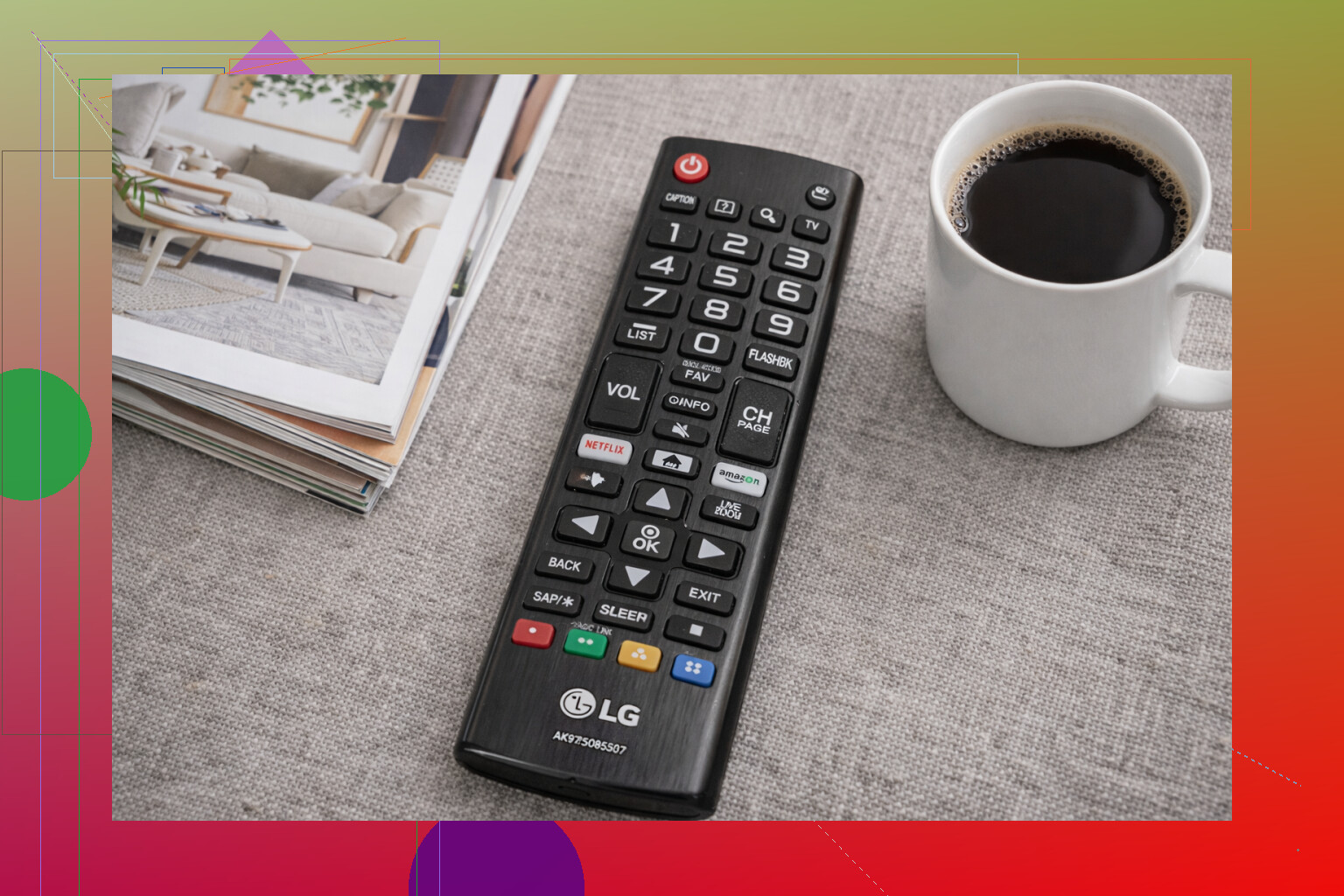
After testing a few popular ones, these are the iPhone apps I’d keep on my phone for an LG Smart TV.
- TVRem – Universal TV Remote
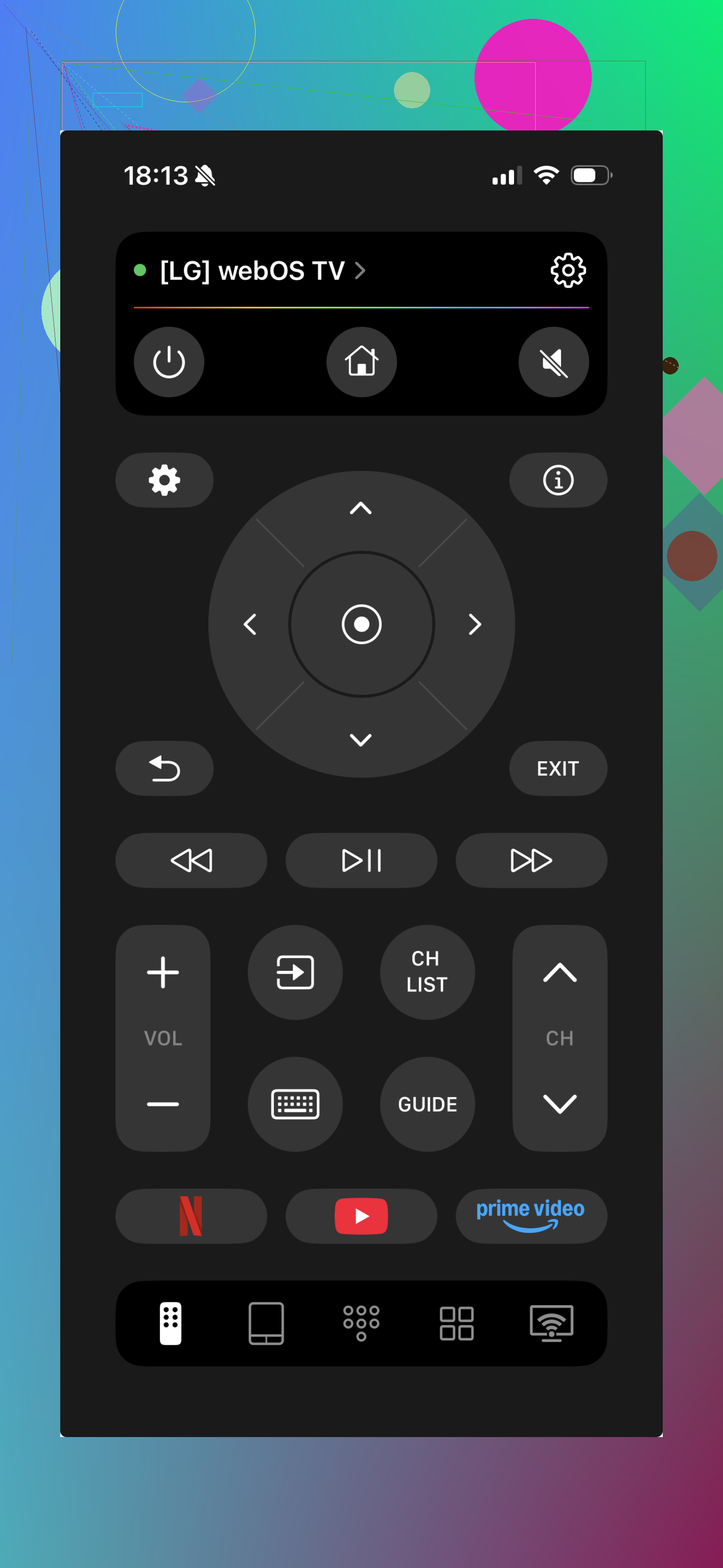
This was the one I kept coming back to. It connected fast, the layout didn’t fight me, and it worked without turning half the useful buttons into paid extras. It supports LG, plus Samsung, Roku, Fire TV, Android TV, Google TV, and Apple TV.
What you get:
- Full remote controls
- Volume and channel buttons
- Touchpad navigation
- Built-in keyboard
- Voice search
- Shortcuts for apps like YouTube and Netflix
- Auto-detect for nearby TVs
Why I stuck with it:
A lot of remote apps feel like demos pretending to be finished products. This one didn’t give me that vibe. I could do the normal day-to-day stuff for free, and for most people, that’s the whole point.
- Universal Remote Smart TV
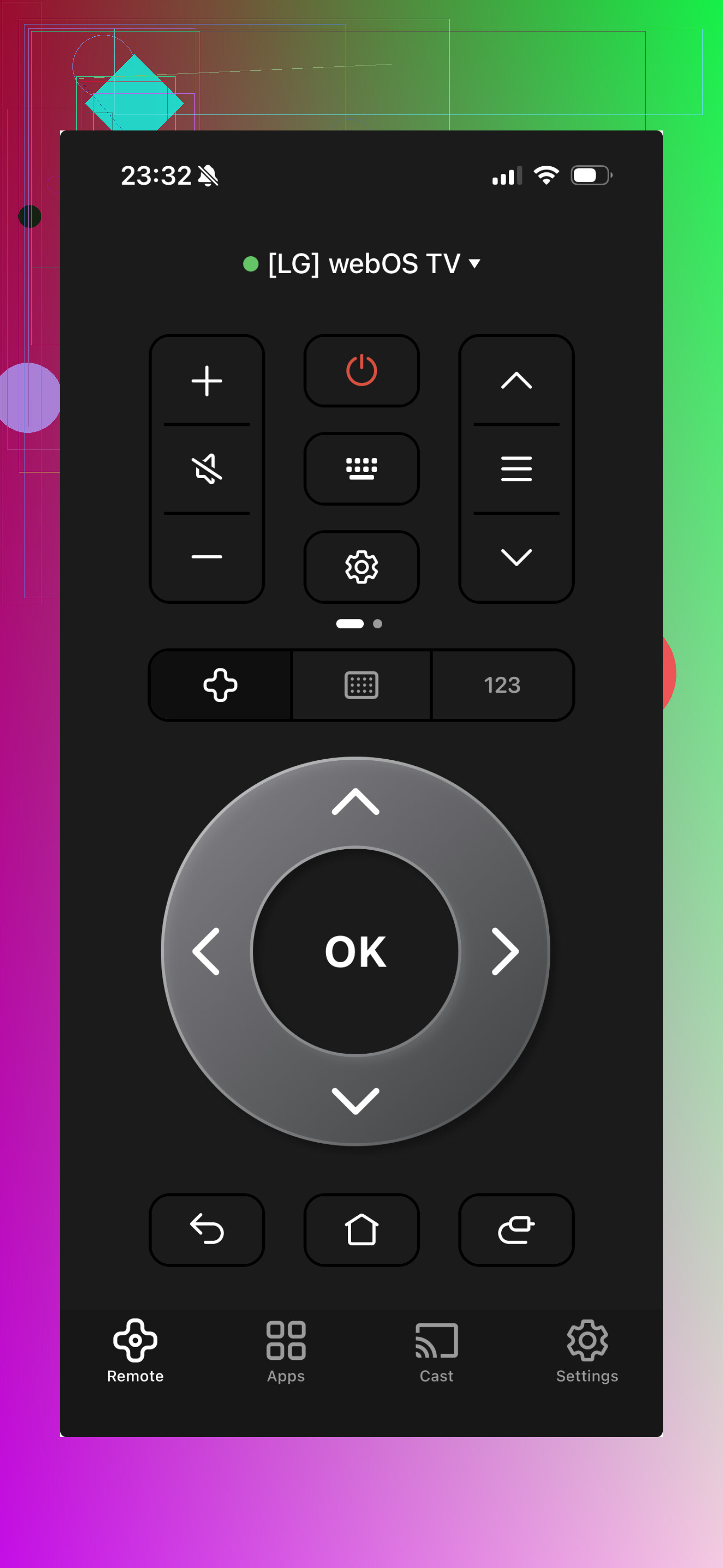
This one felt decent if you’ve got more than one TV brand at home and don’t want separate apps for each room. Setup was easy enough, and the interface looked current without being cluttered.
Included features:
- Standard remote buttons
- Touchpad
- Keyboard input
- Shortcuts to streaming apps
What I liked:
Supports different brands.
Didn’t take long to set up.
The design made sense.
What bugged me:
Some better features sit behind a subscription.
- Remote Control for LG TV
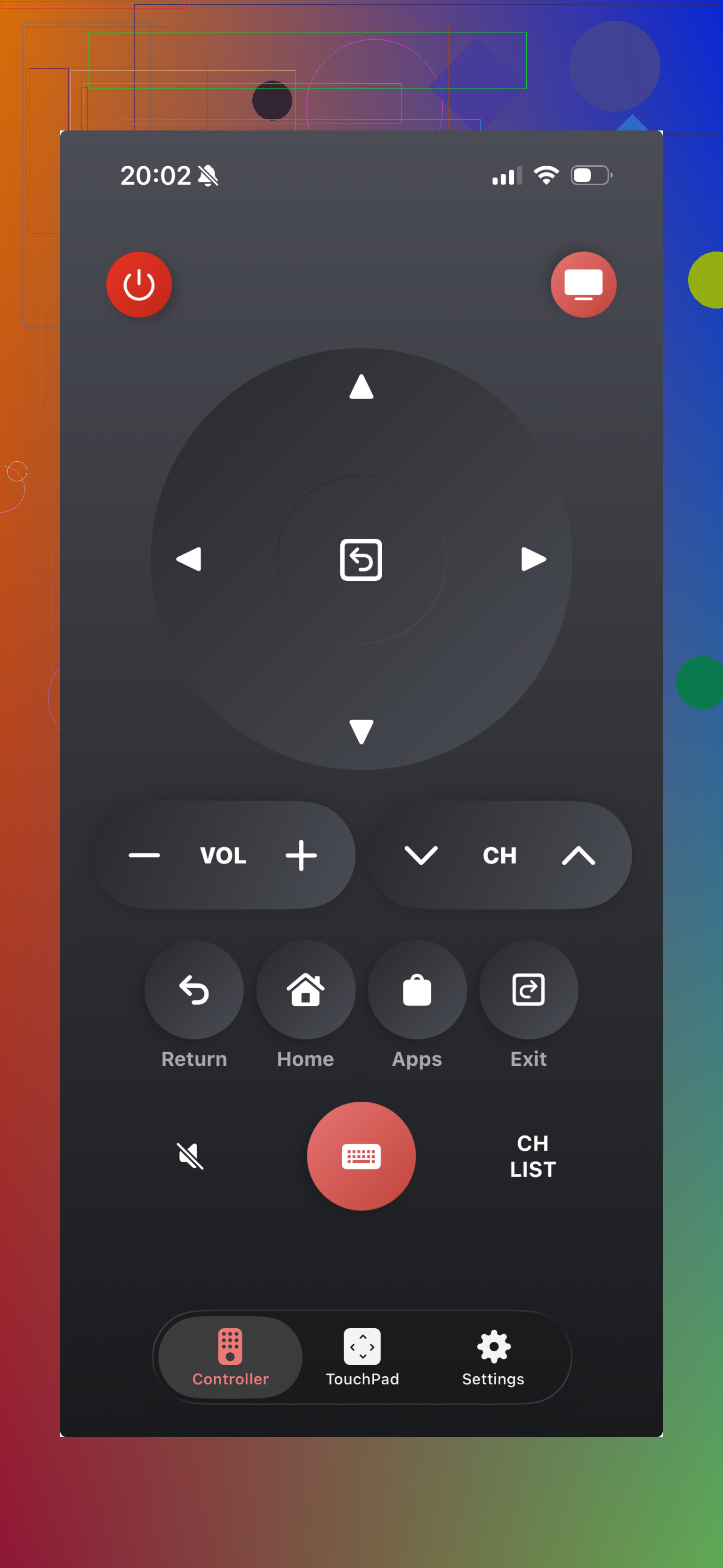
If you only care about LG and nothing else, this one stays focused. No extra brand support, no broad universal pitch. It’s built for LG TVs, and it shows.
Features:
- Power and volume controls
- Touchpad
- Keyboard for search and passwords
- Quick launch for smart TV apps
Good parts:
Made for LG TVs only.
Easy to figure out.
Handles the main stuff you need.
Bad part:
It’s a dead end if you own other TV brands.
- TV Remote – Universal Remote
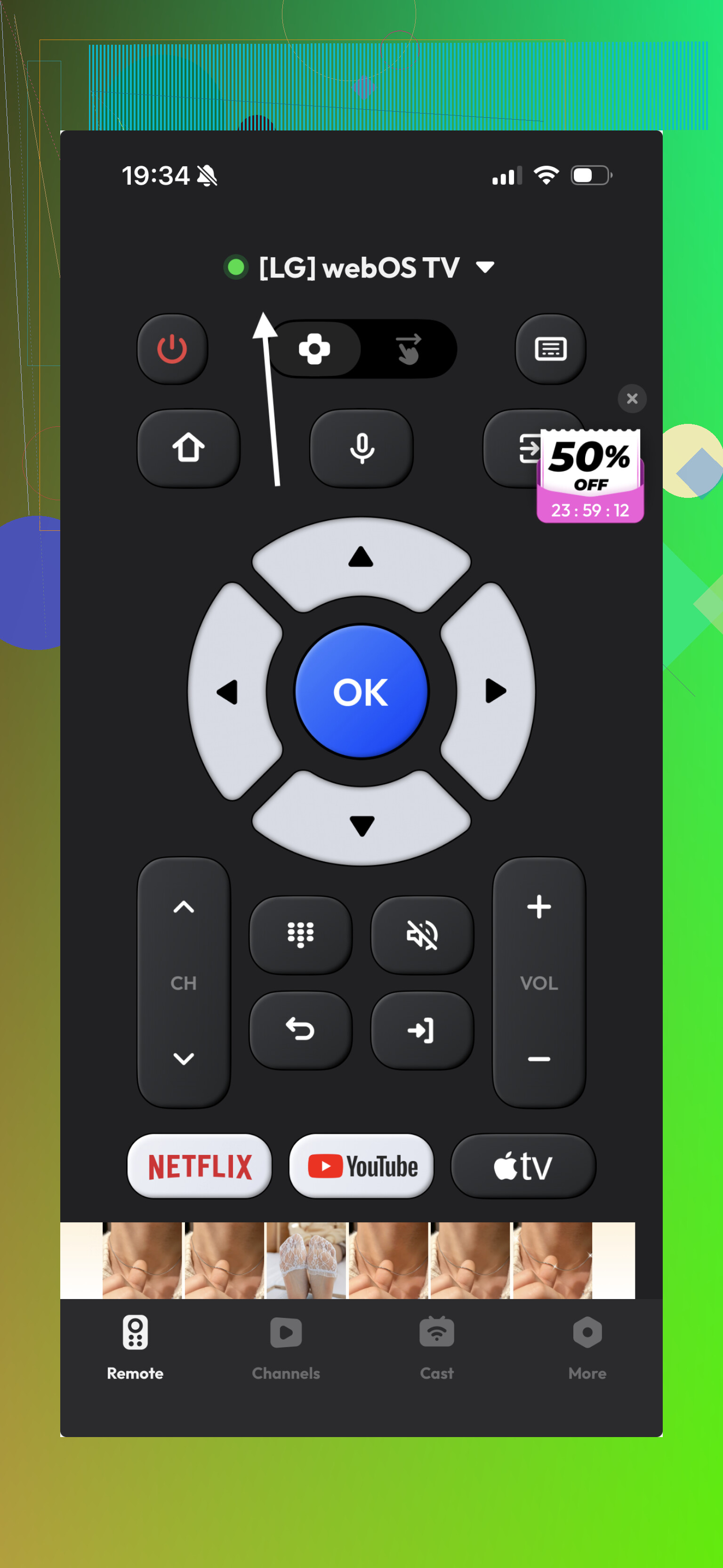
This felt like a backup option. It did the expected stuff, and if you’re comparing layouts to see which one clicks with you, it’s worth a try. I didn’t hate it. I also didn’t feel pulled to keep it.
Features:
- Basic remote buttons
- Touch navigation
- Keyboard input
Upside:
Works with a lot of TV brands.
Clean enough interface.
Downside:
Some features are locked unless you pay.
- Remote Control for LG
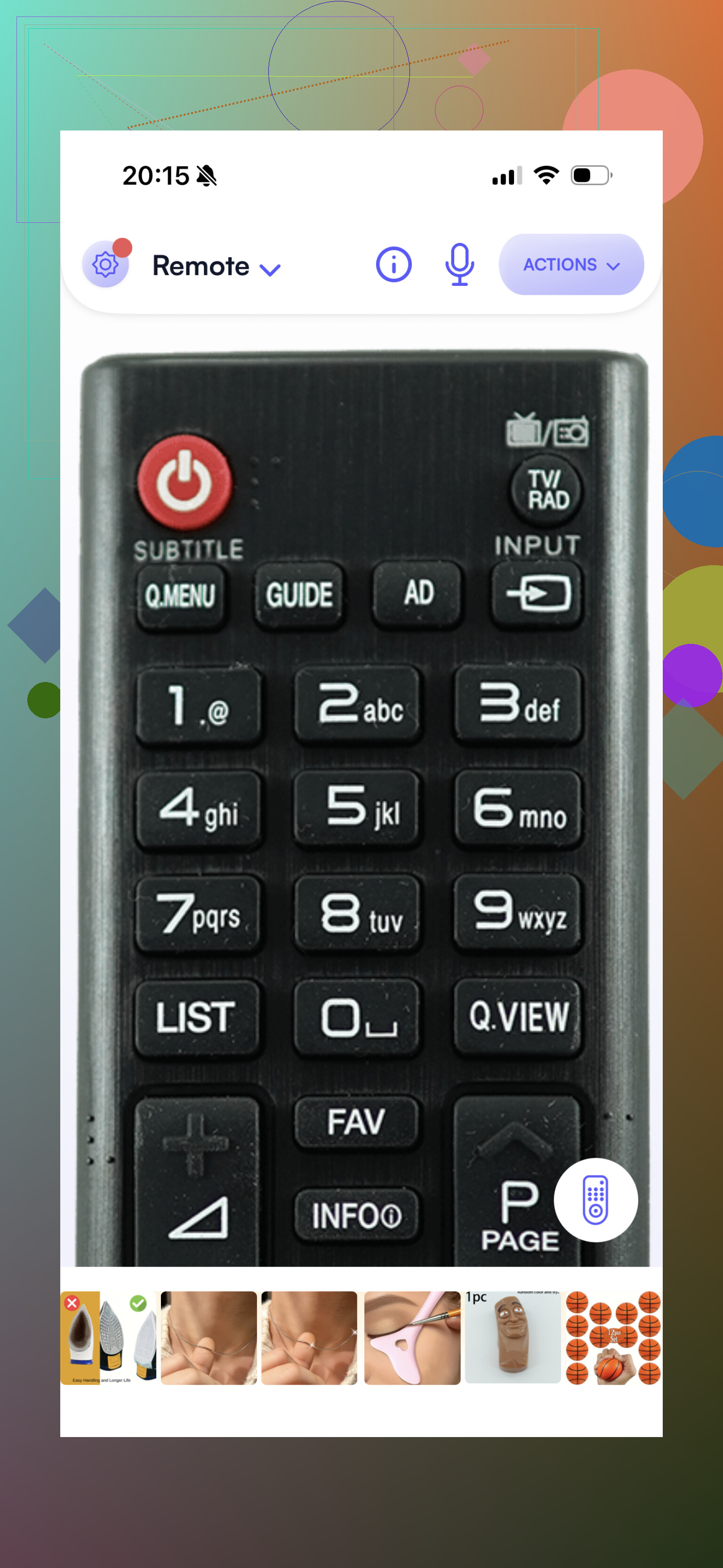
This one feels older, and you notice it right away. Still, old doesn’t always mean broken. It covered the basics and worked well enough for simple use.
Features:
- Power, volume, and channel control
- Input switching
- Navigation buttons
What worked:
LG-focused.
Simple.
Stable in normal use.
What didn’t:
The interface looks dated. Kinda rough, if I’m honest.
Best pick
If you want the strongest free option for an LG TV on iPhone, I’d go with best free LG universal remote app for iPhone, TVRem.
Why this one landed at the top:
- Full core features for free
- No fake-free setup with instant paywalls
- Works with LG and other major TV brands
- Keyboard makes typing less annoying
- Touchpad and voice search are included
- Connection felt quick and stable
The big thing for me was flexibility. If your house has an LG in one room and something else in another, one app handles it. If you replace your TV later, you’re not starting over. For everyday use, TVRem felt like the least annoying option, and yeah, that matters more than fancy screenshots.
5 Likes
I’d split this into two parts. App quality, and TV connection.
On the app side, I mostly agree with @mikeappsreviewer, but I would not chase the “most features” app first. For LG, stable pairing matters more than extra buttons. If an app supports the LG WebOS pairing flow cleanly and keeps the phone awake on Wi-Fi, it tends to work better long term.
My short list:
- TVRem, if you want one app for LG plus other TVs.
- A single-brand LG remote app, if your phone kept disconnecting with universal apps.
- LG ThinQ, if your TV supports it. People skip this one, but on newer LG sets it’s often more stable than third-party remotes.
What usually fixes disconnects:
- Put your phone and TV on the same Wi-Fi band, 5 GHz or 2.4 GHz, not split.
- Turn off mobile data for the remote app.
- Disable VPN on your phone.
- On the TV, remove old paired phones from the device list.
- Reboot the router. Sounds dumb, helps a lot.
- If your LG is older and not a smart model, app remotes won’t help much. You need an IR blaster app plus a phone with IR, which most iPhones do not have.
If you want the least hassle, I’d try TVRem first, then LG ThinQ second. If both fail, the issue is more likley your network, not the app.
I’d actually put LG ThinQ a little higher than @mikeappsreviewer did, if your TV supports it. Not because it has the prettiest remote layout, but because first-party apps usually handle LG pairing/auth better and disconnect less. Third-party apps can be great, but some of them feel solid for a day and then get weird.
That said, if you want one app that does LG plus other TVs, TVRem is probly the safer pick. Easier to live with long term.
My take:
-
LG ThinQ
Best for newer LG smart TVs
More reliable than flashy
Setup can be slightly annoying, but once it sticks, it sticks -
TVRem
Best all-around universal option
Better if you switch between multiple TV brands
Cleaner UI than most of these apps tbh -
LG-only remote apps
Worth trying if universal ones keep dropping connection
Less “do everything,” more “just be a remote”
One thing I kinda disagree with @viajeroceleste on: if both apps fail, it’s usually the network, but not always. Some LG TVs are just picky with WebOS remote pairing and need the app permissions set right on the phone too, especially local network access on iPhone.
If it were me, I’d try:
- LG ThinQ first
- TVRem second
- then stop wasting time on random ad-filled remote apps from the App Store
If your TV is older or not actually smart, no app is gonna magically fix that. At that point, just buy a cheap physical universal remote and save yourself the headache lol.