I need a professional headshot for my LinkedIn profile and a job application, but I do not have the budget for a photographer right now. I have tried taking photos on my phone, and they look too casual or poorly lit. Can anyone recommend a good app for professional headshots that looks realistic and works well for resumes, LinkedIn, or business profiles?
If you need a clean profile photo for LinkedIn, a resume, or a company bio, I’d skip booking a photographer first. I tried a few of the AI headshot apps floating around, and there are enough decent ones now where a phone selfie gets you something usable.
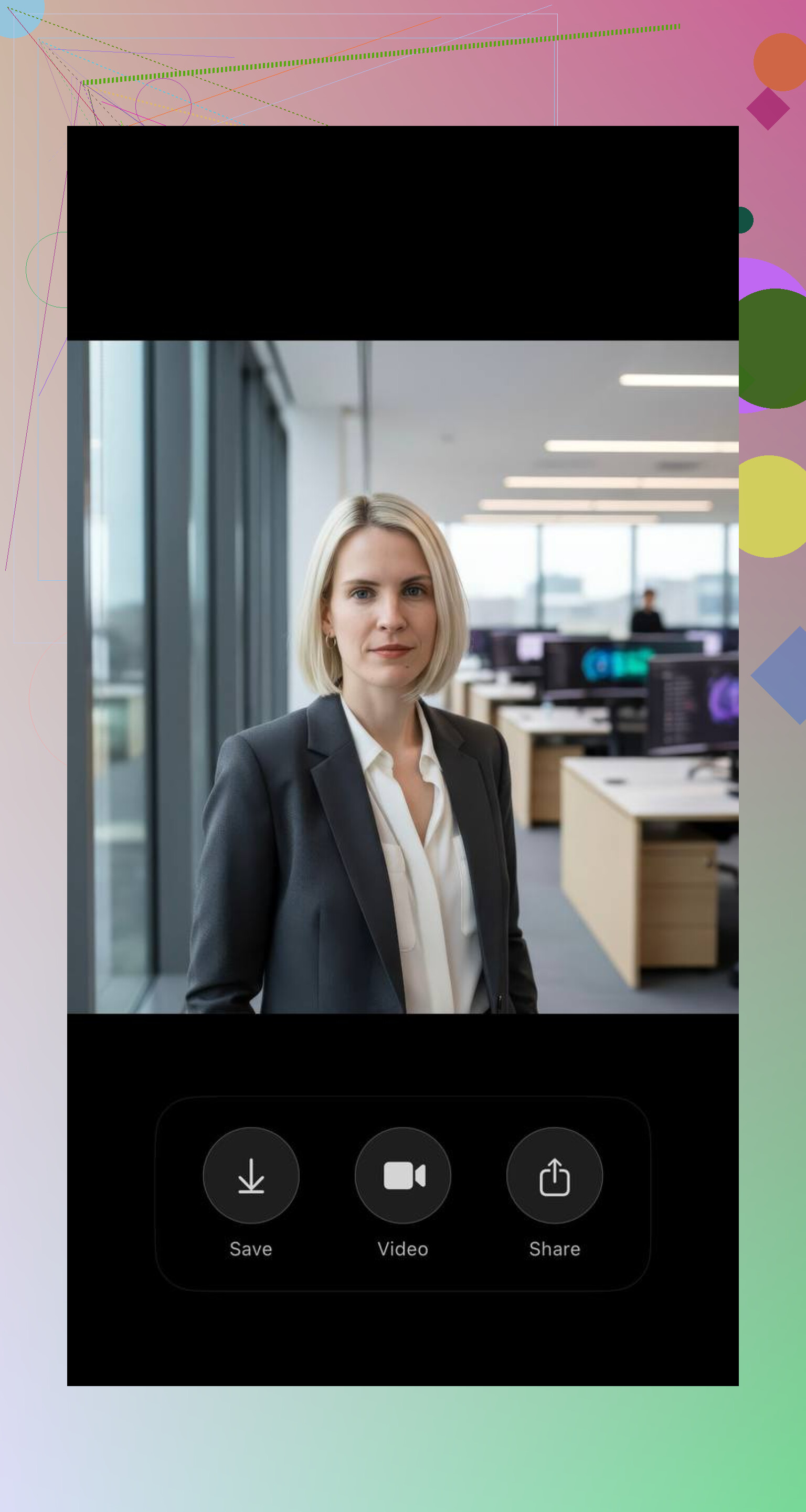
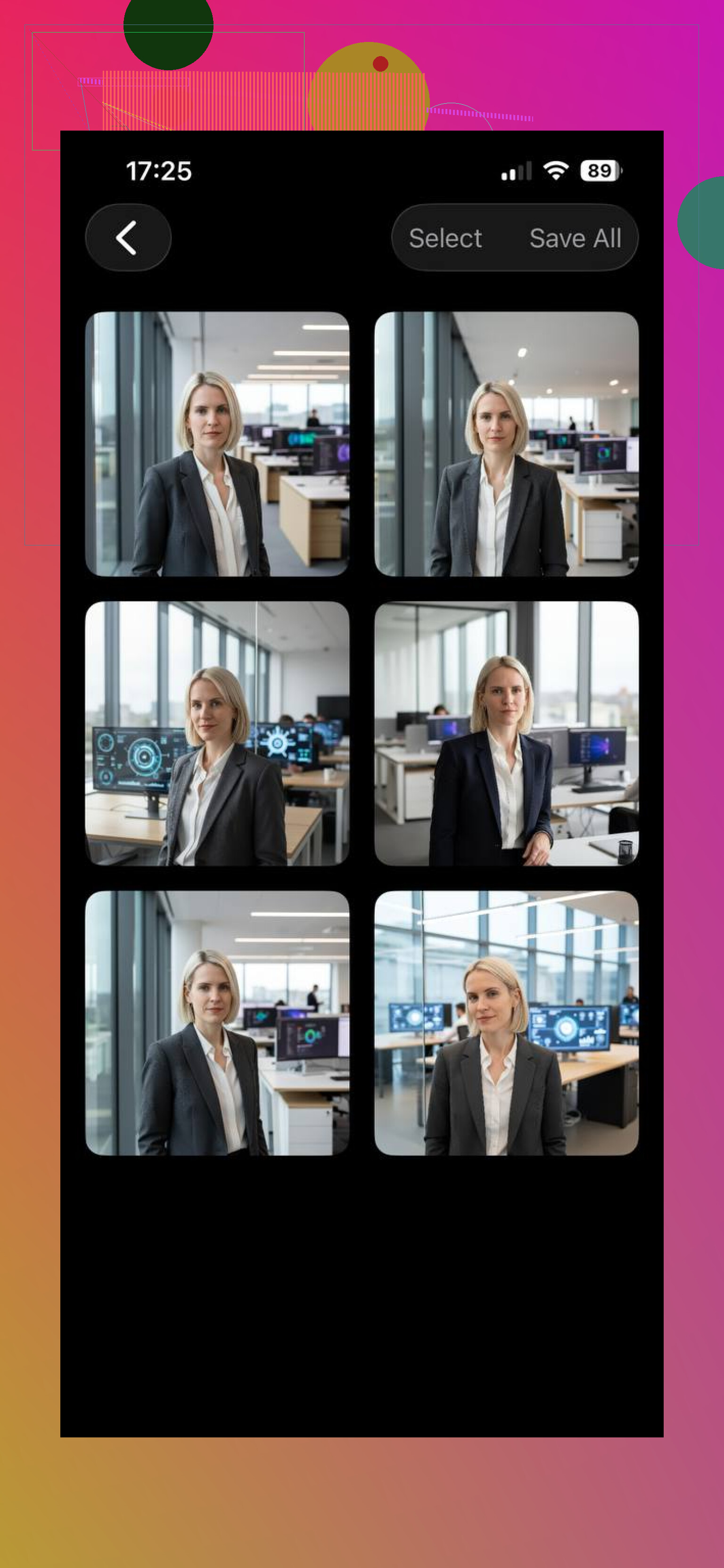
The one I kept coming back to was Eltima AI Headshot Generator. What stood out to me was how little fiddling it needed. I uploaded a few normal selfies and got polished headshots with cleaner lighting, office-style backgrounds, and facial details that didn’t look too waxy. It seems built for work profiles first, not art filters pretending to be business photos.
A couple other apps are worth a look, depending on what you want.
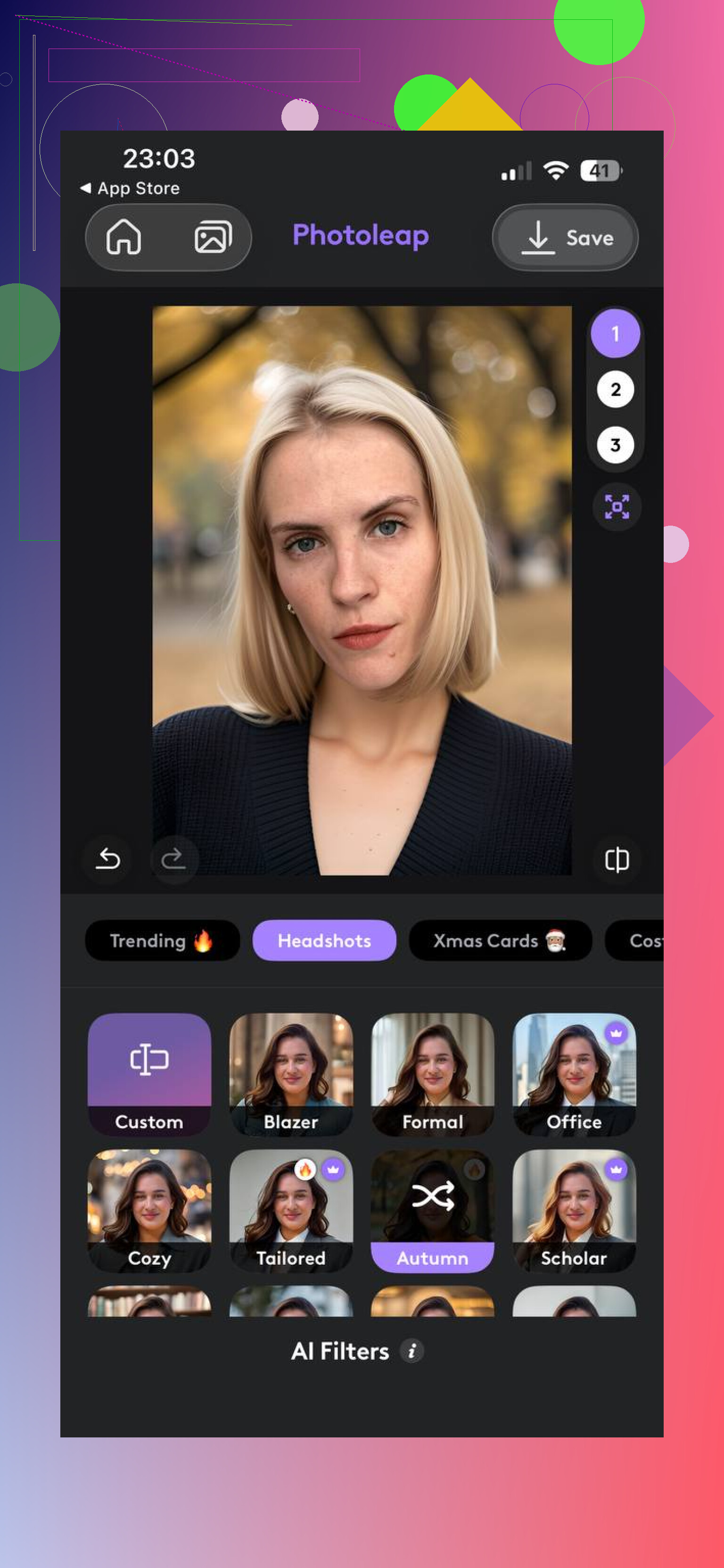
Photoleap feels more like a toolbox. I’d use it if you want to edit things yourself, test different looks, or spend time adjusting the result. It leans more toward control and less toward fast, polished headshots out of the box.
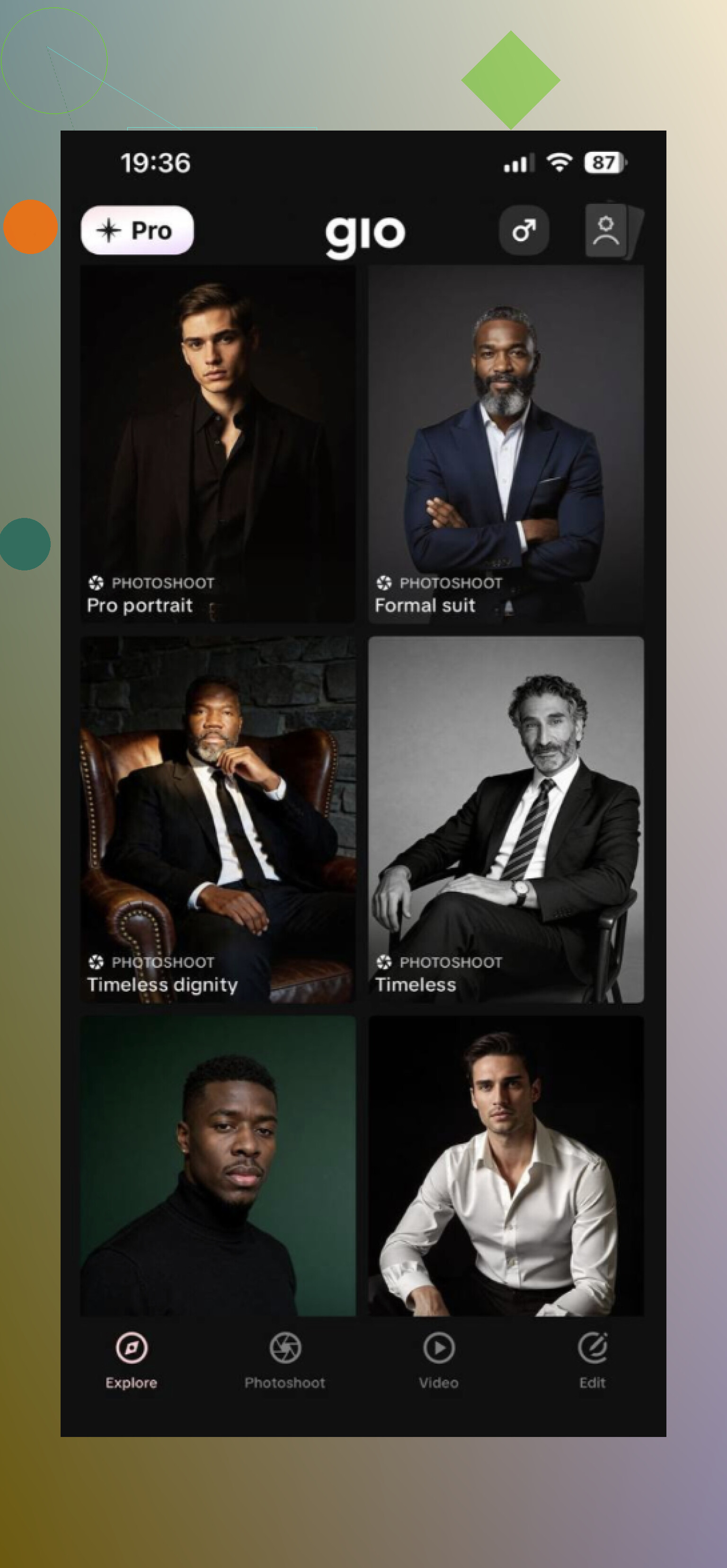
GIO is closer to the quick selfie-to-portrait route. I saw mixed output from it. One of my friends ran a batch through it and got a couple solid images, then a few weird ones right after. So, fine for a fast try, but I wouldn’t count on every result landing.
My take after testing a few of them is simple. Most of these apps miss on consistency. You’ll get one photo you’d post, then three you’d never use. From what I’ve seen, and from threads I ran into on Reddit, Eltima AI Headshot Generator is one of the few options people keep mentioning when they want something passable for a professional profile instead of an obvious AI face.
8 Likes
I’d split this into two paths.
If you want speed, an AI headshot app is fine. @mikeappsreviewer already mentioned Eltima, and from what I’ve seen it does a solid job for work-style photos. I don’t agree with using AI as the first pick for job apps though. Some outputs look polished, but they also look a bit off once you zoom in. Recruiters notice weird teeth, skin texture, or glasses fast.
If you want a safer result, use a normal photo editor first. Try Remini for face cleanup, then Lightroom Mobile or Snapseed for exposure, white balance, and background tone. A decent original photo plus light editing often beats a fake-looking AI portrait.
Quick setup that works:
Face a window.
Plain wall behind you.
Phone at eye level.
Use portrait mode off first.
Wear what you’d wear to the interview.
Take 20 to 30 shots. Edit the best 2. This route costs less and looks more like you. Kinda boring, but it works.
I’d actually split the difference a bit from @mikeappsreviewer and @techchizkid.
If your phone pics look “casual,” the issue is often not the camera, it’s the framing and post-processing. Before paying any AI app, try an app that fixes the boring stuff well: Canva, AirBrush, or even Facetune used very lightly. Not for glam edits, just for background cleanup, stray hairs, under-eye shadows, and brightness. A lot of bad “professional” photos are really just bad crops and muddy contrast.
What I wouldn’t do is lean too hard on full AI headshot generators for a job application. For LinkedIn, maybe. For an actual application, I think slightly imperfect-but-real beats weirdly polished and uncanny. That’s where I disagree a little with the “just generate it” route.
Best budget combo imo:
- Take a decent original photo
- Use Snapseed or Lightroom Mobile for tone
- Use Canva to clean the background/crop to head-and-shoulders
- If needed, run just one version through an AI enhancer, not a full face remake
Also, wear a solid dark or neutral top. Sounds dumb, but it helps a ton lol. Even a $0 setup can look pretty legit if the edit is restrained and not overcooked.