I misplaced my TCL Fire TV remote and now I can’t get past the home screen to use the TV. I need a simple way to control a TCL Fire TV without a remote, whether that’s through an app, buttons on the TV, or another workaround.
Using a TCL Fire TV Without the Remote
Yep. I did this with my phone when my TCL Fire TV remote disappeared into the couch void.
If you’re on iPhone, apps like TVRem can connect to Fire TV and give you the usual controls, up, down, back, home, volume, play/pause, plus a keyboard so you don’t have to peck through letters one by one.
https://mac.eltima.com/tvrem-universal-tv-remote/
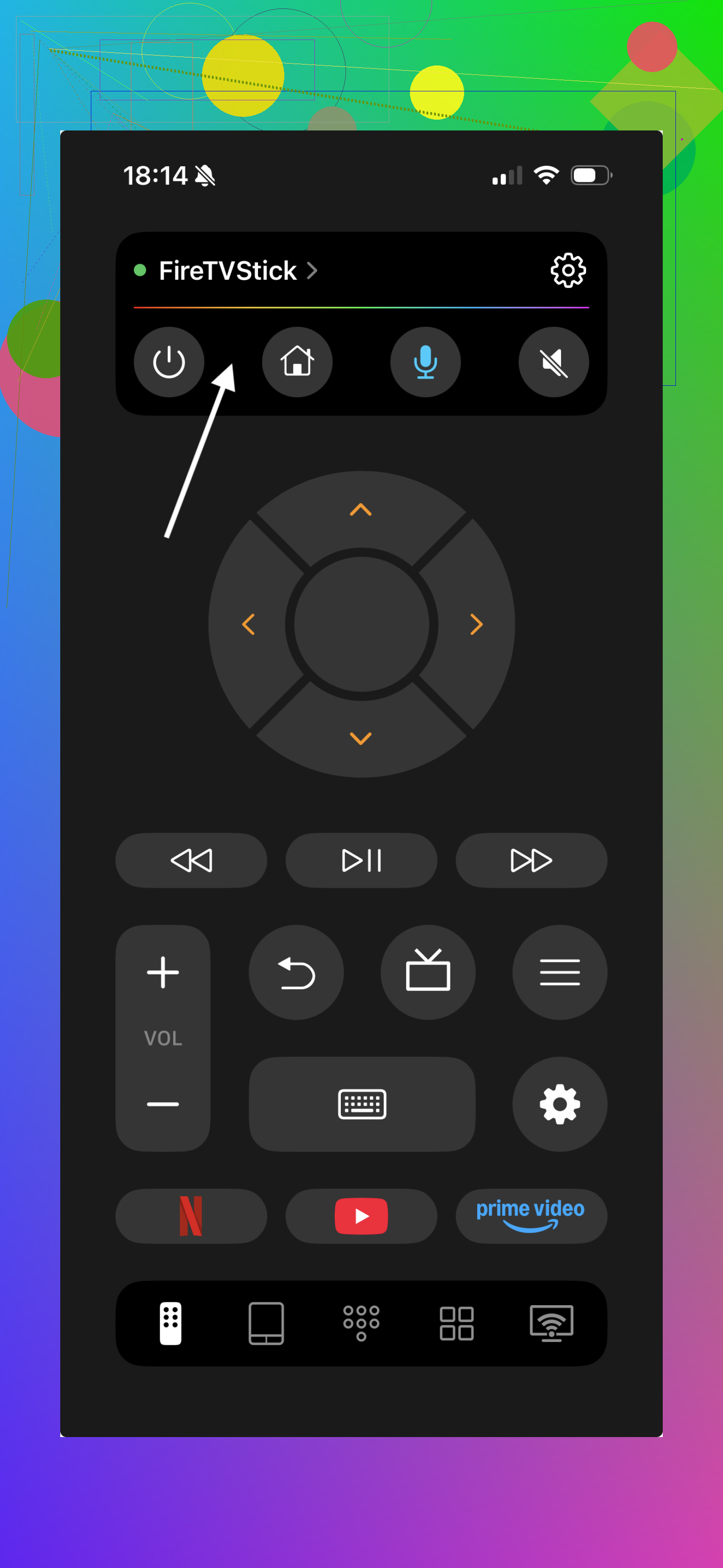
I used this kind of setup after my remote stopped responding, and it worked fine once the phone and TV were on the same Wi-Fi. Ths part matters. If your phone is on mobile data or a different network, the TV usually won’t show up.
Another route is the official Amazon Fire TV app. It works on iPhone and Android. You get voice search, navigation, and app launching, which covers most of what people need day to day.
Setup is short:
What to do
- Put your phone on the same Wi-Fi as the TCL Fire TV.
- Open the remote app.
- Wait for the TV to appear.
- Tap it and pair if prompted.
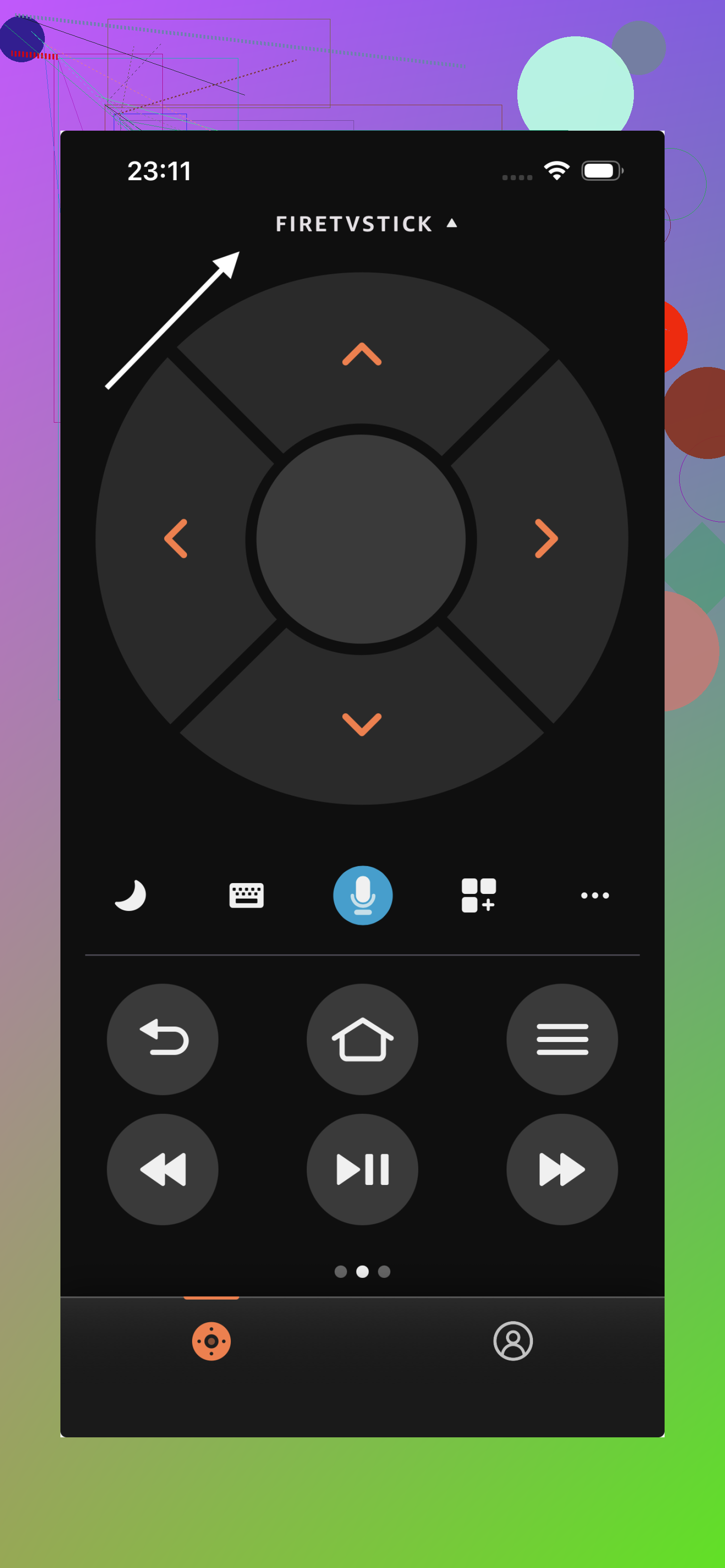
For me, keeping one of these apps installed made more sense than waiting until the remote vanished. Batteries die. Remotes fall behind furniture. Kids move stuff. You save yourself a dumb problem later if your phone is already set up as a backup.
If you’re picking one to keep ready as a backup, TVRem ended up being the one I stuck with. It connects quickly, the controls feel straightforward, and having the keyboard ready makes everyday things like logins and search much less frustrating. Even when the physical remote is around, I still find myself reaching for the phone more often.
14 Likes
Check the TV itself first. Many TCL Fire TVs have a physical button under the center logo or near the lower back edge. On some models it is one button, on others a small joystick. You use it to open the basic menu, move input, power on, and sometimes scroll. It is clunky, but it gets you unstuck.
If your set has no usable control button, plug in a USB keyboard. Fire TV OS supports simple keyboard input on a lot of models. Arrow keys, Enter, Esc, and Backspace often work for moving around the home screen. Not perfect, but enough to reach Settings or switch apps. I fixed mine this way after losing the remote for 3 days. Kinda dumb, but it worked.
One place I differ from @mikeappsreviewer, the phone app route fails if the TV is not already on your Wi-Fi. In tht case, a keyboard or the TV button is the faster move.
Last option, HDMI-CEC. If you have a Roku, game console, Blu-ray player, or soundbar remote connected, enable CEC on that device and test its directional pad. Some remotes will control the Fire TV menus with no extra setup. It feels weird, but yep, it sometiems works.
One thing I’d add to what @mikeappsreviewer and @himmelsjager said: if your TCL Fire TV is already signed into your Amazon account, try asking Alexa from another device to launch stuff on it. Like, “Alexa, open Settings on Fire TV” or “turn on Fire TV.” Not every command works great, and honestly Alexa can be a little… special… but it can get you past being totally stuck.
Also, if your TV is on the home screen already, a cheap replacement remote is sometimes easier than fighting apps and pairing issues. Doesn’t have to be the exact TCL one either, just a Fire TV compatible remote. I actually disagree a bit with the “just use the app” angle because if the TV changed Wi-Fi or got logged out, the app route is dead in the water.
Another workaround: if you have a router with a guest network you used before, rename your current Wi-Fi to match the old one. Sometimes the TV reconnects automaticaly and then the app starts working again. Weird fix, but real.
Worst case, Ethernet cable. If your model has a wired connection option through adapter or direct port, getting it online that way can help the app see it agian.
I’d try one workaround nobody mentioned yet: a mouse. Fire TV often recognizes a USB mouse through OTG or a spare USB port on some TCL models. You get a cursor, left click acts like select, right click sometimes acts like back. It’s janky, but for getting into Settings or pairing a new remote, it can be easier than a keyboard.
I slightly disagree with the “replacement remote is easiest” take from @mikeappsreviewer. It is easiest only if you can get one fast. If you need control tonight, borrow a USB mouse or even a small wireless keyboard combo first.
Another angle is IR universal remotes. Some cheap universal remotes can handle basic TCL TV functions immediately, even if they do not fully control Fire OS features. That at least gets power, volume, and input sorted while you work on a better fix.
If you do buy a replacement, look for a Fire TV compatible remote. Pros: simple, physical buttons, no Wi-Fi dependency. Cons: pairing can still be annoying, and the super-cheap ones sometimes lose voice support.
@himmelsjager was right about physical controls being underrated, and @codecrafter was right that app control depends heavily on the TV already being connected.