I lost my Fire TV Stick remote and need a free iPhone app that actually works to control it. My Firestick is connected, but I can’t navigate anything without a remote, and I need help finding the best free Firestick remote app for iPhone fast.
Free Firestick remote app for iPhone
I ran into this after losing the physical remote for a Firestick, and the easiest route on iPhone was using an app that did more than one thing well. I didn’t want something tied to one box and useless everywhere else.
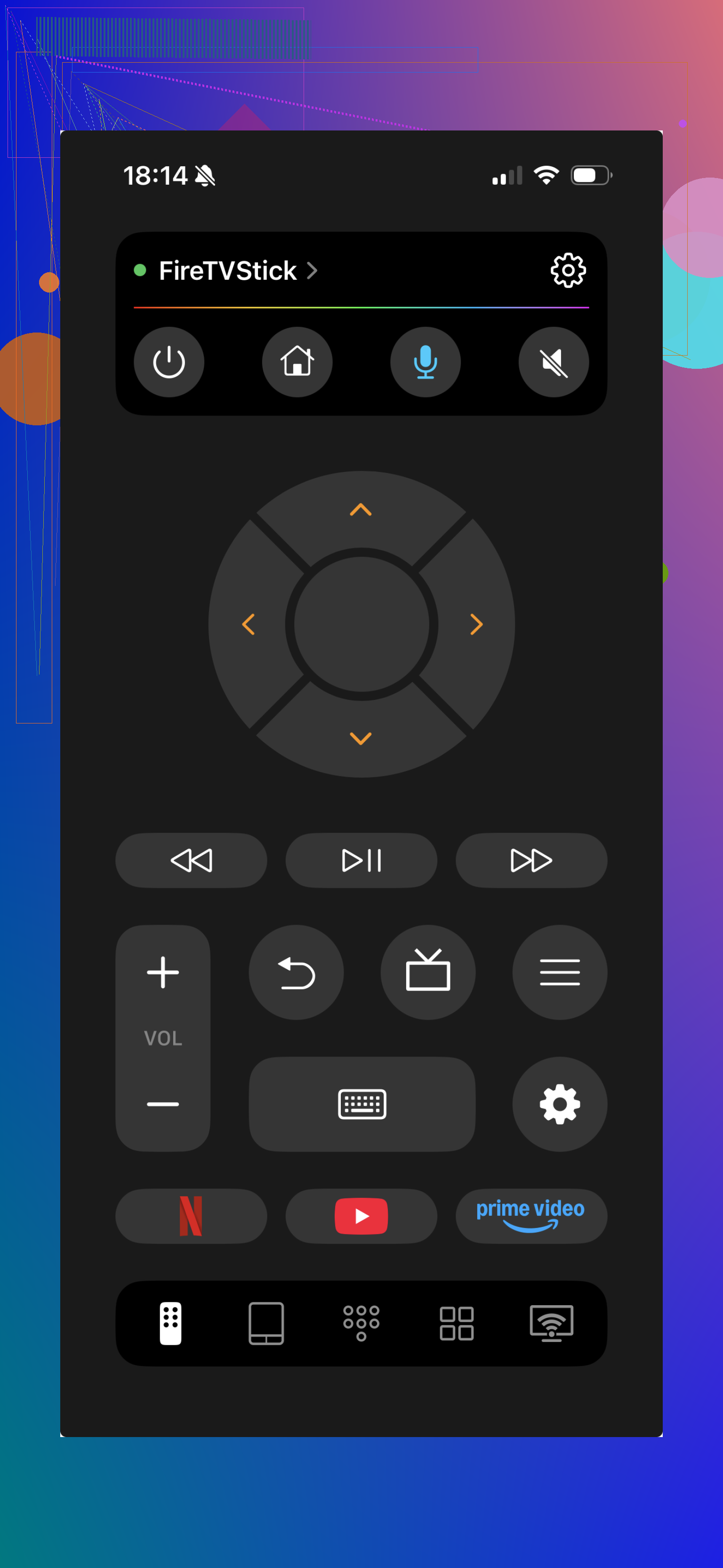
A decent pick is TVRem - Universal TV Remote.
Setup was pretty plain. I installed it, kept the iPhone and Firestick on the same Wi‑Fi, and the app found the device without much fuss. Once paired, it handled the usual stuff you need day to day:
What it does
- move through menus
- adjust volume
- type with the iPhone keyboard instead of the on screen one
- jump between apps
- replace the lost remote well enough
For me, the keyboard part saved the most time. Typing passwords with the stock Fire TV remote is a pain and I got tired of it fast.
Why I leaned toward it
The main thing is it isn’t boxed into Firestick only. It also works with Fire TV and some other smart TVs built on similar systems. So if your living room setup is mixed, you’re not stuck installing a separate app for each screen. That part felt less annoying over time.
The Amazon app is still fine
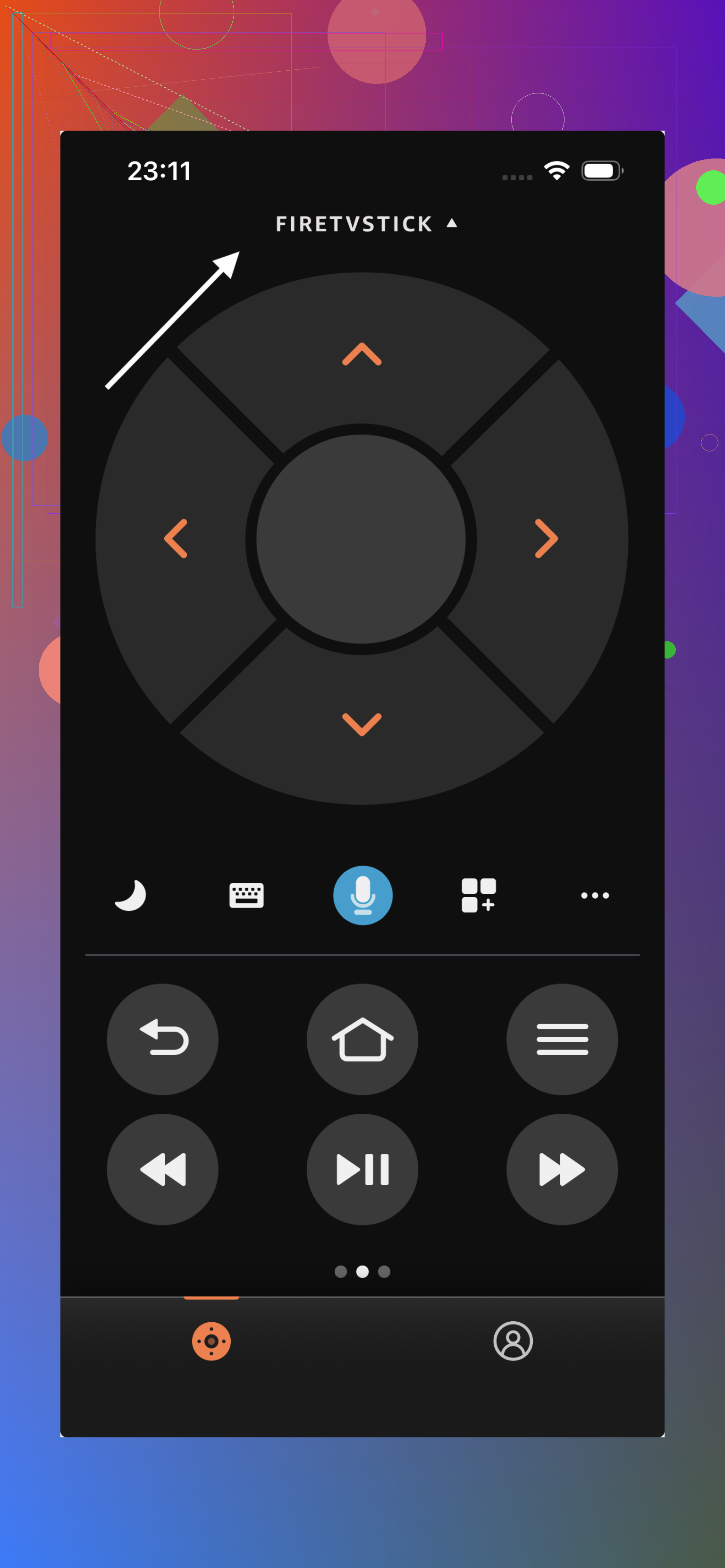
Amazon’s own Fire TV app deserves a mention because it’s stable and does the core job well. You get the standard remote controls, voice search, and a keyboard. If your place is all Amazon gear, it works and there’s not much to complain about.
The catch is simple. It stays inside Amazon’s lane. If you want one remote app for different TV setups, it starts to feel narrow.
My take
If you want the shortest path to controlling a Firestick from your iPhone, I’d start here: TVRem
It covers Firestick, Fire TV, and similar smart TV setups without much setup drama. If you only use Amazon devices and want the official option, the Fire TV app still holds up. For everyday use though, TVRem felt easier to keep around because it wasn’t locked to one ecosystem.
12 Likes
If your Fire Stick was already paired before, the first free app I’d try is Amazon Fire TV on iPhone. It’s free, stable, and the keyboard input saves a ton of time. I know @mikeappsreviewer mentioned broader remote apps, but I lean the other way here. If your goal is only Firestick control, the official app tends to be less flaky.
Important part, your iPhone and Fire Stick need to be on the same WiFi. If your Firestick is stuck on an old network, no app will help until you reconnect it. That’s the annoying part ppl usually hit.
If the official app does not find your device, try this:
- Restart the Fire Stick by unplugging it for 30 seconds.
- Restart your iPhone.
- Open the Fire TV app again.
- Check your router, make sure both are on the same band if your network splits 2.4GHz and 5GHz.
If you need a backup option, third party universal remotes on iPhone work, but a lot of the “free” ones are freemium and get spammy fast. So test before you rely on em.
I’d actually add one option neither @mikeappsreviewer nor @kakeru really leaned on: Apple’s built-in HDMI-CEC workaround is sometimes more useful than hunting for the “perfect” app.
If your TV remote still works, try the TV remote first. On a lot of setups, the TV remote can control the Fire Stick through HDMI-CEC. Different brands call it different junk: Anynet+, Bravia Sync, Simplink, VIERA Link, etc. Turn that on in the TV settings and you may be able to move around the Firestick enough to fix WiFi or pair an app. Kinda boring answer, but it saves a ton of hassle.
For iPhone apps, I mostly agree with @kakeru that the official Amazon Fire TV app is the safest free pick if your Fire Stick is already on your network. Where I disagree a bit is with universal remote apps. Some are fine, sure, but a lot of them are “free” for about 8 seconds before nagging you into a trial. That gets old real fast.
One more thing people forget: if your Fire Stick was paired to an old WiFi and your phone is on the new one, the app route is basically dead untill you restore a connection somehow. In that case your best “free” move is:
- try TV remote with HDMI-CEC
- borrow any compatible Fire TV remote
- use another phone hotspot trick if you previously used the same SSID/password
That hotspot trick works weirdly often, btw. Set your iPhone or another device to the old WiFi name/password your Fire Stick remembers, and it may reconnect long enough for the app to see it.
So yeah, best actual free app: Amazon Fire TV app. Best backup method when the app won’t connect: use your TV remote via CEC. That combo usually gets ppl unstuck.