I lost my LG TV remote and need a free iOS app that actually works with my TV. I tried a couple of remote apps on my iPhone, but they either wanted payment right away or would not connect. I need help finding a free LG TV remote app for iPhone that is reliable and easy to set up.
I started with these three. If I had to keep only one on my phone, I’d keep TVRem.
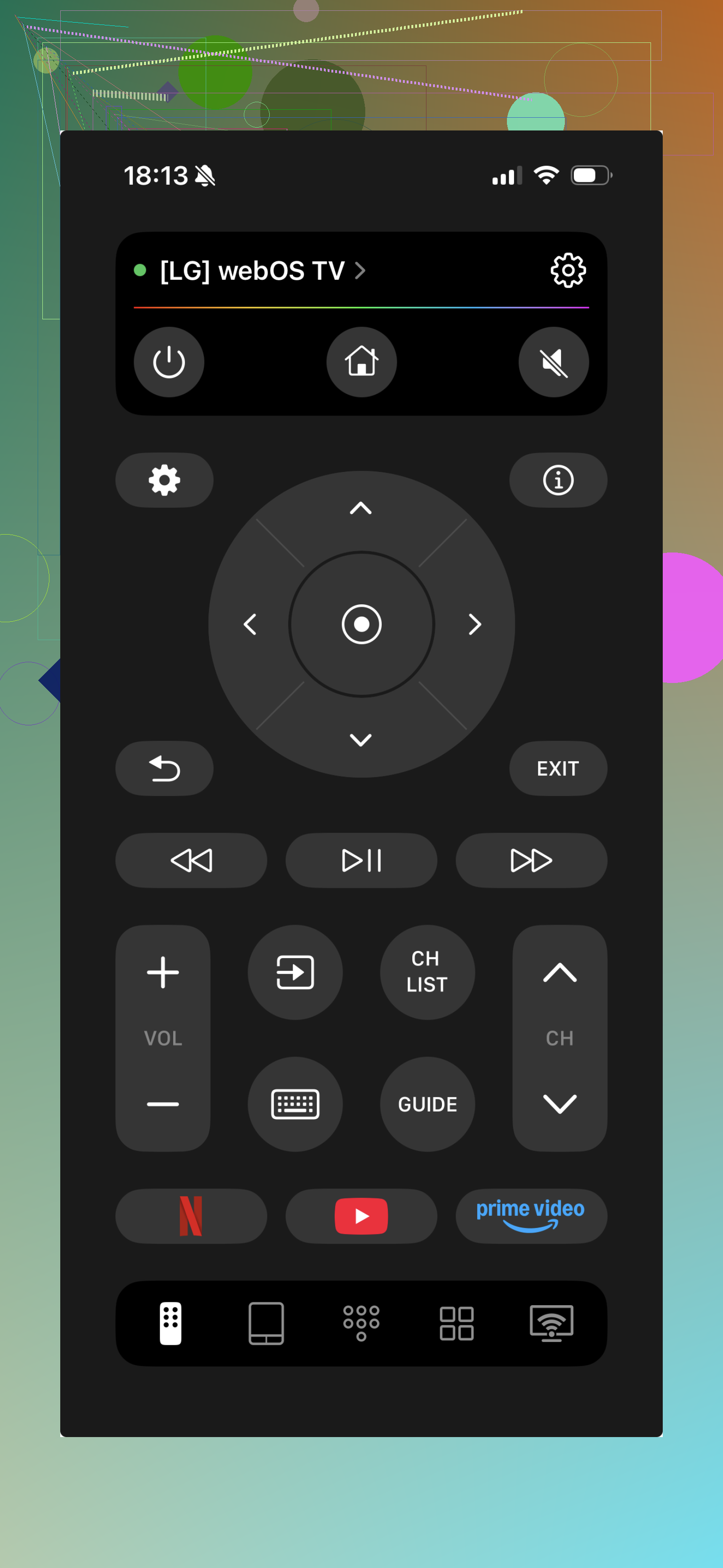
Out of the bunch, TVRem felt the least annoying. Pairing was quick when I tried it. The layout made sense right away. I didn’t get buried under popups or fake buttons pushing me toward a subscription screen every two taps. On LG TVs running webOS, it handled the main stuff fine: volume, directional controls, touchpad, and general navigation. The touchpad part was better than I expected. Free remote apps are often flaky after a day or two. This one held up better for me.
Universal Remote Smart TV
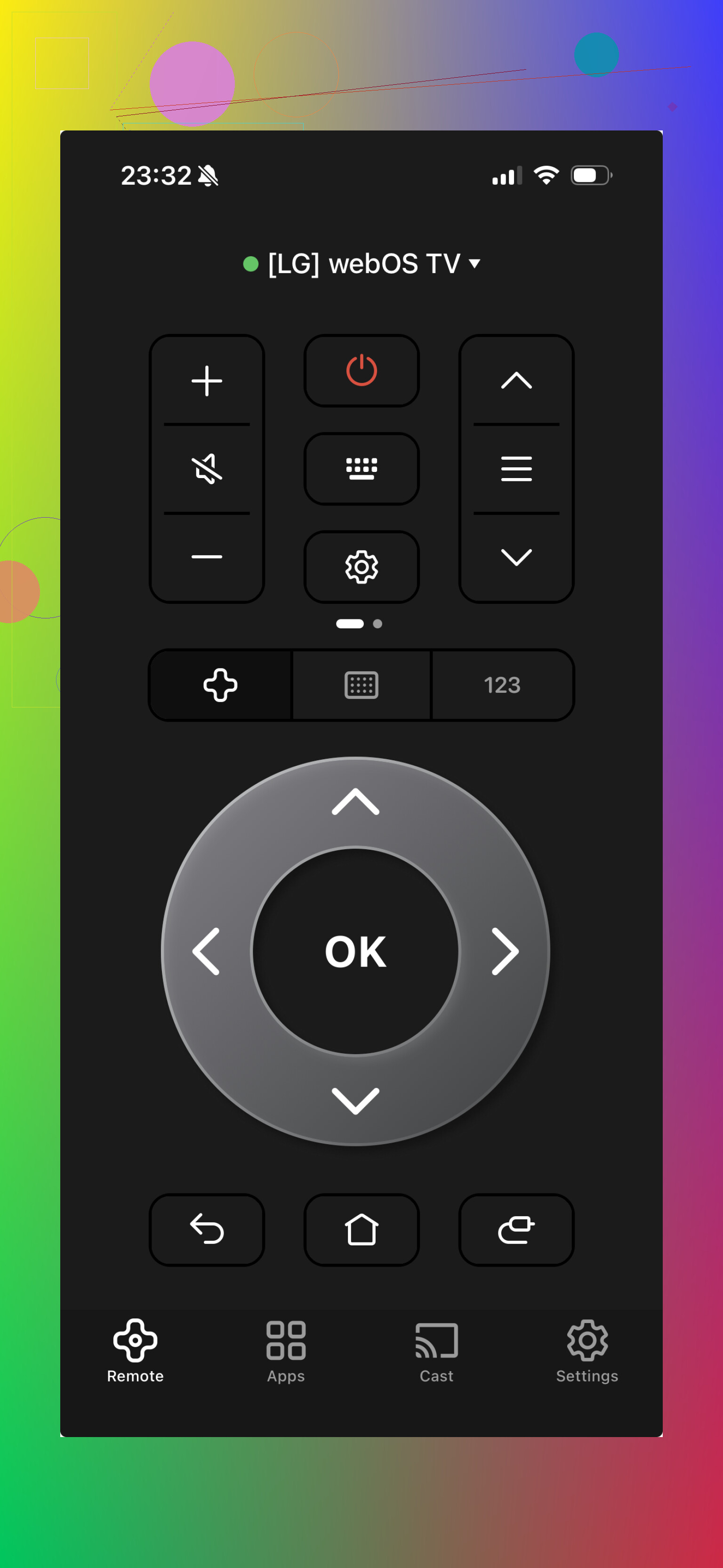
This one felt like the app made for people who want one remote for every box in the house. It does the job, sort of, but the screen is busier and the upsell pressure shows up fast. I got more clutter here, more prompts, more friction. If your goal is one app for multiple devices, you might put up with it. If you want a clean remote for daily TV use, I’d skip it.
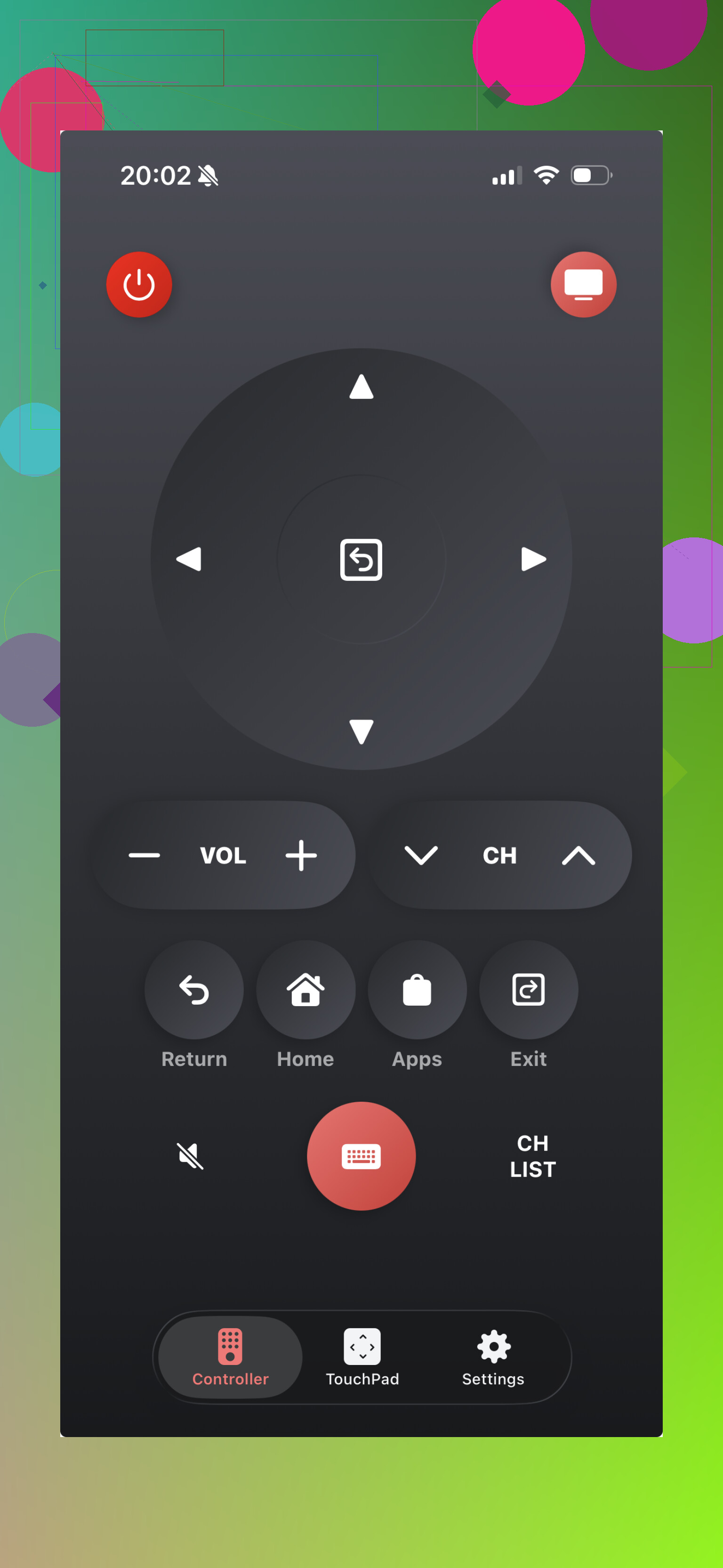
This one stays closer to LG-specific controls, which I liked at first. Still, these single-brand remote apps have been weird for me. On one LG set they run fine for days. On another, same Wi-Fi, same house, they drop connection out of nowhere or refuse to reconnect until I kill the app. So yeah, more focused, but not always steadier.
If you want the least frustrating option, I’d try TVRem first. It felt cleaner, steadier, and less messy than the other two. The others are usable if the first pick doesn’t click with your setup, but TVRem came off like the one with fewer rough edges.
9 Likes
Yes. If you want free first, skip the apps with a paywall on launch and try LG ThinQ before anything else.
Why I say this:
LG ThinQ is LG’s own app on iPhone.
It works with many LG TVs, mostly webOS sets.
It is free.
It usually handles power, volume, input, home, and navigation once paired.
Small catch. Your TV needs to already be on the same Wi-Fi, and first pairing often needs the TV prompt on screen. If your TV is off and not connected, no phone app helps much. That part trips people up a lot.
I differ a bit from @mikeappsreviewer here. Third-party remote apps are fine, but I’d test the first-party one before any universal app. Less junk, fewer nag screens, less random disconnect weirdness in my experince.
Fast checklist:
- Install LG ThinQ on iPhone.
- Make sure iPhone and TV use the same Wi-Fi.
- On the TV, enable network and mobile TV on if available.
- Add the TV inside the app.
- Accept the pairing code on the TV.
If ThinQ fails, then try one of the free-trial remote apps mentioned above. Also check Control Center on iPhone if you use Apple TV on the LG, some people mix those up and waste time. If your LG is an older non-smart model, iPhone apps won’t work at all, becuase iPhones lack IR blasters.
Yes, but the answer depends a lot on which LG TV you have.
I’d slightly disagree with @vrijheidsvogel on one point: ThinQ is the obvious first try, but it is not always the best remote app if you only want quick button control. On some LG sets it feels more like a device management app that happens to include a remote. Fine, but kinda clunky.
What I’d check first:
- LG webOS smart TV: free apps can work over Wi-Fi
- older LG LCD/LED non-smart TV: iPhone apps will not control it directly, period
- hotel / guest Wi-Fi / mesh isolation: apps often fail because the phone can’t see the TV on the network
So before testing more apps, verify:
- TV is already connected to your home Wi-Fi
- iPhone is on the exact same band/network
- TV setting like LG Connect Apps / Mobile TV On is enabled
- router isn’t blocking device-to-device traffic
That last part gets ignored a lot. People blame the app when the network is the real issue.
Also, @mikeappsreviewer is right that many “free” remote apps are just ad funnels. If you want actually free, use LG ThinQ if your model supports it, and if that won’t pair, stop downloading random remotes for a bit and check compatibility first. Saves a lot of time tbh.
Free option that actually has the best odds: LG ThinQ. I agree with @vrijheidsvogel and partly with @kakeru here, but I’ll push back a little on @mikeappsreviewer’s app-first approach. If the official app cannot see your TV, most third-party ones usually will not magically work either.
One thing not mentioned enough: some LG TVs block wake-on-Wi-Fi unless Quick Start+ is enabled. So if your TV is off, a phone remote may seem “broken” when it is really a TV setting issue.
About TVRem since it came up:
Pros
- cleaner layout than a lot of free remote apps
- no ads
- decent for simple navigation
Cons
- still depends on the same network conditions as every other Wi-Fi remote
My take:
- webOS LG TV: try ThinQ first
- older non-smart LG: no iPhone app will help
- ThinQ pairs but feels annoying: then test TVRem
- nothing connects: stop downloading apps and check TV model + network isolation first
So yes, there is a free LG TV remote app for iPhone. But “free and works” usually means LG ThinQ if your TV supports it, with TVRem as a reasonable backup.