My iPhone keeps saying storage is full, even after I deleted a few apps and photos. I’m trying to figure out what actually works to increase iPhone storage, clear system data, and make space without losing important files.
I looked into this myself a couple years back after my iPhone storage was completely maxed out. I saw those videos where people “upgrade” the storage chip, and for a minute it sounded reasonable enough. Screens get replaced, batteries get replaced, so I figured maybe storage could be treated the same way.
The repair shop I called talked me out of it pretty quickly, and I’m glad they did. They said it can be done, but it’s not something they recommend. It means removing and replacing the NAND chip, doing micro-soldering work, programming firmware, and hoping nothing goes wrong with the logic board. If it does go wrong, the phone can be permanently damaged. Even if it works, you’ve still voided the warranty and made any future Apple repair a lot messier.
What helped more was dealing with the storage I already had.
- Start with Settings > General > iPhone Storage. I thought I simply needed a bigger phone, but that screen showed I was wasting a lot of space in dumb places.
- For apps, Offload Unused Apps is worth using. It removes apps you don’t really open, but keeps their documents and data, so reinstalling them later brings things back.
- Messages can be worse than you expect. Old videos, photos, GIFs, and attachments had built up into several GB for me. Auto-deleting older conversations helped keep that from piling up again.
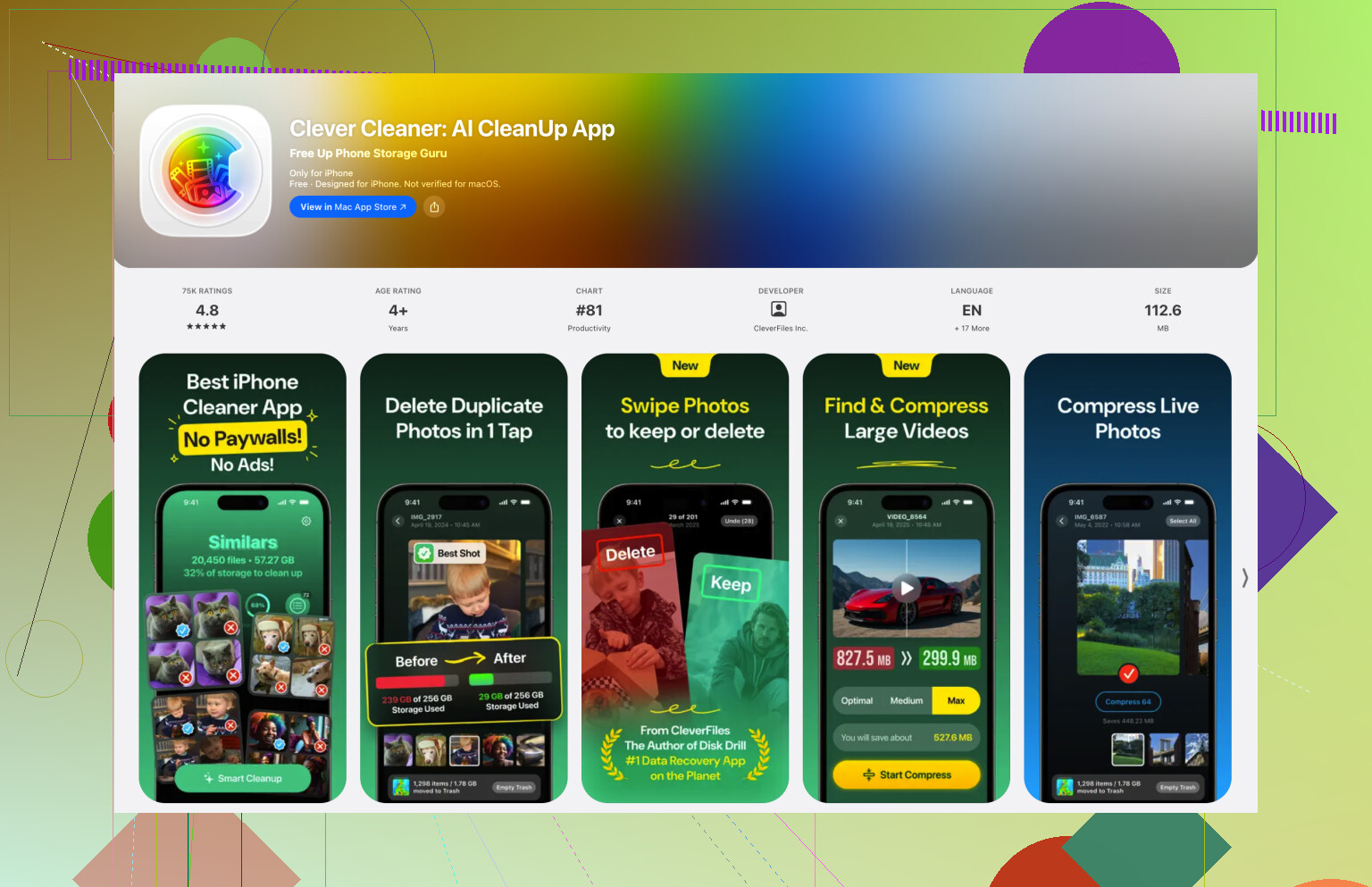
Photos were the real problem, though. Apple’s Duplicates album barely found anything because my issue wasn’t exact duplicate files. It was a mess of similar shots, screenshots, Live Photos, and large videos. I ended up using Clever Cleaner for that. It grouped similar photos, picked out the best-looking ones, sorted videos by size, found old screenshots, and could turn Live Photos I didn’t need into still images. That cleared way more space than I expected.
After that, iCloud Photos with Optimize iPhone Storage made a big difference. The full-size photos stay in iCloud, while the phone keeps smaller versions locally until you open something. I don’t really notice it day to day, but the photo library takes up much less space on the phone. If you don’t want iCloud, Google Drive or Dropbox can work for files and videos, but you’ll probably have to manage more of it yourself.
I only bought extra storage after cleaning things up first. In my case, that meant an external flash drive for older photos and videos I wanted to keep but didn’t need sitting on my phone all the time. USB-C iPhones make this easier, and some drives can even be used by compatible apps to record video straight to the drive. Just check that the drive is formatted in something the iPhone can read, like exFAT or APFS.
I’m glad I skipped the hardware storage upgrade. Cleaning the phone, moving older stuff to cloud storage, and keeping an external drive for long-term files fixed the problem without risking the device. I’d try that whole route first before paying someone to modify the phone itself.
8 Likes
Deleting a 200 MB app is different from deleting a few giant video downloads, so check the storage screen for the actual hog before doing random cleanup. Mike is right about avoiding hardware storage upgrades, but the easy thing people forget is emptying Recently Deleted in Photos and Files, because that space often doesn’t come back until you clear it or wait. App caches are the annoying part: for apps like TikTok, Spotify, Netflix, or podcasts, deleting downloads or reinstalling the app can free more space than offloading it.
If the phone is already down to almost zero free space, some cleanup won’t “take” right away because iOS needs breathing room to process deletions, thumbnails, app cache changes, and iCloud sync. I’d free a quick chunk first by deleting one large offline item, like downloaded Netflix episodes, Spotify playlists, podcast downloads, or a big game, then restart the phone and check iPhone Storage again after a bit. The System Data number can be misleading too. You usually can’t manually delete it like a folder, but it often shrinks after clearing Safari history, removing big app downloads, restarting, and letting the phone sit on Wi-Fi and power. I agree with the others on not chasing a storage chip upgrade, but I’d be careful expecting iCloud Photos or a cleaner app to fix it instantly. They help, but the phone still needs time and enough free space to actually finish the cleanup.