I accidentally formatted my SD card before backing up my pictures, and now I’m trying to recover important photos from it. The card had family and travel images I really need back, and I’m not sure what to do first or which SD card photo recovery method is safest.
I know this one. I formatted the wrong SD card after a late shoot and felt sick the second I saw the confirmation screen. If you did the same thing, first move is simple. Stop using the card now. Take it out of your camera, phone, drone, whatever is still touching it.
Most devices do a quick format. That wipes the file index, not the photo and video data itself. So your files are often still sitting on the card. The danger starts when you keep recording or copying new stuff onto it. New data writes over the old blocks, and once that happens, recovery drops off fast. If your SD card has the small physical lock switch, slide it to Lock before putting it in your computer. I did this after one bad mistake and it helped me avoid extra writes from the system.
I would skip command line fixes for this. CHKDSK and similar tools are for damaged file systems. They are not built for recovering files from a formatted card, and I have seen them leave things messier than before.
What worked better for me was recovery software. Out of the stuff I tried, Disk Drill pulled back the most usable files, esppecially video. That part matters. Video files on SD cards often end up split across the card, and a lot of free tools find the pieces but return clips you can't open. Disk Drill has an Advanced Camera Recovery mode made for fragmented camera footage, plus RAW photos and other files.
The basic process is:
- Use a decent card reader and connect the locked SD card to your computer.
- Install and open Disk Drill.
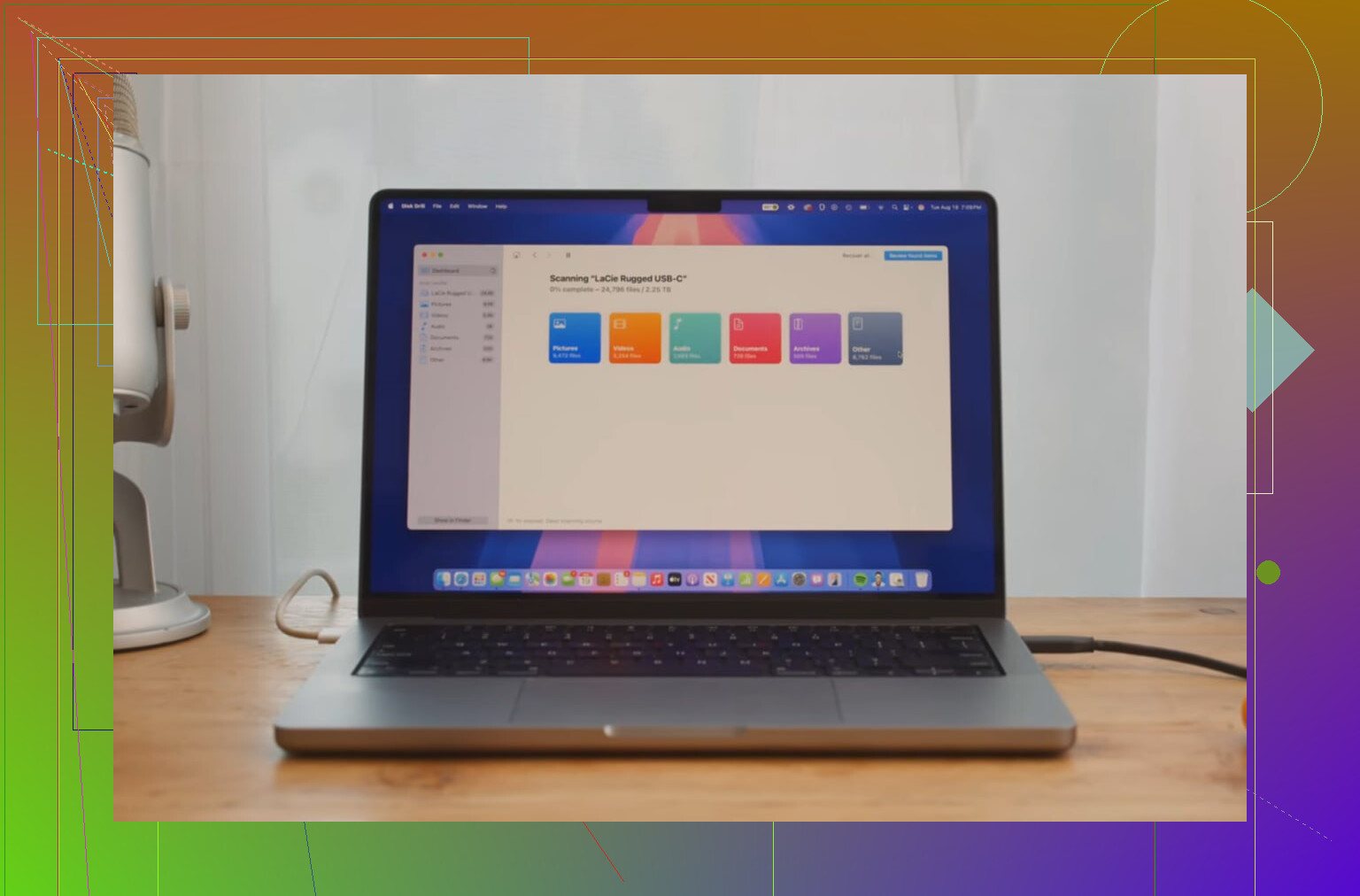
- Pick the SD card and start the scan.
- Check the results. If a file previews fine, your odds are good for a clean recovery.
One more rule, and this part matters almost as much as stopping use in the first place. Do not save recovered files back to the formatted SD card. Send them to your computer drive or a separate external drive. If you recover onto the same card, you overwrite the data you're trying to save. I have seen people do this in a panic and lose the second chance.
If you did not keep shooting after the format, there is a decent shot your files still show up in the scan. I’d start there.
8 Likes
First thing, check what kind of format happened. A quick format leaves a much better recovery rate than a full format. On SD cards from cameras, quick format is common. If you shot new photos after the mistake, recovery odds drop fast.
I agree with @mikeappsreviewer on one part, stop writing to the card. I disagree a bit on one point though. The lock switch helps prevent accidental writes, but some readers ignore it, so do not treat it like a guarantee.
What I’d do next:
-
Try the card in a different reader.
Bad readers cause scan errors more often than people think. -
Make a byte-for-byte image of the SD card first.
Use a disk imaging tool and save the image to your computer. Then scan the image, not the card. This protects the original card if the reader glitches or the card starts failing. If the card has any read errors, this step matters a lot. -
Run recovery software on the image.
Disk Drill is a solid pick for photo recovery from formatted SD cards, esp if the card came from a camera and had JPG, RAW, MP4, or MOV files. PhotoRec is free, but file names and folders often come back messy. Recuva is fine for simple cases, less so for formatted media. -
Sort results by file type and preview.
Previewing matters. If previews open, your files are often intact. Start with JPG and your camera’s RAW format. -
Save recovered files to a different drive.
Not back to the SD card. Sounds obviuos, people still do it in a panic.
If you want a readable breakdown of SD card photo recovery tools and methods, this helps:
best ways to recover deleted photos from SD cards
If Disk Drill finds lots of files with corrupted previews, the card may have deeper issues than a simple format. At that point, working from an image file gives you the safest second pass.
If the card was formatted but not reused much, your odds are still decent. I’d do one thing a little differently than @mikeappsreviewer and @chasseurdetoiles though: before spending time trying every scan mode, check whether the card is healthy first. If the SD card is suddenly slow, disconnecting, or throwing read errors, this is no longer just a “formatted card” problem. In that case, every extra read can make recovery worse.
My order would be:
- Stop using the SD card
- Test it in a reliable reader
- If it behaves weird, image/clone it first
- Then scan with recovery software
- Recover to another drive only
I also would not waste much time on built-in repair tools. They’re for filesystem repair, not photo recovery after format.
For the actual recovery part, Disk Drill is a solid choice for formatted SD card photo recovery because it tends to do well with camera media, especially if you had JPG, RAW, MOV, or MP4 files. One thing I like is the preview step. If your family/travel photos preview correctly, that’s usually a very good sign. If filenames and folders matter less than getting the images back, that can still be a win.
One more thing people forget: if this was from a phone or action cam that used encryption or app-specific storage, recovery can get weird fast. Camera SD cards are usually much easier than phone storage.
Also, this thread might help if you want to compare what other people tried in a similar situation: real user discussion on recovering photos after accidentally formatting an SD card
Big picture: if it was a quick format and you didn’t keep shooting, recovery is very possible. If you did keep using it, be realistic, some files may come back broken or missing. That part kinda sucks, but it’s true.