My Hisense TV remote suddenly stopped working even after I changed the batteries and tried resetting the TV. The power button on the TV works, but the remote won’t respond at all, so I need help figuring out if this is a pairing issue, sensor problem, or if the remote needs to be replaced.
My Hisense remote quit out of nowhere once, and it ended up being one of the boring fixes.
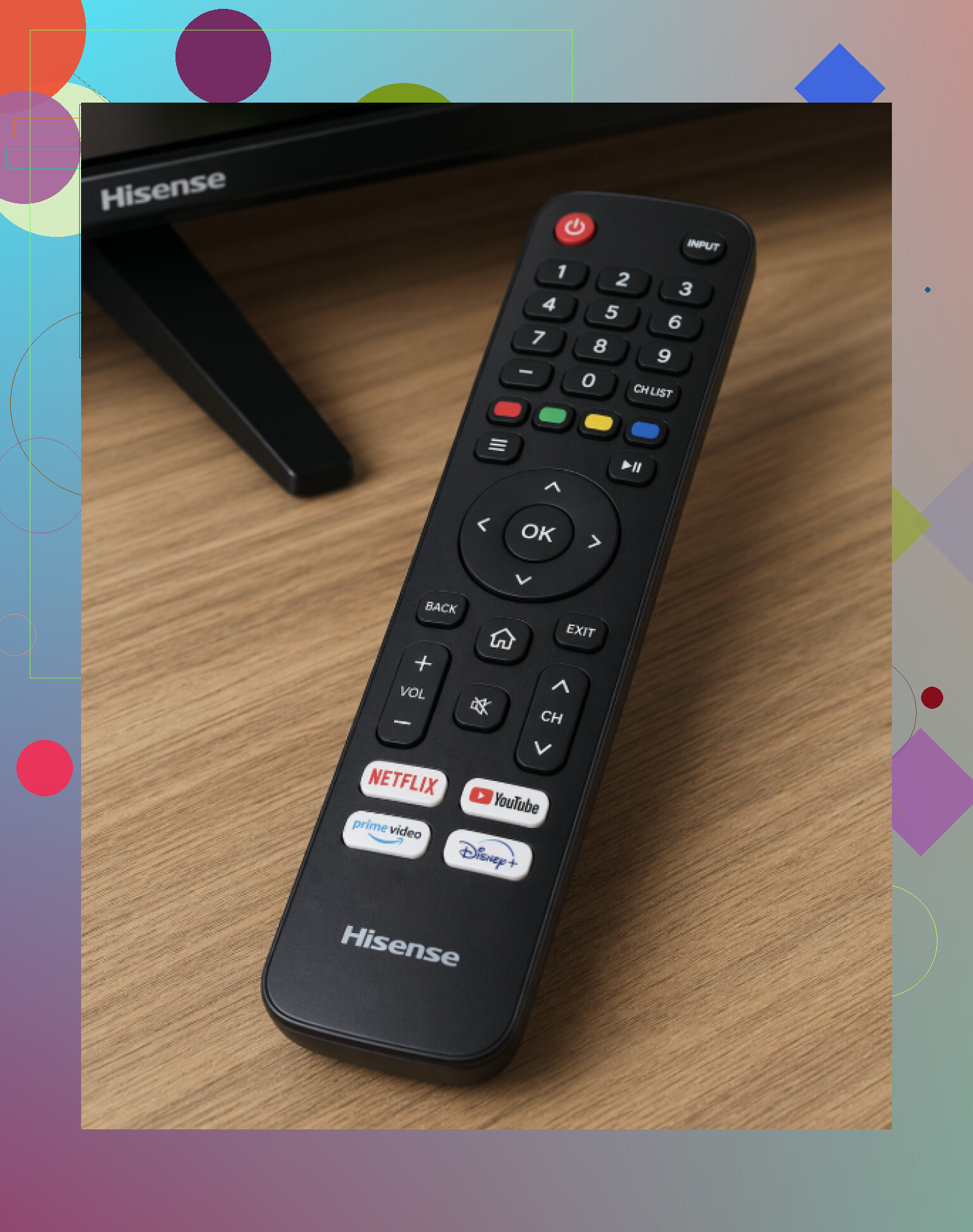
What I checked first:
swap the batteries, this fixes it way more often than people want to admit
pull the TV plug for about 60 seconds, then power it back up
check the front of the TV and clear anything covering the IR receiver
stand closer and try again
If you have one of the smart remotes, the pairing sometimes drops. I had some luck holding the Home button for around 10 to 20 seconds so the remote would sync again.
If the remote is still dead, I’d move to the phone.
One fallback I found is TVRem (Universal TV Remote).
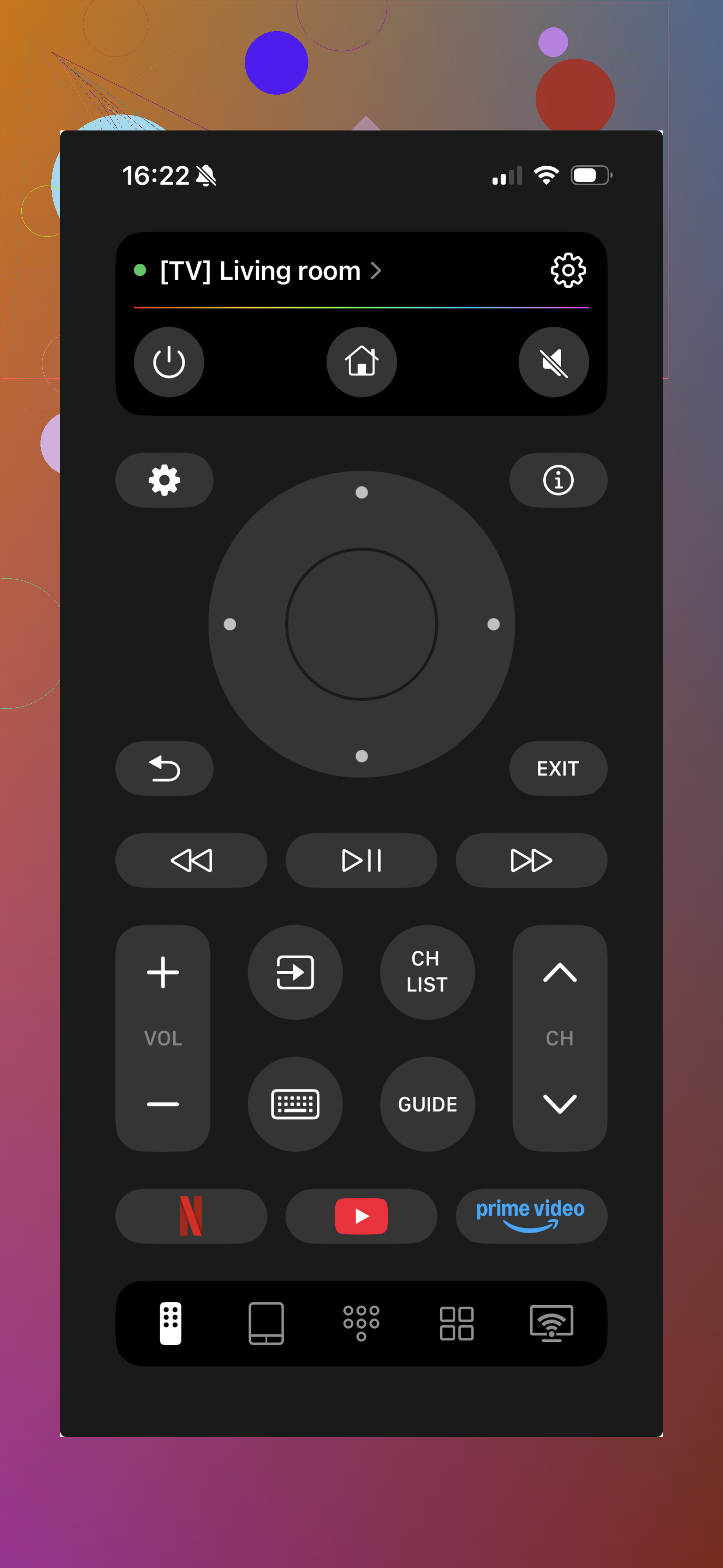
It works as a phone-based remote over Wi-Fi for a lot of smart TVs, including many Hisense sets, if your TV and phone are on the same network.
Stuff it handles:
full remote controls with standard buttons and navigation
volume, channel changes, and menu control
a touchpad mode if you prefer swipes
an on-screen keyboard, which felt faster than pecking through letters with arrow keys
fast connection over Wi-Fi
opening apps on the TV, like YouTube or Netflix
a decent backup if the original remote is missing or broken
Most times, the fix is batteries or a reset. If you want something quick while sorting out the original remote, TVRem works as a backup without much setup or hunting for the exact TV model.
11 Likes
If batteries and a TV reset did nothing, I’d stop treating it like a TV problem and test the remote itself.
First, check if the remote is sending any IR signal. Open your phone camera, point the remote LED at it, then press buttons. If you see a flashing light on the phone screen, the remote is transmitting. If you see nothing, the remote board is dead or the button contacts are shot. This test rules out a lot in 30 seconds.
Next, open the battery compartment and inspect the contacts. Look for white crust, green spots, bent springs, or loose terminals. Even with fresh batteries, bad contacts kill power. Clean corrosion with a cotton swab and a tiny bit of vinegar, then wipe dry.
I’d also press a few buttons and feel for one stuck key. One jammed button can make the whole remote act weird. Happens more than people think.
If your Hisense remote is Bluetooth, IR line-of-sight checks do not matter much. I slightly disagree with @mikeappsreviewer there, because standing closer only helps if your remote uses IR for most commands. For Bluetooth remotes, re-pairing matters more than aiming.
If the camera test fails, replace the remote. If it passes, the TV’s sensor board or pairing is the issue. At tht point, a phone remote app is a solid temp fix while you sort it out.
I’d check one thing neither @mikeappsreviewer nor @vrijheidsvogel really leaned on much: the TV may be ignoring the remote because it’s frozen in a weird software state, not fully “off.”
Try a real power drain on the TV itself:
- unplug the TV
- hold the physical power button on the TV for 15 to 30 seconds
- leave it unplugged another 5 minutes
- plug it back in and test the remote before opening any apps
Hisense sets get glitchy after updates, and a normal reset sometimes does basically nothing.
Also, if your TV has a menu joystick or input button on the set, use that to open Settings and check for:
- Bluetooth accessories / remote pairing menu
- TV firmware update
- power saving or eco mode stuff acting weird
One more thing people miss: some remotes stop working after a liquid spill or even humidity. Buttons feel “fine” but the board is toast. If only the TV-side button works, I’d honestly suspect the remote more than the TV at this point.
So yeah, my bet is:
- failed remote board
- lost Bluetooth pairing
- TV software lockup
If you can control the TV with a phone app, that helps prove the TV itself isn’t dead. Then you’re probly down to replacing the remote.
I’d add one check that can save a lot of time: make sure the TV isn’t stuck in a mode that ignores some remote inputs. On some Hisense sets, Hotel Mode, Store Mode, or a half-finished setup screen can make the remote seem dead when only certain commands are blocked. Since the physical power button works, use the TV’s side controls to see if you can get into basic settings or input selection.
I slightly disagree with @mikeappsreviewer on “stand closer” as a major step. If the remote is completely dead on every button, distance usually is not the real problem. And while @vrijheidsvogel and @nachtdromer are right to focus on the remote hardware and pairing, I’d also test the TV environment itself:
- remove nearby LED light strips or bright CFL bulbs temporarily, because IR interference is real
- disconnect USB devices from the TV for a minute, since weird accessory glitches can affect standby behavior
- try the remote from an angle if the IR receiver window is scratched or tinted
Another overlooked thing: battery fit. Some Hisense remotes are picky. Even fresh batteries can fail if one cell is slightly short or the compartment door isn’t holding pressure. Roll the batteries and reseat them hard.
If you need a temporary workaround, a phone remote app can confirm the TV still accepts commands. Pros for ‘’: quick backup, no need to wait for replacement hardware, useful for setup and app navigation. Cons: usually won’t power on a fully off TV unless the set supports network wake, and it depends on Wi-Fi.
If the phone controls the TV but the original remote still does nothing, I’d call it a bad remote and replace it rather than keep chasing the TV.