My TV remote stopped working after being dropped, and now I can’t change inputs, adjust settings, or use smart TV apps. I’m looking for easy ways to control a TV when the remote is broken, like phone apps, buttons on the TV, or replacement remote options.
Don’t toss the remote yet. A lot of “dead” remotes are just dealing with weak batteries, dirty contacts, or a pairing issue. It’s worth checking that before you buy anything.
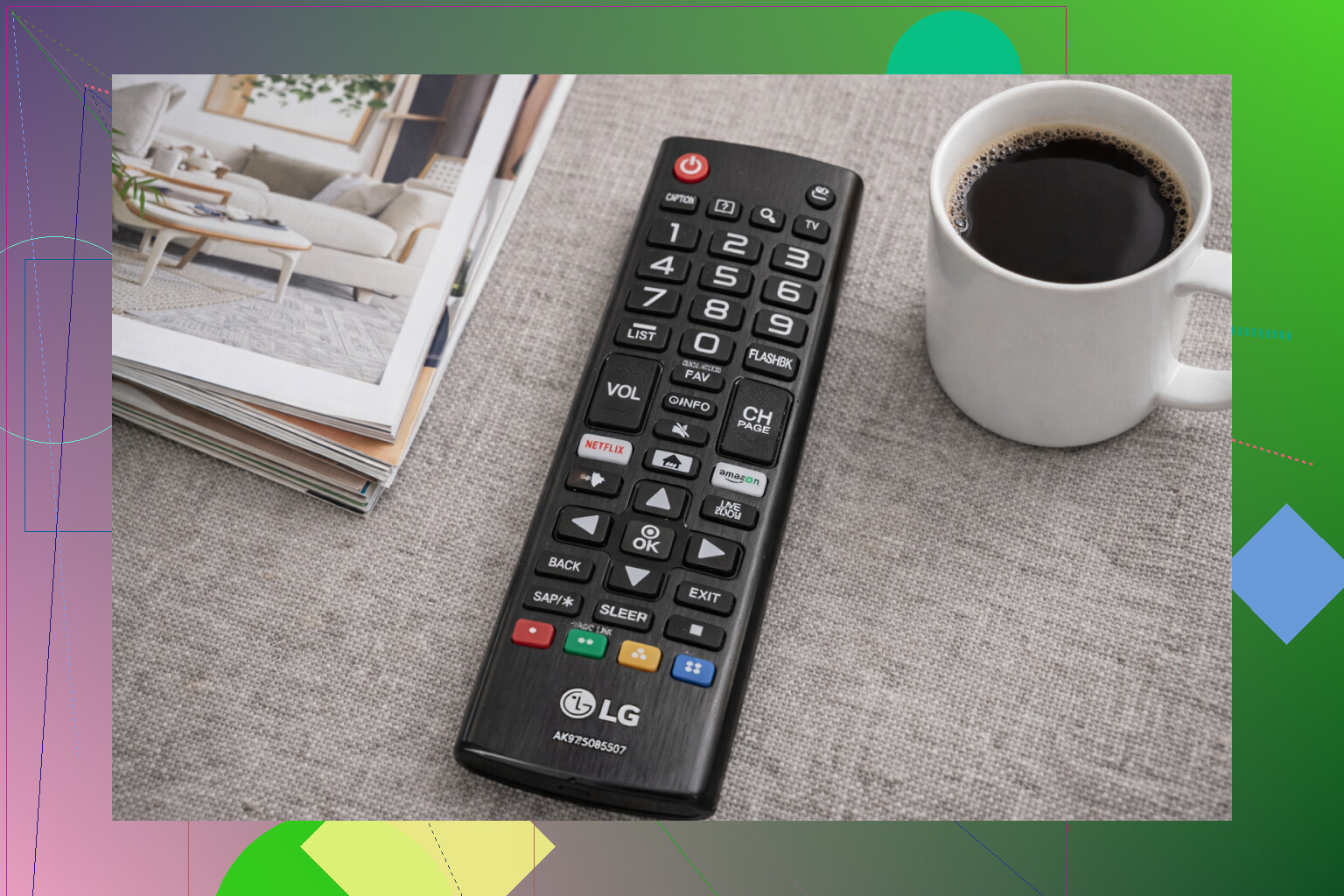
Start with the easy stuff:
- Put in fresh batteries and make sure the polarity is right. Low batteries can cause weird half-working behavior, like volume works but input doesn’t.
- Take the batteries out and clean the metal contacts. A little corrosion or grime there can stop the remote from working.
- Do a quick reset. Remove the batteries, hold any button for about 10 seconds, then put the batteries back in.
If it’s an IR remote, you can test it with your phone camera. Point the remote at the camera and press a button. If you see a faint blinking light on the phone screen, the IR emitter is probably working. If there’s no flash at all, the remote may actually be dead.
For Bluetooth or smart remotes, like Roku, Fire TV, and newer Samsung or LG remotes, try pairing it again before giving up. Those can stop responding even when the hardware is fine.
If the remote really is done, you still have a few ways to use the TV.
First, check the TV itself for physical controls. Most TVs have buttons or a small joystick tucked under the bottom edge, on the back, or near the logo. They’re usually enough for power, volume, input, and channels. If you can’t find them, look up the TV model number from the sticker on the back.
If it’s a smart TV connected to Wi-Fi, your phone may be the quickest workaround. Use the official app for your TV or device, like Samsung SmartThings, LG ThinQ, Roku, or Fire TV. Just make sure your phone and TV are on the same Wi-Fi network.
You can also use a universal remote app like TVRem, which is free from Electronic Team:
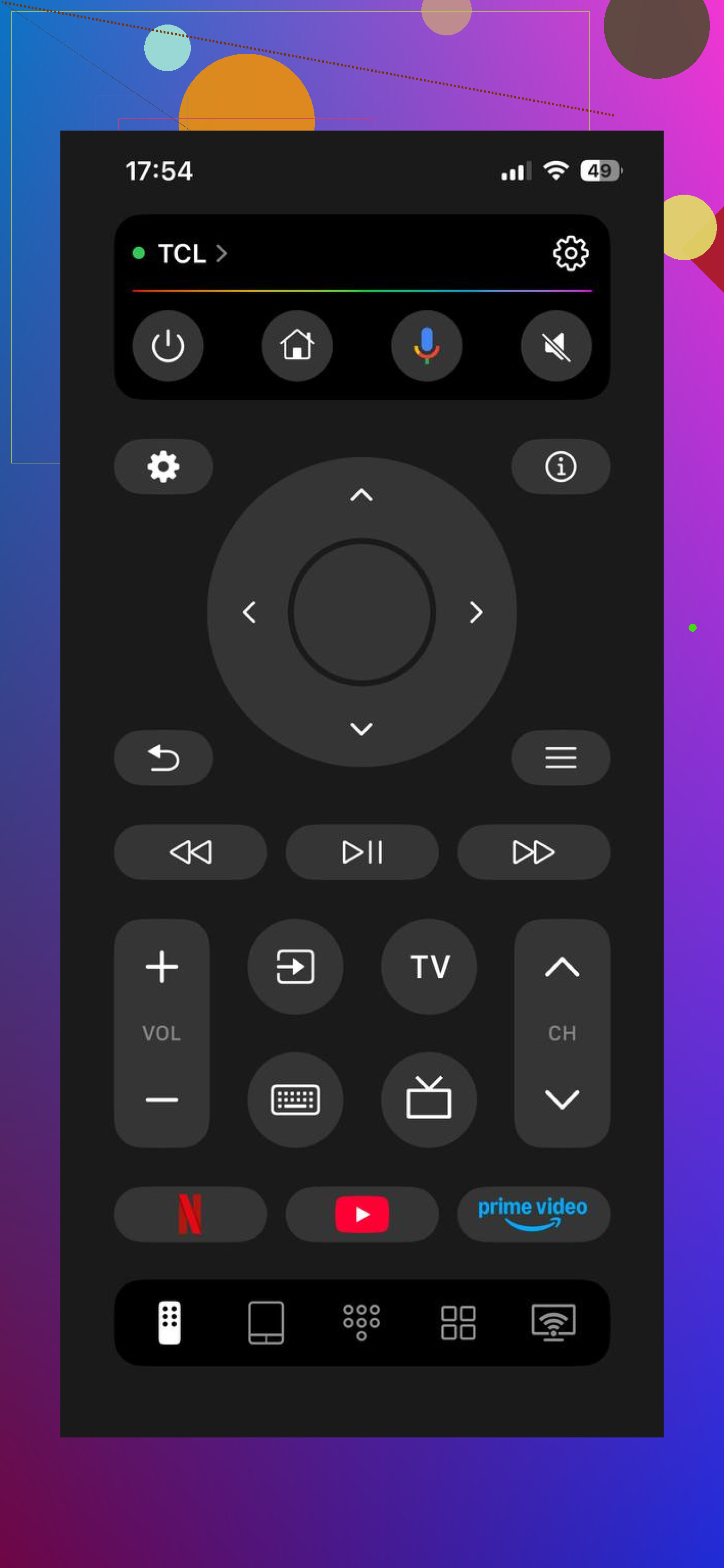
TVRem works with Samsung, LG, Roku, Fire TV, Android/Google TV, and Apple TV. It also has quick app launching plus keyboard and voice search, which can be a lot less annoying than trying to use TV buttons. It has no subscription and is rated 4.8 from a couple thousand reviews. More info here: mac.eltima.com/tvrem-universal-tv-remote/
Longer term, you can just replace the remote. Search your TV model number plus “remote” if you want the official one, or grab a cheap universal or learning remote. If it’s for a streaming stick, Roku, Fire TV, and others usually sell replacement remotes directly.
One catch: phone apps only help if the TV is smart and connected to Wi-Fi. If it’s an older non-smart TV and the IR remote is dead, you’re stuck with the buttons on the TV until you get another physical remote.
What TV model is it, and what exactly is the remote doing? Some failures are fixable, some aren’t, but the symptoms usually narrow it down fast.
9 Likes
If the TV got kicked off Wi-Fi or you changed routers, most phone remote apps won’t find it until it’s back on the network. Before buying anything, try plugging the TV into your router with Ethernet, then open the TV’s official app and see if it appears.
Do not factory reset the TV until you have a working way to control the setup screen afterward. That can turn an annoying broken-remote problem into a “TV is stuck asking for language/Wi-Fi terms and I can’t press OK” problem.
The phone app advice above is fine if the TV is already on your network, but I’d try a couple of dumb workarounds before buying anything. If the TV has a USB port, plug in a cheap USB keyboard. On a lot of smart TVs, arrow keys, Enter, Esc/Back, and sometimes function keys will move through menus. It is clunky, but it can be enough to change input, join Wi-Fi, or approve pairing for an app. A wireless keyboard with a little USB dongle can work too, but a plain wired one is better for testing because there’s less to go wrong.
If you have something plugged into HDMI, check HDMI-CEC too. Different brands rename it, which is annoying: Samsung Anynet+, LG Simplink, Sony BRAVIA Sync, Vizio CEC, etc. If it’s already enabled, your cable box, Blu-ray player, Apple TV, PlayStation, Xbox, Roku box, or Fire TV remote may be able to wake the TV, switch inputs, and sometimes control volume. It will not give you full TV settings control, but it can get you watching something without touching the broken remote.
For input switching specifically, many TVs have a hidden “single button” control under the bottom bezel or on the back. It is not always obvious because it may look like a power button only. Try short press versus long press. Some sets use short press to cycle through menu items and long press to select. Terrible design, but it exists.
I’d be a little careful with random remote apps from app stores unless you know how they connect. If your phone does not have an IR blaster, the app is probably using Wi-Fi, which means the TV has to already be connected and sometimes has to approve the phone on the TV screen. That approval step is exactly where people get stuck with no remote. Official apps or well-known apps are less of a gamble, but none of them magically control a disconnected TV.
The cheapest reliable fix is usually a physical replacement remote. Search the exact model number from the sticker on the back of the TV, not just the brand. “Samsung remote” or “LG remote” can get you something that powers it on but lacks the settings/input buttons you actually need. If the TV is older, a basic universal remote with an input/source button may solve 90 percent of it. If it is a smart TV with voice or Bluetooth features, the original replacement is less frustrating because pairing and home/app buttons tend to work properly.
So my order would be: try the TV’s built-in button, try a USB keyboard, try HDMI-CEC through another device, then use the phone app if the TV is already online. If none of that gets you into the menus, stop fighting it and get a real remote. The app route is convenient once it works, but a physical remote is still the thing that saves you when Wi-Fi changes or the TV needs setup approval.