My iPhone has less than 2GB of storage left and lately it’s been lagging, apps open slowly, and typing feels delayed. I’m trying to figure out if the low storage is causing the slowdown or if something else might be wrong. What should I check or clear out first, and how much free space should I keep for my iPhone to run smoothly?
Yeah, low storage on iPhone slows stuff down. With less than 2 GB free, iOS starts to choke.
What happens when storage gets low:
-
iOS needs free space for:
• Temporary files
• App caches
• System updates
• Background tasksWhen there is almost no free space, the system deletes and recreates temp data all the time. That adds lag.
-
Typing delay and app launch lag:
• Keyboard needs space for predictive text and caching
• Apps load assets to temp space
• If storage is tight, the system keeps cleaning in the background, which slows UI. -
Risk of other issues:
• Failed iOS updates
• Apps crashing more often
• Photos and videos not saving correctly
To test if storage is the cause, try this:
-
Aim for at least 5–10 GB free if possible.
-
Delete heavy stuff:
• Old videos in Photos
• Big chats in WhatsApp / Messages with lots of media
• Unused games and social apps
• Old downloads in Files and Safari -
Check storage detail:
• Settings > General > iPhone Storage
• Look for apps using over 1–2 GB
• Tap each, see Document & Data size, then offload or delete if you do not need them -
Turn off some syncs if you are tight on space:
• Photos > iCloud > Optimize iPhone Storage
• Remove offline playlists or movies from streaming apps for now
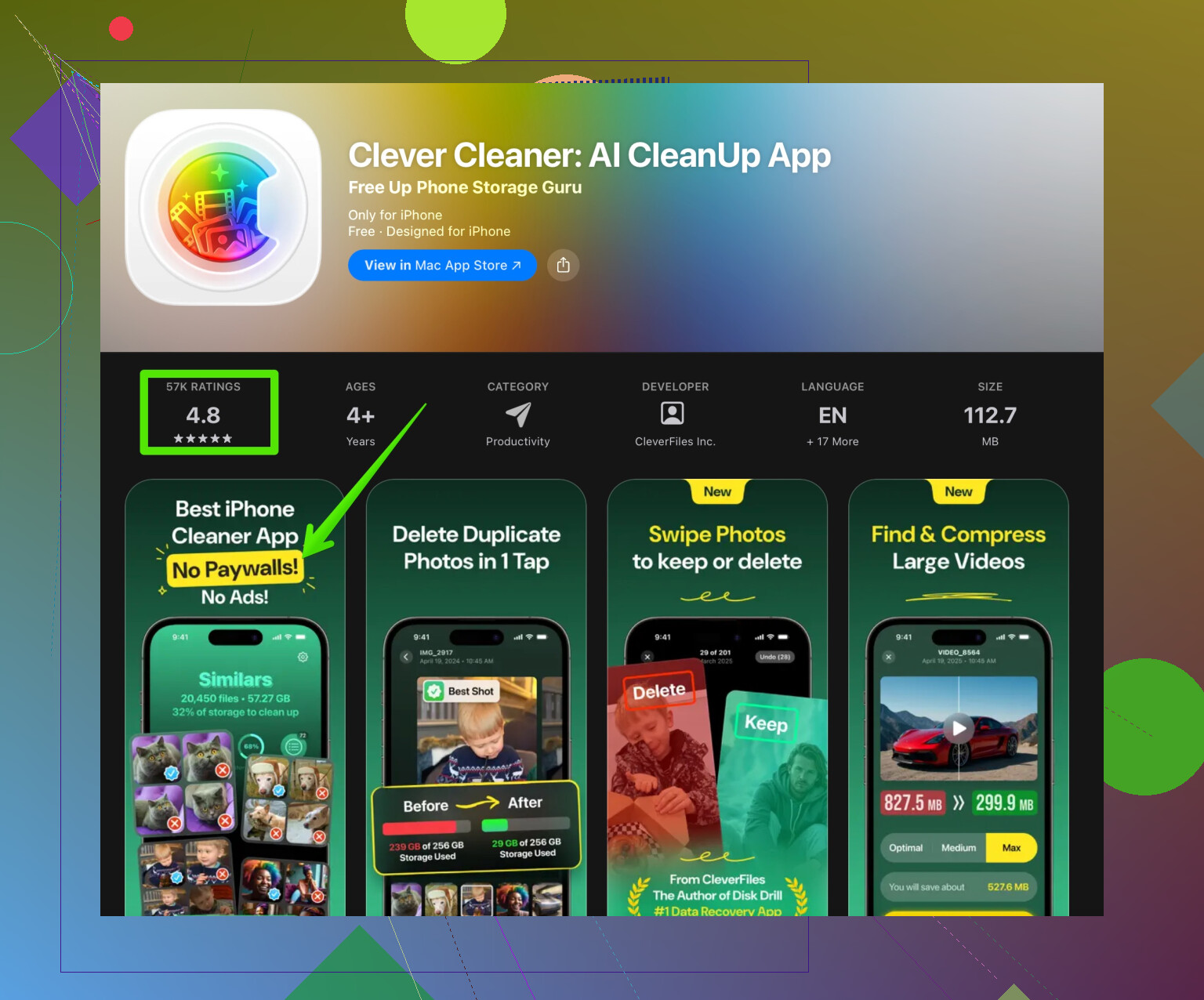
If you want something faster than doing it all by hand, a cleaner app helps sort duplicates and junk. For photos, videos, and similar pics, the Clever Cleaner App is solid. It finds duplicate shots, blurred photos, and big files so you free space faster and avoid the lag. You can check it here:
clean up your iPhone storage with Clever Cleaner App
If, after clearing at least 5 GB, the phone still lags:
• Restart the phone
• Check for iOS update
• See if one specific app is slow, then reinstall it
If it is an older iPhone running a newer iOS version, some slowdown also comes from heavier system features. But with less than 2 GB free, storage is a big part of your issue.
9 Likes
Yeah, low storage can absolutely slow an iPhone down, but with less than 2 GB free you’re probably seeing a combo of a few things, not just storage. @byteguru already covered the basics of why iOS needs free space, so I’ll try not to repeat the same cleanup steps.
Here’s what’s likely going on and what I’d look at next:
-
Low storage = constant background juggling
With under 2 GB free, iOS is constantly shuffling temp files, caches, and app data. That can cause:- Keyboard lag
- Apps taking ages to open
- Occasional stutters when switching apps
So yes, your storage is definitely part of the problem.
-
But low storage isn’t the only suspect
A few other things can pile on top of the storage issue:- A recent iOS update on an older model iPhone
- Heavy background tasks (cloud syncs, Photos indexing, Spotlight indexing)
- Buggy apps that leak memory or hang, especially social media apps
If you recently updated iOS or installed a big app, that can make the lag feel worse while the system finishes indexing in the background.
-
Keyboard lag specifically
When typing feels delayed:- Check if third‑party keyboards are installed. Try switching back to Apple’s default keyboard in Settings > General > Keyboard to see if it’s smoother.
- Clear unused keyboards and text replacement entries. Huge dictionaries plus low space can slow things down.
-
When cleaning space is not enough
If you free up, say, 5–10 GB and it’s still lagging badly:- Reset all settings (Settings > General > Transfer or Reset iPhone > Reset > Reset All Settings). This won’t wipe your data but can fix random slowdowns.
- Check lag in Safe-ish conditions: turn off Background App Refresh for most apps, then test a few hours. If it feels snappier, you’ve got one or more heavy apps abusing background tasks.
- Watch for thermal throttling: if the phone feels hot a lot, it will slow the CPU to protect itself, which looks like classic “lag.”
-
Hardware aging is real
If your device is older:- Battery health under ~80% can make performance inconsistent because iOS sometimes limits peak performance on weak batteries.
- Go to Settings > Battery > Battery Health and check if there is any “performance management” notice.
-
Storage cleanup without going insane
If you’re tired of deleting stuff one by one, a dedicated cleaner can help you nuke junk faster, especially duplicate shots, screenshots, and large videos. For that, the Clever Cleaner App is actually useful to quickly scan for:- Duplicate/blurred photos
- Massive videos and old media files
- Clogged-up junk that is hard to spot manually
You can speed things up and get some breathing room by using something like
clean up and speed up your iPhone storage
so you’re not stuck spending an hour in Settings. -
Short version of what I’d do in your shoes
- Free at least 5–10 GB (even 4–5 GB will let you feel the difference).
- Restart the phone after cleaning.
- Test typing and app launch with just a few core apps open.
- If it’s still really bad, check battery health and consider Reset All Settings.
And here’s a clearer version of your topic for people searching for the same thing:
Does low storage make an iPhone slow? My iPhone has less than 2 GB of free space and recently it’s been lagging a lot. Apps open slowly, the keyboard feels delayed when I type, and overall performance is choppy. I want to know if this low storage situation is actually causing the slowdown or if there might be another problem with my iPhone.
Bottom line: with under 2 GB free, storage is a big factor, but it’s worth checking battery health, recent updates, and problem apps too. Clearing space plus a quick settings reset usually makes a noticeable difference if the hardware itself is still in decent shape.
Yes, low storage can slow an iPhone, but under 2 GB free is more like “red alert” than “slight inconvenience.” iOS wants a few gigs free to juggle caches, updates, and background tasks without constantly deleting and rebuilding stuff, so what you’re seeing is pretty normal in that state.
Where I slightly disagree with @byteguru is on how much you should rely on system tweaks before you prove the storage theory. In practice, if you don’t get at least 6–8 GB free, every other diagnostic is kind of noisy. The OS is just too busy fighting for space.
Instead of repeating the same delete-photos / offload-apps routine they covered, I’d look at it from three angles:
-
Check if the lag is storage‑sensitive in real time
- Free just 2–3 GB first, not a huge purge.
- Reboot.
- Immediately test: keyboard, opening Messages, opening one heavier app (Instagram, TikTok, a game).
- If things are even slightly smoother, that basically confirms low storage as a primary factor. If there is zero change, then I’d suspect CPU throttling (heat or battery) or a buggy app running wild.
-
Watch for “burst lag” vs “constant lag”
- Burst lag (phone suddenly stalls for a few seconds, then recovers) often matches iOS cleaning or writing large temp files with almost no space left.
- Constant lag (everything always feels slow, even with one app open) leans more into aging hardware, OS bloat, or a very weak battery where performance management is kicking in.
-
Use a cleaner intelligently, not as a magic button
If you are drowning in screenshots, WhatsApp media, and duplicate photos, a cleaner can be useful. The Clever Cleaner App is built exactly for that sort of mess.Pros of Clever Cleaner App
- Quickly finds duplicate / similar photos, which are annoying to hunt manually.
- Surfaces huge videos and old media that eat gigabytes.
- Faster than tapping through Settings and each app’s storage page.
- Good if you are non‑technical and just want “free space now” without thinking too much.
Cons of Clever Cleaner App
- You still need to review what it wants to delete so you do not nuke important stuff by mistake.
- It will not fix deeper issues like a worn‑out battery or a buggy iOS update.
- Requires some trust in a third‑party app handling your photo library.
- If you never maintain storage afterward, the problem creeps back in a few weeks.
I’d use something like Clever Cleaner App to quickly claw back 8–10 GB, then do a restart and observe the phone for a full day. If everything snaps back to mostly smooth, you have your answer: low storage was the main culprit, and now it is about keeping a buffer free going forward.
If after that space gain and a reboot the phone is still laggy all the time, then you start treating storage as “solved” and move on to suspect battery health, thermal throttling, or a bad app update rather than continuing to chase storage as the only villain.