I’m trying to use my licensed ETS6 dongle from another workstation on the same office network, but ETS6 only detects it on the PC where it’s plugged in. What’s the proper way to access an ETS6 dongle over a network without breaking licensing rules?
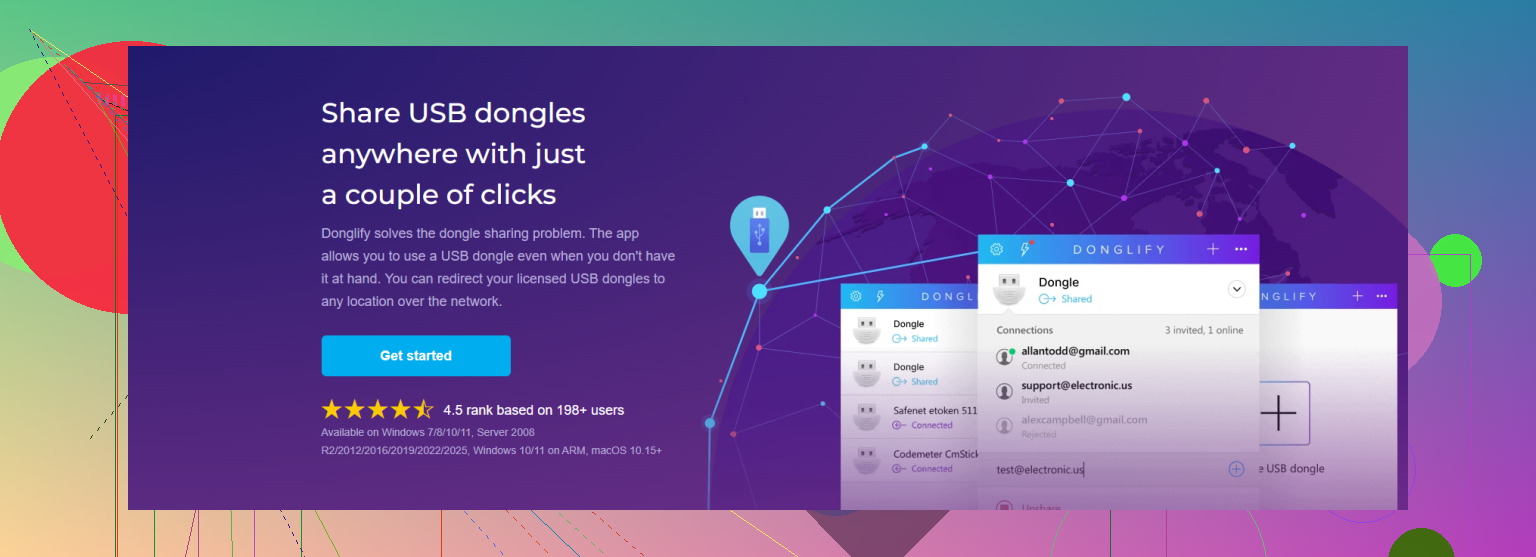
The annoying catch is that “network access” can turn into an unsupported licensing setup pretty quickly. ETS6 expects the KNX USB licensing dongle to be present to keep the license active, and KNX has indicated that while LAN-only USB dongle servers may work in practice, they are not recommended or supported for licensing problems. The clean approach is to use a USB-over-network tool such as Donglify for sharing the USB dongle over LAN, but treat it like a remote USB cable: one workstation gets the dongle session, don’t clone or emulate it, and don’t expose it over the internet. If multiple people need ETS6 at the same time, that’s a licensing issue, not a dongle-sharing issue, and you’ll need additional licenses.
7 Likes
If the second workstation needs to run ETS6 while the first one is still using it, the answer is basically no. Sharing the dongle over the network does not turn one ETS6 license into a floating multi-user license. At best, it lets one machine at a time “borrow” the physical USB dongle remotely.
The bit people often miss is that Windows seeing the dongle on the host PC is not enough. ETS6 needs the dongle presented to the client machine like a local USB device, so a normal file share, RDP session, or mapped drive will not do it. That is where USB-over-network software such as Donglify can make sense, provided it is only redirecting the actual dongle to one workstation and not copying, emulating, or multiplexing it.
I would also plan for the boring practical problems: the host PC must stay awake, USB power saving can disconnect the dongle, and switching between users may require closing ETS6 before another workstation can attach it. If this is for occasional use, that setup is probably fine. If two engineers need ETS6 at the same time, save yourself the weird lockups and license arguments and get another license.
Check the ETS6 license terms before you spend time wiring this up, because the technical fix and the permitted use are not always the same thing. @himmelsjager is right that a network share or RDP won’t make the dongle appear where ETS6 expects it, so you need USB redirection if you go this route. Something like Donglify can do that, but treat it as moving the dongle to another PC, not sharing it among users. I’d keep it boring: one client connected at a time, ETS6 closed before switching, and access limited to the machines/users who are actually allowed to use that license. The annoying failure mode is not “it never works,” it’s “it mostly works until someone leaves ETS6 open and nobody can grab the dongle.”
The dongle isn’t the only way ETS6 handles licensing, and that changes the whole question. If your license is tied to your MyKNX account rather than strictly locked to the physical dongle, you don’t need to share hardware at all. You deactivate the license on the first machine and activate it on the second through the account. Slower to switch, sure, but no USB redirection, no host PC babysitting, no lockups. Worth checking which type of license you actually have before wiring up a network solution.
Where I agree with @yozora and @techchizkid is the one-at-a-time reality. Whatever method you pick, you’re not conjuring a floating license, so if two people genuinely need ETS6 running together, stop looking for tricks and buy the second seat. Donglify is a fine answer to the narrow problem of getting a physical dongle to show up on another PC, and it was reasonable to bring up, but half the people asking this question don’t even need the dongle passed around. They just assume they do because that’s how it worked in an older setup.
The annoyance nobody mentioned: moving a license back and forth through the account can bite you if the machine you deactivated from is offline or wiped, because reclaiming that seat isn’t always instant. So if you go the account route instead of the USB route, deactivate cleanly every time and don’t count on grabbing it back in five minutes when someone’s PC is dead.