I accidentally deleted important photos from my Canon camera before backing them up, and now I’m trying to figure out if there’s any way to recover them. These pictures mean a lot to me, and I need help with the safest photo recovery steps, software, or tips that might work for a Canon memory card.
I ran into this with a Canon card once, and the first move matters more than anything else. Power the camera off. Pull the SD card out now. If the card has the little lock tab, slide it to locked.
Why I’m saying this so hard: when a photo gets deleted, the camera usually does not wipe the file data right away. It marks the space as free. Your shots often still sit on the card until new photos or video write over them. Keep using the card and your odds drop fast.
Before you install anything, check the easy places people forget:
- image.canon: If you had sync enabled, your files might still be in the cloud for up to 30 days.
- Trash or Recycle Bin: If you deleted from a Mac or PC while browsing the card, the files might be sitting there.
- Automatic backups: Look at Google Drive, Backblaze, Time Machine, or whatever backup tool you already use. I’ve seen people recover whole shoots this way and skip the messy part.
If those come up empty, use recovery software. Do it with a computer and an SD card reader. Don’t connect the Canon body by USB and expect a proper raw scan. A lot of cameras show up in transfer mode, and recovery apps often need direct access to the card.
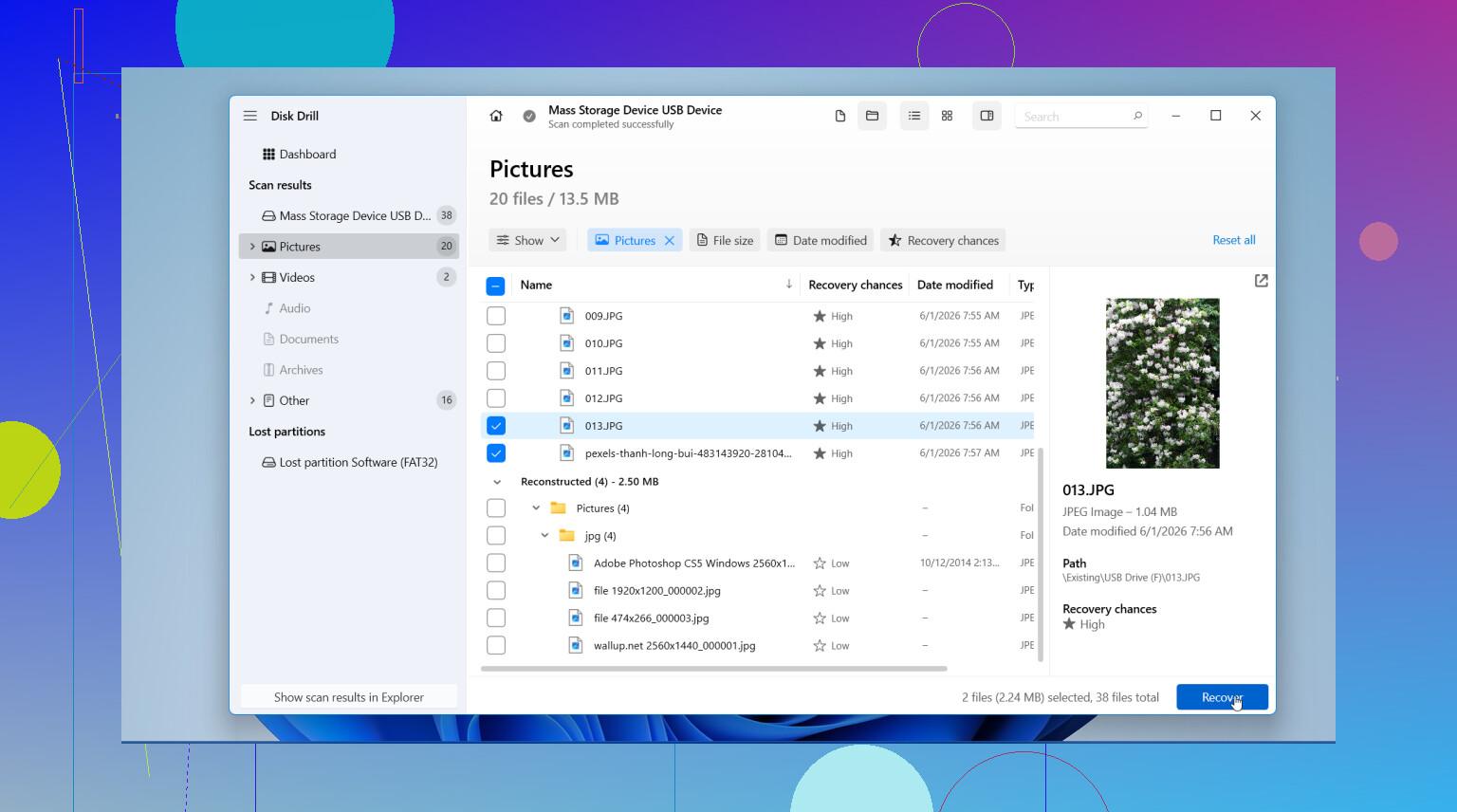
I’ve had the best results with Disk Drill. What stood out for me was simple stuff, not marketing fluff. It found Canon RAW files, including CR2 and CR3, plus JPEGs and video clips. The preview tool helped a ton because I could see which files were intact before saving anything. On Windows, there’s also a 100 MB free recovery limit, so you can test it first instead of going in blind.
If you want the free route, PhotoRec still gets mentioned for a reason. It works. I’ve used it. It’s ugly, text-based, and not friendly the first time. It also tends to recover files without original names or folder layout, so you end up sorting a pile of files by hand. If you care more about getting images back than keeping order, it’s still worth a shot.
The recovery steps are pretty plain:
- Install the app on your computer drive: Put it on your internal drive or another safe disk. Don’t install anything to the SD card.
- Insert the card and run a full scan: Use the card reader, pick the SD card in the software, then start a deep scan. Big cards take a while. Mine took longer than I expected.
- Preview the results: Filter for photos if the app supports it. Check thumbnails or previews and pick the files you want.
- Recover to a different location: Save the recovered files to your computer or an external drive. Never write them back to the same Canon card during recovery.
After you get the photos onto safe storage, back them up before doing anything else. Then put the card back in the camera and format it in-camera. I do this after recovery so the file system starts clean again for the next shoot.
If the card has not been reused much, your chances are decent. The biggest mistake is waiting and shooting more stuff on it. Stop writes first, recover second. Thats the whole fight.
6 Likes
One thing I’d add to what @mikeappsreviewer said, check the card’s health before you spend hours scanning it. If the SD card is failing, recovery gets worse fast. On Windows, look at it with a tool like H2testw or the SD Association formatter logs. On Mac, Disk Utility sometimes shows read errors. If you hear disconnects or the card mounts weird, make an image of the card first, then scan the image, not the card. That’s safer.
I also disagree a bit on one point. Deep scan is not always the first move. Start with a quick scan if the delete was recent and the card was not reused. It keeps folder info more often. If that fails, run the deep one.
Disk Drill is a solid pick for Canon photo recovery because it handles CR2, CR3, JPG, and common video formats in one pass. Recuva is ok for simple JPG recoveries, but it tends to miss RAW stuff more often in my expereince. PhotoRec pulls a lot, but the file names are a mess.
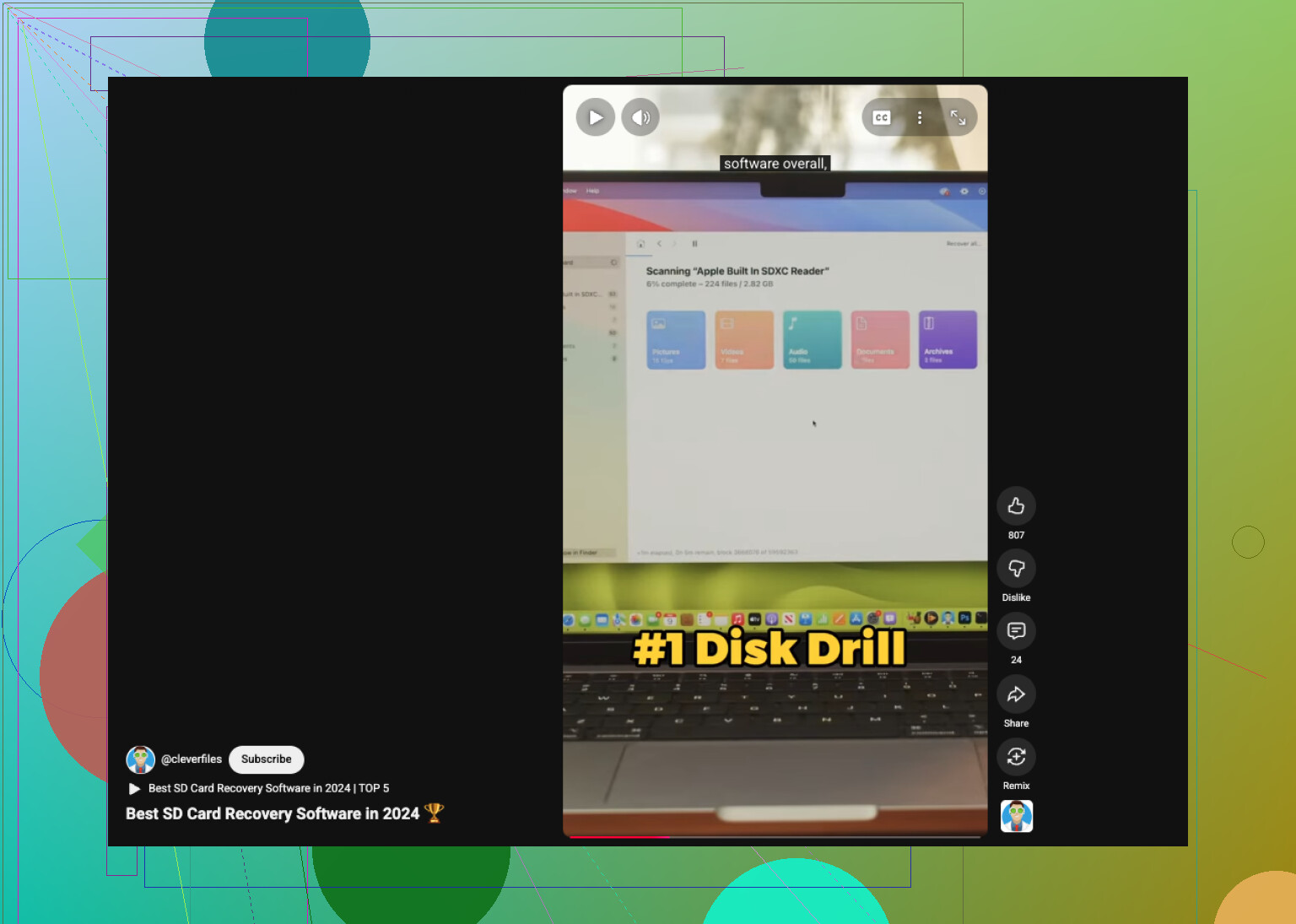
If you want a short video roundup, this best SD card recovery software for deleted photos link is worth a look.
Small thing people miss. If the card was formatted in-camera after deletion, recovery still works sometimes, but the odds drop a bit. If you shot new photos after the delete, stop now. Every new write hurts your chances.
I’d add one thing that neither @mikeappsreviewer nor @sternenwanderer really leaned on enough: if these photos are truly irreplaceable, don’t keep retrying random recovery apps over and over on the same card. That can turn a recoverable situation into a mess real fast.
What I’d do is make a byte-for-byte image of the SD card first, then do recovery from that image. It’s slower, yeah, but safer. If the card is unstable or starts throwing read errors, you still have one clean snapshot to work from. A lot of people skip this becuase they want the fastest answer, not the safest one.
Also, small disagreement with the usual advice: I would not trust the camera’s USB connection at all, even “just to check.” Pull the card and use a decent reader. Canon bodies can be weird about exposing storage properly.
For software, Disk Drill is a reasonable choice if you want something easy to use and it does a solid job with Canon photo recovery, especially CR2, CR3, JPG, and video files. If you’re more advanced, imaging first and then scanning that image is the better play. If you only deleted the files and didn’t format or keep shooting, your odds are still pretty decent.
One more thing people forget: if the recovered RAW files open but look corrupted, try Canon’s own software after recovery. Sometimes the preview is broken in one app but the file still partly works elsewhere. Weird, but it happens.
Also relevant if you want more discussion around recovering deleted or formatted Canon card files: Reddit tips for recovering deleted photos from a Canon SD or CF card.
So yeah, safest path is:
card out, no more writes, image the card, scan the image, recover to another drive. Boring answer, but probly the right one.
One angle I think @sternenwanderer, @shizuka, and @mikeappsreviewer only partly covered is the card type itself. If this is a CFexpress or UHS-II SD used in a newer Canon body, cheap readers can cause flaky scans or partial previews. I’ve seen people think the photos were gone when the real problem was the reader choking on the card.
Also, slight disagreement with the “scan everything immediately” instinct. If the photos are extremely important and the card is acting even a little strange, the best move is a recovery lab, not software. DIY is fine for normal accidental delete cases, but once hardware issues show up, every extra read can make it worse.
If you do try software, Disk Drill is one of the easier options for Canon photo recovery.
Pros:
- Good RAW support, including CR2 and CR3
- Simple preview before recovery
- Handles photos and video in one interface
- Easier sorting than many free tools
Cons:
- Free recovery on Windows is limited
- Deep scans can return lots of duplicates
- Not the cheapest option if you need full recovery
Practical tip nobody mentions enough: after recovery, compare file sizes. Tiny RAW files or JPEGs that preview only partly are usually damaged. Sort by size and date first so you do not assume everything recovered cleanly just because it has the right filename.
So my take:
- normal delete, no reuse, healthy card = DIY is worth trying
- weird card behavior, disconnects, mounting issues = stop and consider pro recovery first