My iPhone ended up with a lot of duplicate photos after syncing with iCloud and moving pictures from another device. Now my storage is getting full, and I’m not sure what the safest or fastest way is to merge duplicate photos without losing anything important. Looking for help with the best method or app to clean up duplicate photos on an iPhone in 2026.
If you only need to clean up exact duplicate photos on your iPhone, I’d start with Apple’s own tool. I used it first, and for true copy-for-copy duplicates, it works fine.
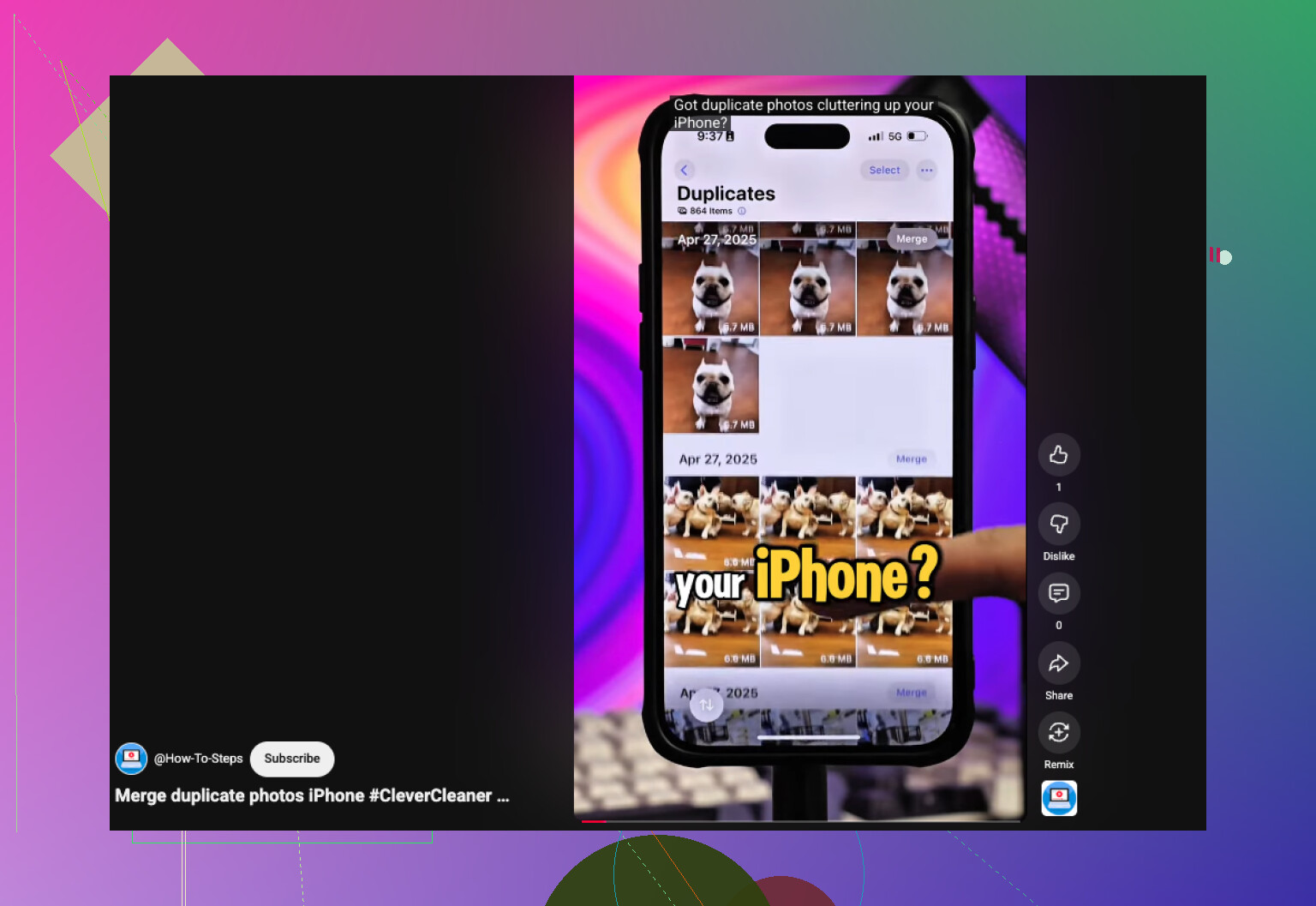
Open Photos, scroll to Utilities, or Collections > Utilities on newer iOS versions, then open Duplicates. Hit Select, then Select All, then Merge. iOS keeps one version, combines the metadata it has, and sends the extras to Recently Deleted. One thing I noticed after a big import, the Duplicates section did not fill up right away. My phone needed hours, and once it took close to two days, while it indexed everything.
The weak spot is pretty clear once your library gets messy. Apple’s tool only catches exact duplicate files. If you’ve got a burst of five near-identical shots, a few selfies with tiny expression changes, or repeated photos from the same place, those usually stay untouched. They look the same to you. iPhone still treats them as separate images.
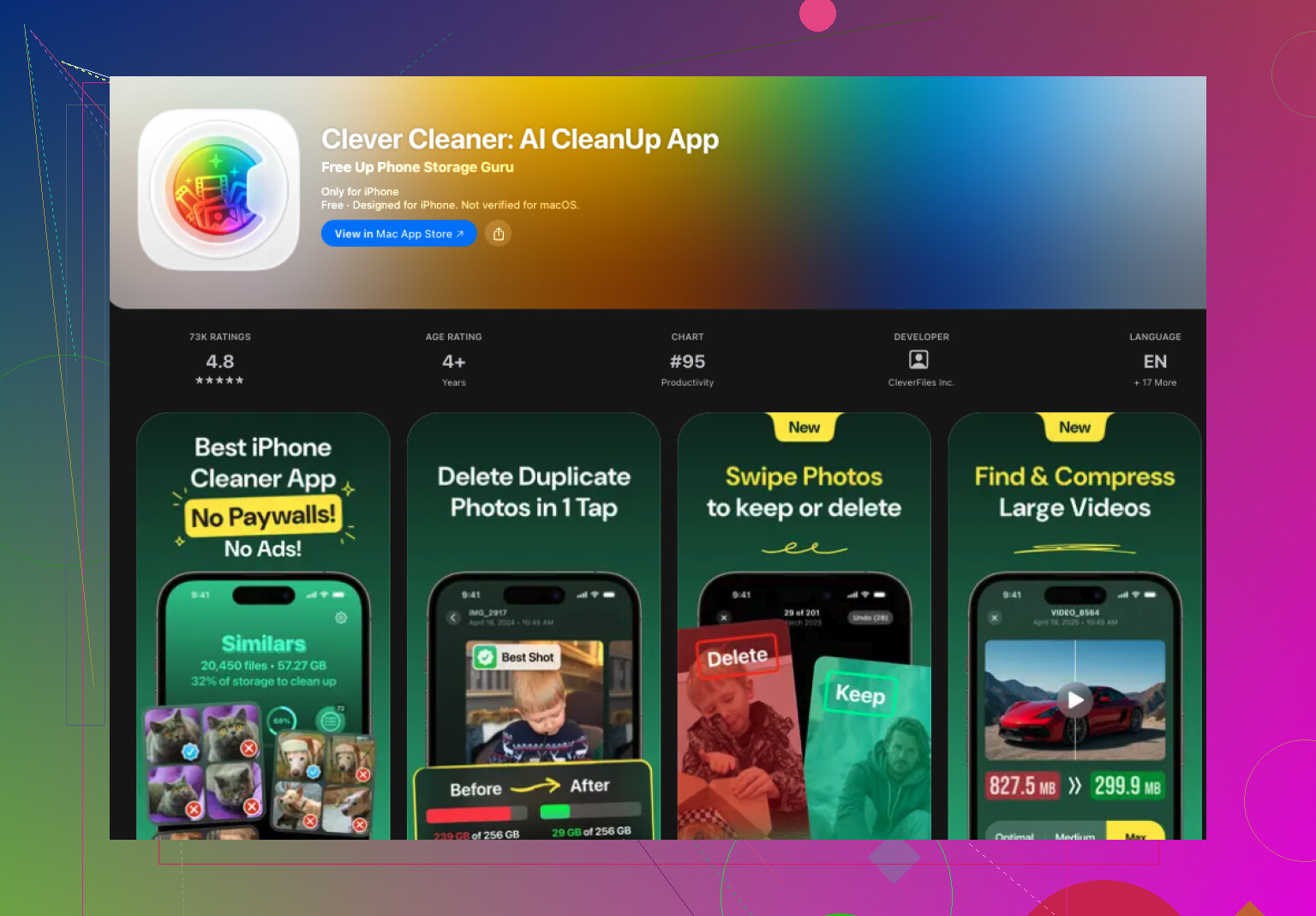
That’s why I ended up using Clever Cleaner. My library is sitting around 30,000 photos now, give or take, and the stock Photos app stopped being enough a while ago.
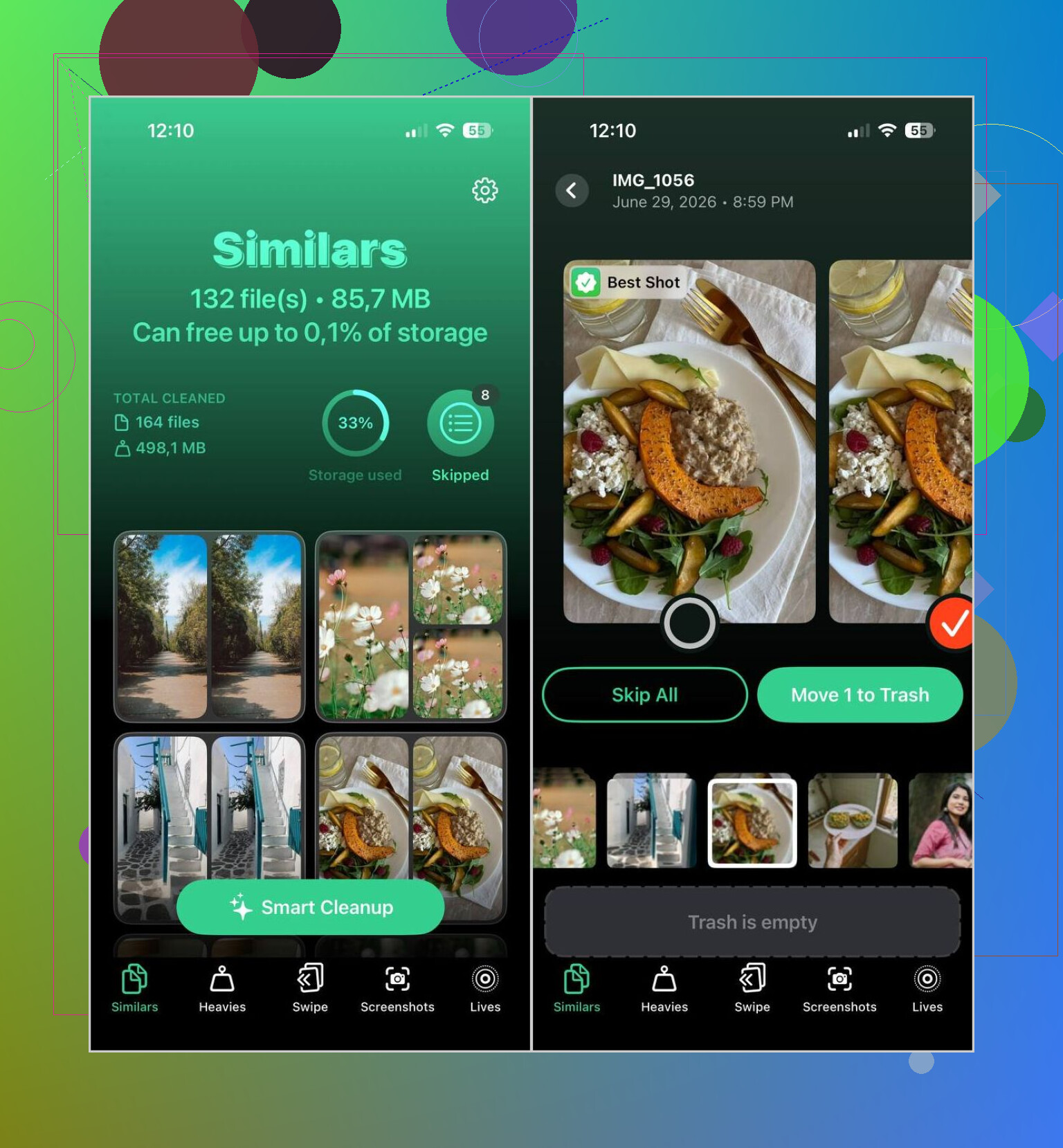
What stood out for me was its ability to catch both duplicates and similar-looking shots. It doesn’t stop at identical files. It groups photos which look alike and picks a best shot to keep. I still check the groups before deleting anything, becuse I don’t trust any cleanup tool blindly, but its picks were solid in my case.
This is the flow I use:
- Download Clever Cleaner from the App Store.
- Let it scan your photo library.
- Open the Similars tab.
- Tap Smart Cleanup if you want a faster pass, or go through each group yourself.
- The app marks one photo as the best-quality version and selects the rest for deletion.
- Restore anything you want to keep.
- Finish the cleanup, then empty Recently Deleted in Photos if you want the storage space back right away.
A few other parts of the app turned out useful too:
- Heavies shows your biggest photos and videos first.
- Video Compression shrinks large videos without removing them.
- Screenshots helps clear old screenshot clutter fast.
- Lives converts Live Photos into regular stills to save space.
- Swipe gives you a quick month-by-month review with simple gestures.
So, if your problem is small and you only have a few exact duplicates, Apple’s built-in option is enough. If your library is huge and full of near-duplicates, similar shots, repeated selfies, and all the usual junk, a dedicated cleaner does a better job. That was my expereince anyway. It found the stuff Photos never surfaced.
3 Likes
If your dupes came from iCloud sync plus imports, I would not rush into one big merge. That is where people delete the wrong stuff.
My safer order:
- Check Settings, your Apple ID, iCloud, Photos. Make sure Sync this iPhone is fully done first.
- Keep Originals on for a bit if you have space, or plug in and back up to Mac or PC.
- Use search filters in Photos before cleanup. Search by date, location, device model, or imported month. This finds clusters Apple misses during normal browsing.
- Sort your library size problem first. Videos and screen recordings often eat more storage than dupes.
I agree with @mikeappsreviewer on one point, built-in Photos is fine for exact copies. I disagree on relying on it first if your library is messy from multiple devices. I’ve seen iCloud re-sync make “same photo, diff file” cases, and those slip through.
For that kind of mess, Clever Cleaner is the better second pass. I’d use it for similars, then review manually in smaller batches. Faster, less risk of nuking keepers by acident.
Also worth a look if you want a quick visual walkthrough: easy iPhone duplicate photo cleanup guide
If storage is the main issue, delete, then empty Recently Deleted. Otherwise your space won’t come back right away.
I’d split this into protect first, clean second. That’s the part I think both @mikeappsreviewer and @viajeroceleste sort of glide past. Merging dupes is easy. Real problem is making sure you don’t wipe the only full-res copy or break an iCloud sync mess.
What I’d do:
- Confirm iCloud Photos is fully synced before touching anything
- Make a backup outside iCloud if the pics matter
- Check whether your “duplicates” are actually exact copies, edited versions, WhatsApp saves, or imported HEIC/JPG versions of the same image
That last one matters a lot. iPhone may not see those as duplicates even if they look identical.
For cleanup, Apple Photos is okay for true duplicates, but I honestly don’t think it’s the best way once your library has been through imports from another device. Too many “same photo, different file” situations. That’s where Clever Cleaner makes more sense, since it can catch similar images and duplicate-looking clutter that the stock Photos app skips. I’d still review in batches, not mass-delete everything like a maniac.
Also, if storage is the main issue, don’t obsess over duplicates first. Usually giant videos, screen recordings, and old Live Photos are the real storage vampires. Dupes feel offensive, but videos are the stuff actually eating your phone alive lol.
If you want more crowd opinions, this thread is decent: best Reddit tips for deleting duplicate photos on iPhone
And yeah, empty Recently Deleted after, or the storage won’t come back right away. Apple loves that little gotcha.