I accidentally deleted important files from my computer and emptied the Recycle Bin before realizing they were gone. I’m looking for the best data recovery software to recover deleted files safely and quickly, especially tools that work well on Windows and can help restore documents and photos without causing more data loss.
I’ve spent a lot of time testing file recovery apps, and most of them talk big, then fall apart once you throw a messy drive at them. A few handle simple deletions fine. A few are built for techs who don’t mind poking through ugly menus. A few made me want to uninstall them after ten minutes. If you want the short version, I’d point most people to Disk Drill.
I kept circling back to Disk Drill for one plain reason. It doesn’t fight you. I used it on deleted files, formatted drives, RAW partitions, damaged SD cards, USB sticks, external hard drives, and some camera cards too. It did well often enough that I stopped treating it like a backup option and started using it first. The layout is easy to read, which matters when you’re already stressed and trying not to make the drive worse. File preview helps a lot, since you get to check what’s there before pulling everything back. I also liked the byte-to-byte backup tool. When a drive looked flaky, I copied it first and scanned the clone instead of hammering the original. On Windows, you get 100 MB free, which is enough for a small test run.
There are other tools worth keeping in your pocket.
PhotoRec. Free, strong, ugly. I’ve used it when I had no budget and still needed results. It does not care about your old folder layout, and your filenames usually come back looking like soup. So yes, it finds stuff. Then you sort through a mountain of random files. If you’re patient, it earns its spot.
Windows File Recovery. This is Microsoft’s own tool. Also free. I tried it a few times on basic NTFS deletions and it was decent, but it lives in Command Prompt, so I wouldn’t hand it to somebody who freezes at typed commands. If you want something lean and don’t want extra software installed, it’s one of the first things I’d try.
GetDataBack. Old name, still around for a reason. I’ve seen it pull data off drives Windows barely understood anymore. It feels more technical, less polished, and kind of stuck in an older era, but for damaged file systems and partition trouble, it still has teeth. From what I saw, it stays strong on NTFS and FAT recovery jobs.
The first thing you should do is stop using the affected drive. Right away. When files get deleted, the data often stays there until something writes over it. I’ve seen people lose their last good shot because they kept saving screenshots, installing apps, or downloading recovery tools onto the same disk.
And yeah, don’t install the recovery app on the drive you’re trying to save. Use another internal disk, an external SSD, or even a USB stick. Anything else is safer than writing to the damaged one.
One hard rule. If the drive is clicking, grinding, dropping in and out, or missing from BIOS or Disk Management, skip software. Go to a recovery lab. Software helps with logical damage. Physical failure is a different mess. Repeated scans on a dying drive can turn a bad day into a dead drive. I learned this one the annoying way.
Hope it works out. If you try one of these, post back with what happened.
9 Likes
I agree with @mikeappsreviewer on one point, Disk Drill is the easiest place to start if you want deleted file recovery software without a steep learning curve. I disagree a bit on the free side though. For plain accidental deletion on Windows, Recuva still deserves a look. It is old, but on healthy drives it’s fast, light, and often enough for photos, docs, and PDFs you deleted and then emptied from the Recycle Bin.
My quick ranking for normal users:
- Disk Drill, best mix of speed, preview, and ease.
- Recuva, best for simple undelete jobs.
- R-Studio, best if the file system is messed up and you don’t mind a nerdier UI.
If your files matter, scan the drive from another disk and recover to a different disk. If the deleted files were on your system SSD, stop using the PC as much as possble. SSD TRIM wipes deleted blocks fast, so time matters more than people think.
One more thing, check cloud trash first. OneDrive, Google Drive, Dropbox, even Adobe apps sometimes keep deleted copies longer than Windows does.
If you want extra context, this Facebook video on the best data recovery software for deleted files is a decent overview.
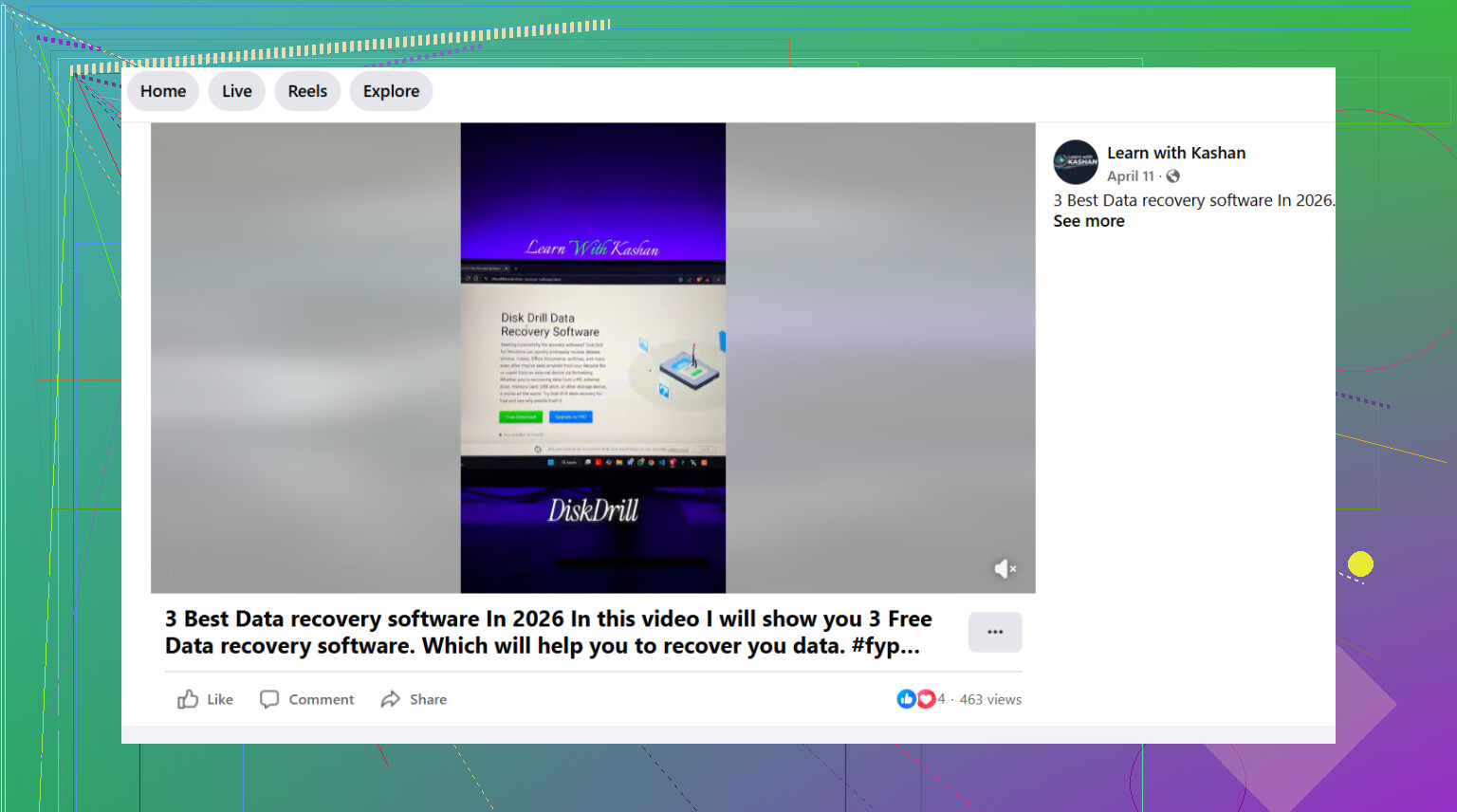
I’d split this by what kind of drive you deleted the files from, because that changes the answer more than ppl think.
If it’s a regular HDD, I mostly agree with @mikeappsreviewer and @waldgeist that Disk Drill is the best starting point. Not because it’s magic, just because it balances decent recovery results with a UI that doesn’t feel like punishment. For deleted files, that matters. You want to scan, preview, recover, done.
Where I kinda disagree is Recuva being a real “best” option today. It’s fine for super basic undelete jobs, sure, but once the deletion is older, the file system is messy, or the drive has weird behavior, it falls off fast. I’d put R-Undelete ahead of it for some cases, esp if you want another lightweight option without jumping straight into pro-level tools.
Big thing nobody should gloss over: if this was an SSD, your odds may drop hard because of TRIM. In that case, the “best data recovery software” can still come back with almost nothing, and that’s not the app’s fault. People blame software when the blocks are already wiped.
My practical take:
- Disk Drill for easiest all-around deleted file recovery
- R-Studio if the drive/partition is acting cursed
- PhotoRec if you only care about raw file carving and don’t mind a mess
- Windows File Recovery if you’re comfortable typing commands and want free
Also check this if you want a quick visual rundown: best data recovery software for deleted files explained
One more thing, recover the files to a different drive. Not the same one. Sounds obvious, but ppl still do it and then wonder why stuff vanished for real.
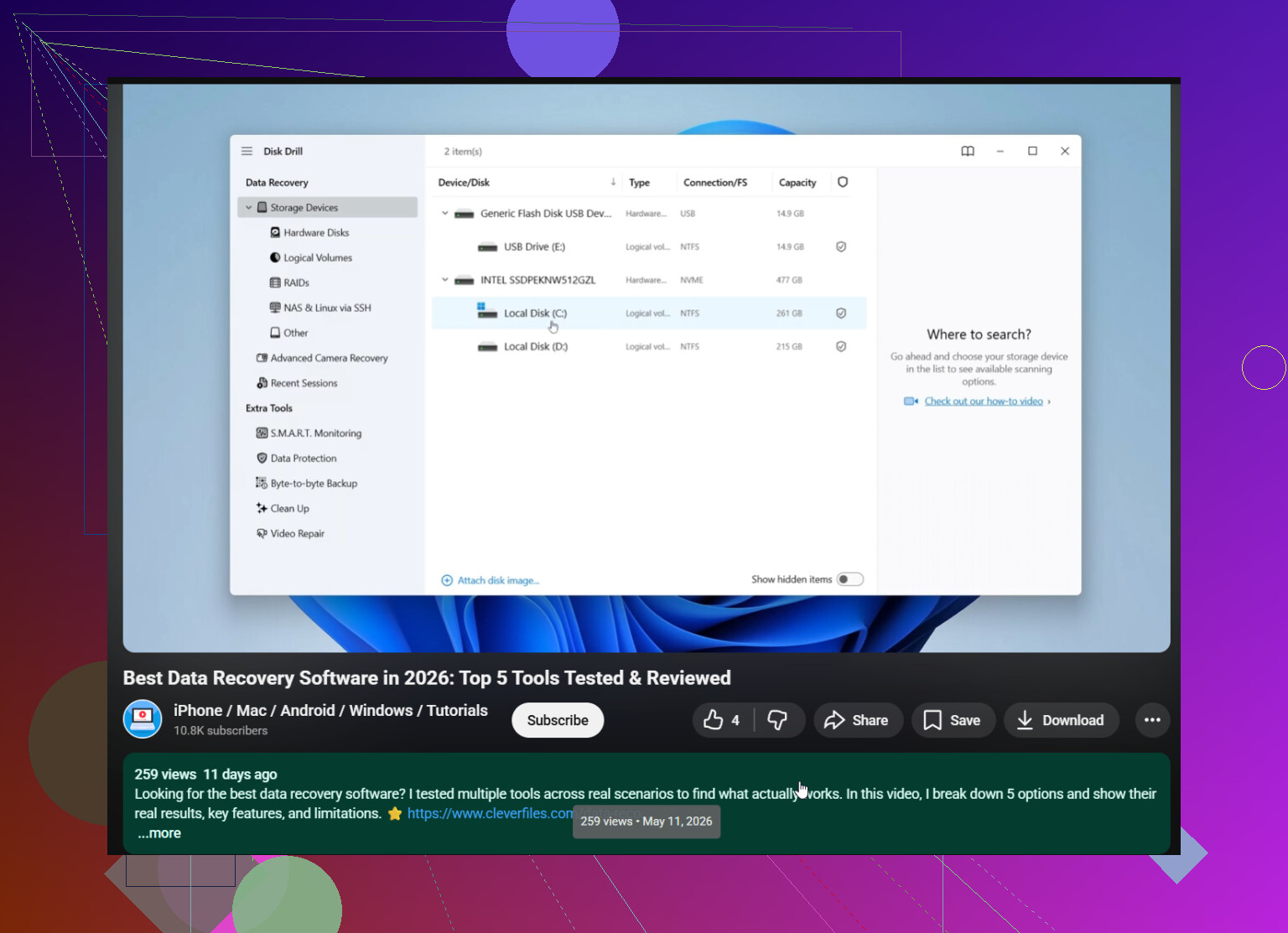
I’m slightly less bullish on Recuva than @waldgeist, and a bit less terminal-friendly than @hoshikuzu. For most people who just need deleted files back without babysitting settings, Disk Drill is still the safest recommendation.
Why I’d start there
- clear scan results
- good file preview before recovery
- handles more than just simple Recycle Bin mistakes
- easier to judge what is actually recoverable
Disk Drill pros
- very beginner-friendly
- preview works well for photos, docs, videos
- can sort findings better than a lot of older tools
- useful if the deletion source is USB, SD, external drive, not just the system disk
Disk Drill cons
- free recovery on Windows is limited
- deep scans can feel slow on big drives
- not the cheapest if you only need one small recovery job
Where I differ from @mikeappsreviewer a little: if the files are extremely important, I would not jump straight into scanning first. I’d check whether the files were in an app-level trash or version history. Office apps, Adobe apps, and sync clients sometimes keep recoverable copies outside normal deleted-file workflows.
My ranking would be:
- Disk Drill for easiest all-around use
- R-Studio if results matter more than UI
- PhotoRec if you accept chaos to maximize raw recovery
If this was an SSD boot drive, keep expectations realistic. That is the one case where “best data recovery tool” sometimes still means “nothing left to recover.”