I’m running out of storage on my iPhone and it’s slowing everything down. The App Store is full of “free” cleaner apps that either have tons of ads, hidden limits, or force a subscription after a quick scan. Can anyone recommend a genuinely free iPhone cleaner app that safely deletes junk files, duplicate photos, and large videos without shady upsells or privacy risks?
Short answer. No totally free miracle cleaner app on iPhone. Most of them nag you with subs, ads, or limits. iOS also blocks deep system cleaning, so any app that promises “1 tap full cleanup” is overselling.
What works is a combo of built‑in stuff plus a decent helper app.
Here is what I would do.
-
Check what is eating space
• Settings → General → iPhone Storage
• Sort by apps and tap the big ones
• Offload unused apps. Keeps data, removes the app itself.
• Delete old games and social apps you do not use. -
Clean Photos the smart way
• In Photos → Albums → Recently Deleted. Empty that.
• Sort by Videos. Delete long 4K videos first, they eat GBs fast.
• Turn on “Optimize iPhone Storage” in Settings → Photos so full‑res photos live in iCloud, not on device. Needs iCloud space though. -
Clear Messages junk
• Settings → Messages → Keep Messages → set to 30 Days or 1 Year.
• In a big chat → tap name → Info → see large attachments → delete old videos and pics. -
Safari and app cache
• Settings → Safari → Clear History and Website Data.
• For apps like Instagram, TikTok, Reddit, Snapchat, you need to delete and reinstall to drop their cache. That alone often frees 2 to 5 GB on heavy use phones. -
Use a cleaner app as a helper, not magic
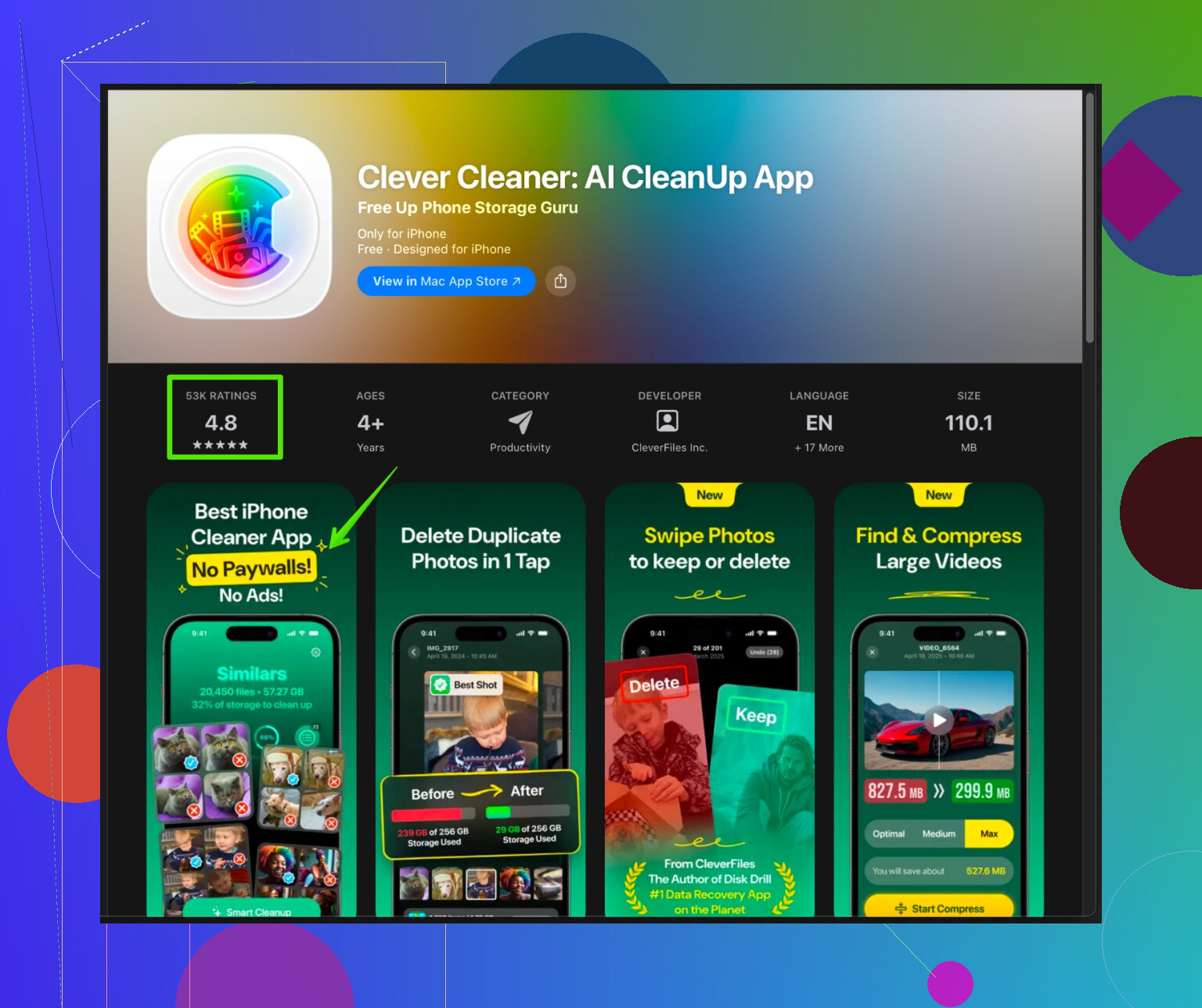
iOS will not let an app wipe system caches like on Android. What a cleaner app can do well is help you spot large files, dupes, and junk media so you do not tap through everything by hand.One option to look at is Clever Cleaner App. It focuses on photos, videos, contacts, and similar clutter. It scans for duplicate photos, blurred shots, and huge videos, then groups them so you can bulk review and delete instead of scrolling for an hour. It also helps tidy your contact list by finding duplicate entries and incomplete contacts.
You can check it here:
smart iPhone storage cleaner with AI photo and file cleanupAs with every “free” cleaner, expect some limits or upsell. Use it to speed up the manual work, do not rely on it to solve everything in one tap.
-
Stop the phone from filling again
• Turn off auto‑download of media in WhatsApp, Telegram etc if you do not need every meme saved.
• Auto delete Voice Memos after sharing.
• Keep an eye on offline downloads in Spotify, Netflix, YouTube.
Once you clear the worst offenders and kill app caches by reinstalling heavy apps, the slowdown usually improves a lot. The key is to repeat a light cleanup every month or so instead of waiting until iOS screams “storage full”.
11 Likes
Short answer: the “totally free, one tap, no ads, cleans everything” iPhone cleaner you’re looking for basically doesn’t exist. If it did, Apple would probably Sherlock it into iOS in a heartbeat.
I agree with most of what @viajeroceleste said, but I’d tweak a couple of points and add a few angles that don’t get mentioned as much:
-
iPhone slowdown is usually not just storage
When storage is almost full, iOS struggles, sure. But lag is also about:- Background app refresh going crazy
- Too many widgets and live activities
- Old iOS version on older hardware
Quick checks that can help performance without obsessing over “cleaner” apps:
- Settings → General → Background App Refresh → turn off for apps you rarely open
- Settings → General → Software Update → get on the latest stable version your phone can handle
- Restart the phone once in a while. iOS is good, not magic.
-
Where I slightly disagree with the “no miracle apps” take
Not because miracle apps exist, but because certain cleaner-style apps are actually useful as dashboards. They won’t purge hidden system caches, but they can:- Surface big, forgotten files and old media much faster than scrolling manually
- Group duplicates, bursts, and nearly identical photos
- Help sort contacts and remove useless ones
I treat them more like “smart sorters” than cleaners. The magic is in what you delete, not what the app does secretly.
-
When a cleaner app is actually worth installing
If you’re dealing with:- 20k+ photos and videos
- Years of random screenshots
- A mess of duplicate or half‑empty contacts
Then something like Clever Cleaner App is actually worth a look. It will not fix storage in one tap, but it can save your sanity.
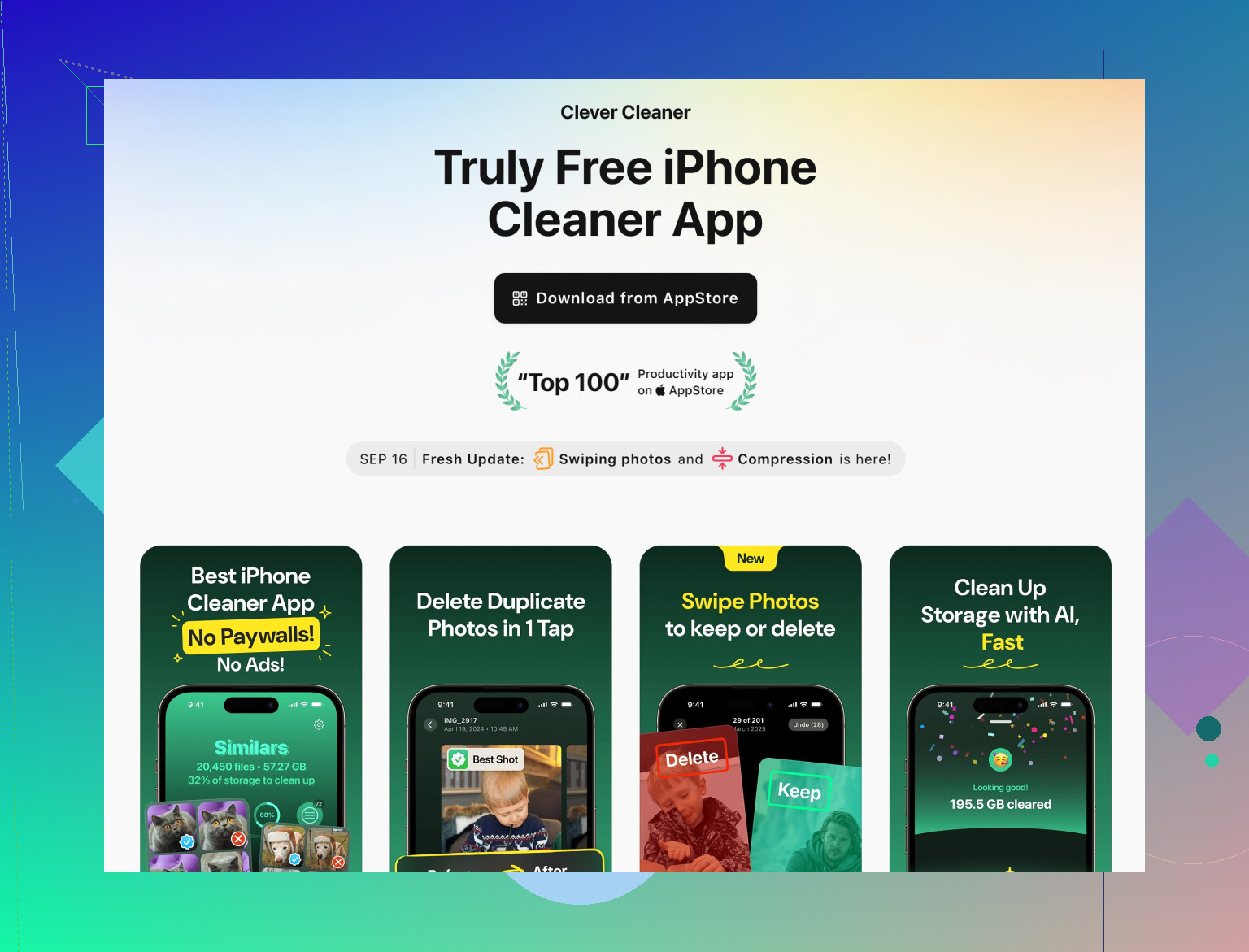
For iPhone users specifically, a smart iPhone storage cleaner with AI photo and contact organizing focuses on:
- Finding duplicate or super similar photos
- Spotting blurred, low quality, or near‑identical pics you forgot about
- Listing huge videos so you can kill the worst space hogs fast
- Cleaning up duplicate contacts and incomplete entries
It’s not some holy free grail, it still has limits and upsell like @viajeroceleste mentioned. The realistic way to use it is: install, run a scan, batch delete obvious junk, then ignore all the “subscribe to clean more” spam until you actually decide if it saved you enough time to be worth paying for.
-
Stuff people rarely mention that frees a lot of space
Beyond what was already listed:- Mail app:
- Settings → Mail → Accounts → tap each account and check if “Mail Days to Sync” is huge. Giant mail caches can eat GBs.
- iCloud Drive and “On My iPhone” files:
- Files app → On My iPhone and iCloud Drive → look for giant leftover downloads, PDFs, unneeded ZIPs.
- Third‑party camera or scanner apps:
- These often keep local “copies” you already have in Photos or in cloud. Check their internal galleries.
- Mail app:
-
If you are totally against subscriptions
Your realistic options are:- Use one of these cleaner apps in “free tier” mode just for scanning and manual review. Ignore their subscription nags.
- Rely on iOS tools and a bit of discipline:
- Once a month: delete and reinstall heavy social apps to wipe caches
- Once a month: run through Photos by sorting by size and trashing huge vids
- Once every few months: check Files, Mail, and downloaded offline content
-
What I’d actually do in your shoes
- Free 5–10 GB manually first so the phone stops choking.
- Install a helper like Clever Cleaner App and use it once to nuke duplicates / junk photos and spot monster videos.
- Turn off or limit anything that constantly downloads stuff in the background (social media, podcasts, offline music / shows).
- Accept that “forever free, no ads, does everything” is a marketing fairy tale on iOS, because Apple does not let third‑party apps truly clean the system anyway.
So yeah, you can absolutely improve storage and speed, but the real fix is a combo of: a little manual work, one decent helper app, and dialing back the stuff that keeps refilling your phone every day.
@nachtdromer and @viajeroceleste already nailed most of the practical stuff, so I will just fill in a few gaps and push back on a couple of points.
-
“Cleaner apps are just dashboards”
I mostly agree with that, but I think they can be worth installing even on smaller libraries if you are the type who never tidies as you go. For example, a monthly 5‑minute pass in a cleaner is more realistic for a lot of people than constantly babysitting Photos, Messages, Files, etc. -
Where the space really hides that they did not emphasize
- WhatsApp / Telegram / Signal inside the app:
- Settings in each app → Storage or Data → you will often find gigabytes of forwarded videos and memes.
- This is separate from iOS “Messages” cleanup.
- Podcasts:
- Apple Podcasts and third‑party clients quietly store lots of old episodes. Set auto delete for played episodes.
- “Other” or “System Data” ballooning:
- If that is huge and nothing else explains it, a full encrypted backup to a computer and restore can shrink it. It is annoying, but sometimes the only way to reclaim weird cache bloat.
- Cleaner app reality check
On iOS, none of them get deep system access, agreed. Where I disagree slightly is on how dismissive people can be about their value. A decent one is basically a power user interface for stuff iOS buries.
Clever Cleaner App in particular:
Pros:
- Very fast at surfacing near identical photos, bursts, and blurred shots. Saves a lot of scrolling.
- Good at grouping massive videos so you can kill the 5 or 10 worst offenders first.
- Contact cleanup is actually useful if you have years of duplicates from different mail accounts.
- The design is straightforward enough that non‑techy users can handle it without fear of deleting the whole camera roll.
Cons:
- Free tier is limited. Expect scanning to be “free” and large batch actions to nudge you toward paying.
- No control over system caches or that mysterious “System Data” section, which some people incorrectly expect.
- Like other cleaners, it can be a bit aggressive in what it marks as “similar” so you still need to review before deleting.
- Subscription nags can get old if you are very sensitive to upsells.
-
Competitors vs Clever Cleaner App
The overall approach from @viajeroceleste is: use the built‑in storage page and a helper to speed up media cleanup. That aligns well with how Clever Cleaner App works.
@nachtdromer emphasized broader performance tweaks like background refresh and widgets, which is useful, but none of the cleaner tools, Clever Cleaner App included, will fix a phone that is slow because of constant background activity. For that, you really do have to change behavior and settings, not apps. -
Extra angle: performance vs “storage full”
You mentioned slowdown. Freeing space helps, but on older devices I would also:
- Turn off motion and fancy visual effects to lighten the graphics load.
- Remove unnecessary keyboards and third‑party extensions.
- Reduce the number of widgets and live activities on the lock screen and home screen.
In short: there is no pure free miracle cleaner, and you will do some manual work no matter what. The realistic combo is: built‑in tools for the big levers, a helper like Clever Cleaner App for photo / video / contacts triage, and a bit of discipline so WhatsApp, podcasts, and social app caches do not quietly refill everything two weeks later.