I’ve been getting constant low-storage warnings on my iPhone and saw an AI Cleaner app that promises fast, automatic storage cleanup. The reviews are mixed—some say it’s great, others mention privacy and data loss issues. Before I install it, I’d really like to know if this kind of AI cleaner app is actually safe to use on iOS, or if it could harm my phone, delete important files, or compromise my data. Can anyone share real experiences or expert advice on whether I should trust this app or avoid it?
AI Cleaner: Clean UP Storage App – my experience
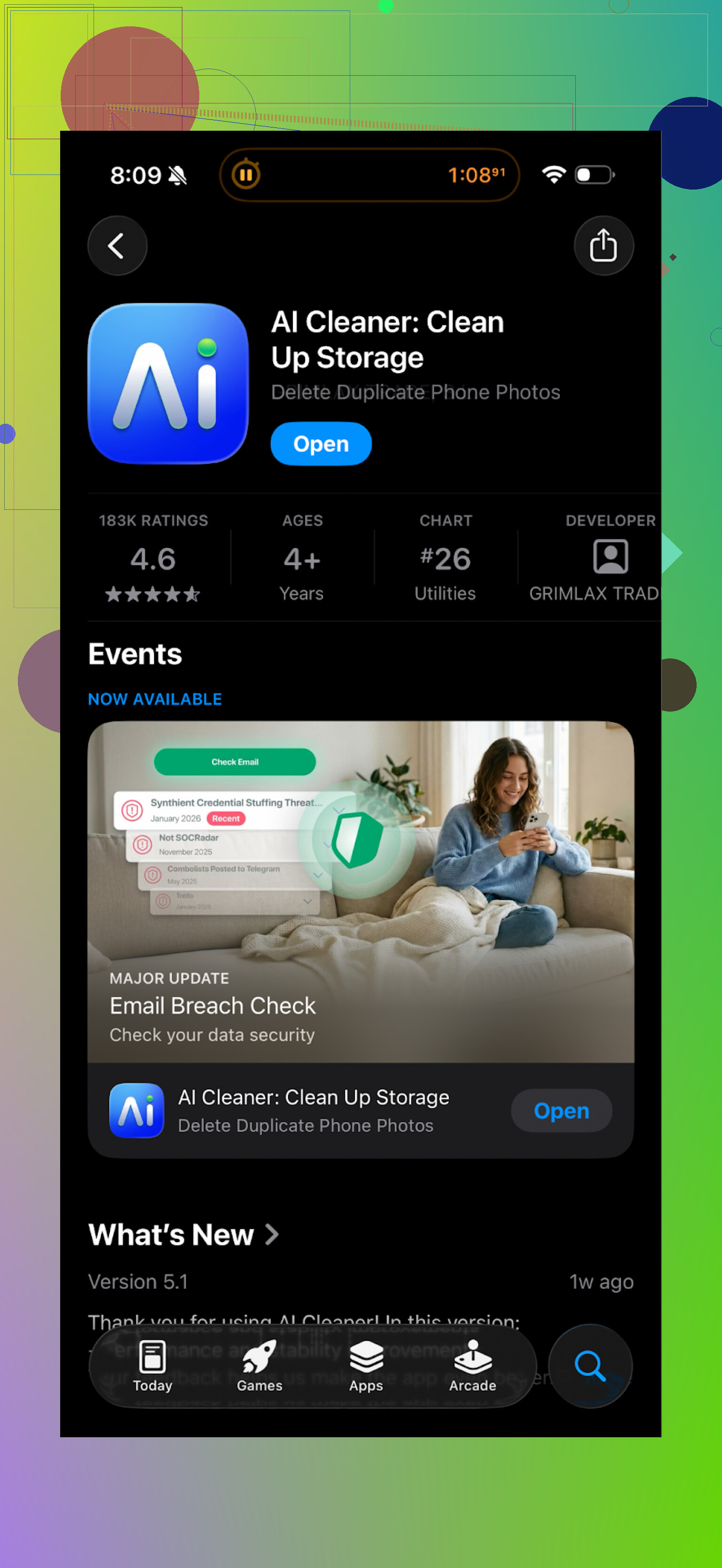
Tried this on my iPhone when storage hit that annoying “almost full” warning again. Looked decent at first launch, neat interface, fast initial scan. Then it turned into a paywall maze.
Every time I tried to clean something meaningful, it threw a subscription prompt in my face. Remove more files? Pay. Use the “smart” options? Pay. It felt like the whole thing was a preview screen for a subscription page.
The “AI” part did not impress me either. It flagged a bunch of pictures as duplicates that were clearly different. Slightly different angles, different people in the frame, but it grouped them anyway. I nearly wiped a set of vacation pics because they were in the same batch as true duplicates.
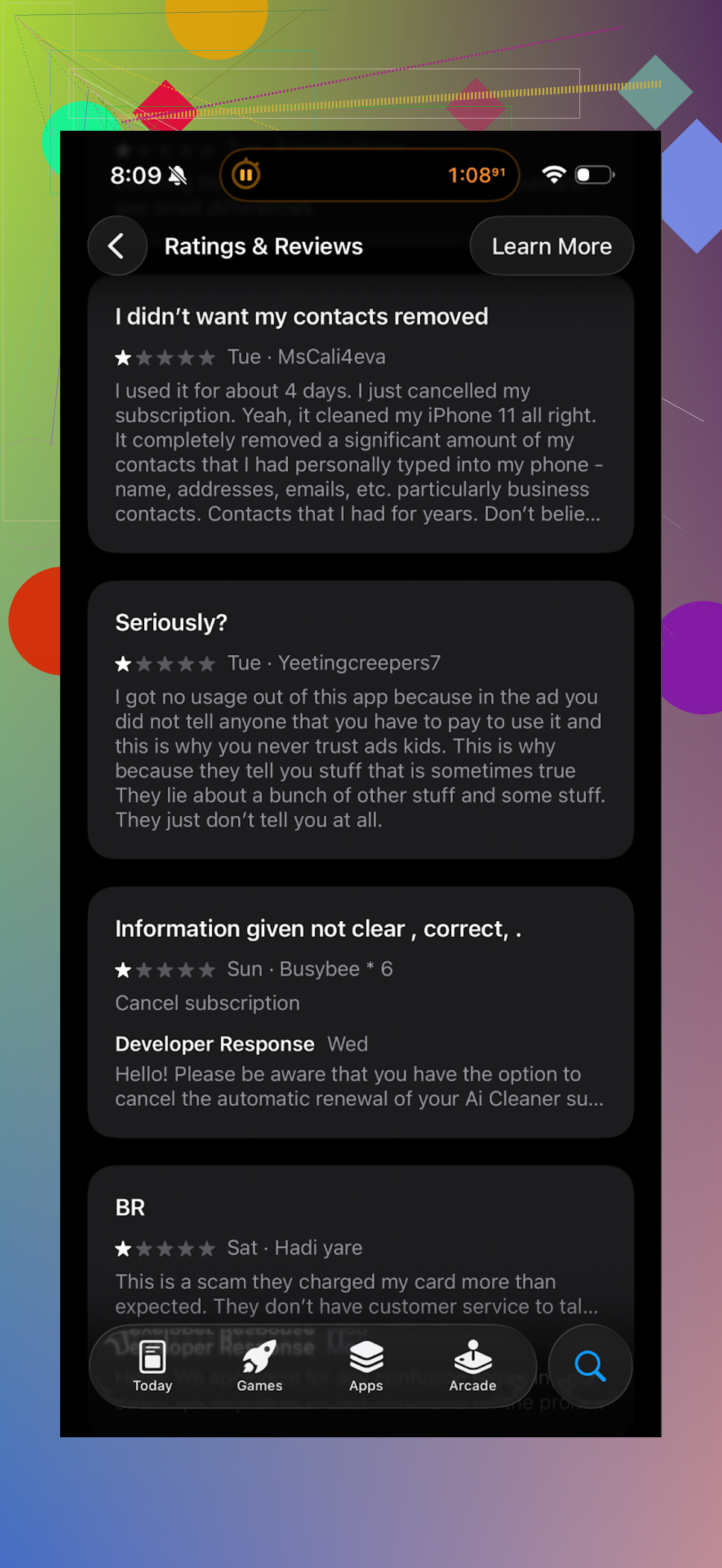
Real user reviews sort of match what I saw:
After giving up on that, I went hunting for alternatives and ended up with this:
Clever Cleaner: link and first run
Clever Cleaner on the App Store:
I installed it expecting another subscription trap, but it worked different.
No feature walls, no ads jumping out when you tap something. I opened it, hit scan, and it got to work without trying to sell me anything every few seconds.
What it found for me
On my phone it picked up:
• Obvious duplicate photos
• “Similar” shots, like burst photos and slightly shifted angles
• A ton of old screenshots
• A few large videos I forgot about
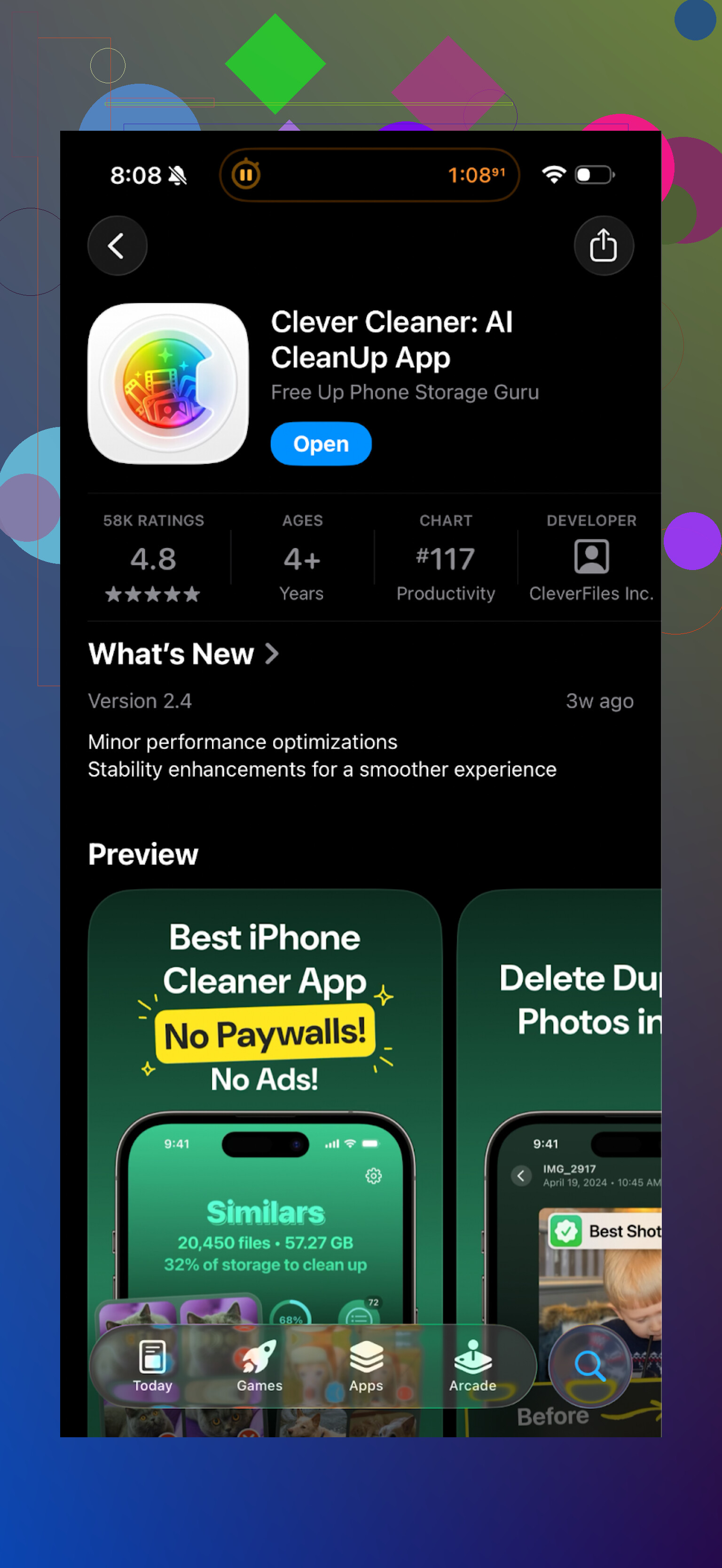
I went through the groups manually. The grouping felt tighter and less random than AI Cleaner. I still double checked before deleting, but I did not see the same “these are clearly different” mistakes as often.
The privacy bit
This part mattered to me.
Clever Cleaner runs everything on the phone. No account, no upload prompts, nothing asking for cloud access. From what I saw, it scans locally and stays there. If you are touchy about photo privacy, this is a big plus.
General feel compared to AI Cleaner
AI Cleaner felt like:
• Aggressive upsells on every useful tap
• “AI” detection that needed babysitting
• Limited free use
Clever Cleaner felt like:
• Quicker to get to the point
• Less nagging
• Tools available without fighting a paywall
If you want to test a storage cleanup app on iPhone, I would start with Clever Cleaner before burning time in AI Cleaner.
Video and links
YouTube video:
Clever Cleaner homepage:
App Store link again:
Related Reddit thread with more cleaner app experiences and warnings:
https://www.reddit.com/r/DataRecoveryHelp/comments/1d733gm/best_iphone_cleaner_apps_and_why_you_shouldnt_use/
7 Likes
Short answer for “AI Cleaner” type apps on iPhone storage: risky if you trust them blindly, sometimes useful if you treat them like a sharp tool.
A few things not covered by @mikeappsreviewer that matter:
- Safety and data loss risk
- Any cleaner that auto selects “similar” or “duplicate” photos has a non‑zero chance of killing stuff you care about.
- AI models tend to group photos by faces, colors, time, and angle. Vacation photos, kid pics, pet photos, often look “duplicate” to an algorithm.
- Never tap “Select all” on similar photos. Scroll through groups, look at timestamps, check the tiny differences.
- Before using any cleaner on photos or videos, do one of these:
• iCloud Photos on and fully synced, so you can recover from Recently Deleted.
• Or run an encrypted backup in Finder or iTunes to a computer.
• Or at least export your top 500 important photos manually.
- Privacy side
- On iOS, apps need Photos access. If you grant “Full Access”, the app sees all photos.
- If the cleaner uses “cloud scan”, your photos or metadata leave the phone. Even if they say “only metadata”, that still includes dates, locations, device details.
- Look for:
• “Data Not Linked to You” and “No Data Collected” in App Store privacy.
• A privacy policy that clearly says processing happens on device. - If the app asks you to log in, create an account, or link cloud storage for a simple cleanup task, skip it.
- Subscription traps and dark patterns
- Many cleaners run the same pattern: fake “found 20 GB to clean” screen, then a hard paywall.
- If the app hides prices behind multiple taps or starts a 3‑day trial by default, I treat that as a red flag.
- Check in iOS Settings > Apple ID > Subscriptions after installing. Make sure it did not sneak in a trial you forgot to cancel.
- What you do not need third party AI for on iPhone
Before any cleaner app, use built‑in tools:
- Settings > General > iPhone Storage. Offload unused apps.
- In Photos > Albums:
• “Duplicates” album. Apple already merges safe duplicates.
• “Screenshots” and “Screen Recordings” albums. These are low risk to delete. - Messages: Settings > Messages > Keep Messages > 1 Year or 30 Days.
- WhatsApp / Telegram / other chat apps: clear media from large chats in their own storage settings. These often eat tens of GB.
- When an AI cleaner is actually helpful
Where these apps help:
- Large video detection across the whole device.
- Finding similar selfies or bursts faster than you doing it by hand.
- Quickly sorting screenshots in bulk.
Here I mostly agree with @mikeappsreviewer on “AI Cleaner” apps being pushy and unreliable on the “smart” detection. I am slightly less harsh on AI though. The tech is decent if you treat it as a suggestion, not as an authority.
If you want to try one cleaner, Clever Cleaner App is a safer bet from a design perspective.
Why:
- Processes files locally, so less privacy exposure than tools that upload.
- Less aggressive selling behavior, based on multiple user reports.
- Decent grouping of duplicates and similar photos, as long as you still review.
Still, I would use Clever Cleaner App like this, to keep risk low:
- Backup first. Even a quick computer backup.
- Start with screenshots, screen recordings, and obvious exact duplicates.
- Leave “similar photos” and “similar videos” for last and review them slowly.
- Never rely on auto delete for faces, kids, pets, events, or anything emotional.
So, “AI Cleaner” apps are not inherently unsafe, they are unsafe if you trust them more than your own eyes, or if you ignore backups and privacy settings. Treat them as helpers, not autopilots.
Short version: the “AI Cleaner” type apps are closer to a loaded nail gun than a soft little broom. Helpful in the right hands, absolutely capable of wrecking things if you trust them too much.
A few angles that @mikeappsreviewer and @mike34 didn’t lean on as much:
- “AI” on photos is pattern matching, not common sense
What bit a lot of people is expecting the app to “understand” the photo. It doesn’t. It sees:
- same face
- same location
- similar colors / framing
and concludes “duplicate / similar.”
That is fine for 30 selfie attempts in front of a mirror. It is terrible for stuff like:
- kid’s birthday where every shot is slightly different
- concerts, sports, travel where backgrounds repeat
In those sets you often want all the slightly different shots. AI will try to compress that into 1–2 “keepers” unless you intervene.
- iOS already protects you a bit, but not from bad choices
Even if the app deletes, iOS shoves things into “Recently Deleted” for 30 days.
Where people still lose data:
- They use the same cleaner again and it “empties trash” for them
- They notice the mistake months later
- iCloud syncs the deletion across devices
So no, these cleaners are not inherently instant‑destruction, but they absolutely speed up how fast you can make a very bad decision.
- Privacy: it is not just “photos on a server”
I actually disagree a bit with the idea that as long as things are “on device,” you are fully safe. You still expose:
- Full photo library to a third party binary you know nothing about
- Potential hidden analytics SDKs looking at behavior, device fingerprint, etc
On‑device processing is better than upload, but I treat any app that wants Full Photos Access as high trust. If the dev looks shady, I bail, even if they claim local-only AI.
On the flip side, I am not as paranoid about “metadata upload only” as some folks. For most people, dates and file sizes are not the end of the world. The real line for me is:
- Are raw images or thumbnails ever leaving the phone? If yes, hard pass.
- The money side is its own risk
Everyone talks about data loss, but the other trap is financial:
- 3 or 7 day “free trial,” then $5–10 per week
- Confusing close buttons that start a trial instead of closing
- Cleaning features that keep you inside the app long enough to forget to cancel
So even if the tech works, these “AI Cleaner” apps can end up being storage cleaners and wallet cleaners at the same time. To me that is just as risky as maybe deleting a duplicate wrong.
- Where an external cleaner actually makes sense
I’m not totally anti‑cleaner. Situations where they genuinely help:
- You have years of screenshots and no patience to scroll
- You shoot a ton of 4K video and just want a list of “biggest 50 items” to review
- The built in Photos “Duplicates” album misses stuff because filenames / metadata are weird
Stuff I would not use them for:
- Pruning family albums
- Cleaning any iCloud Shared Library
- Anything important where the difference between “keep” and “delete” is subtle
- Clever Cleaner App in this context
Since you mentioned AI Cleaner specifically: that one has all the classic red flags people have reported:
- Hard subscription pressure
- Overconfident “AI” suggestions
- Too much friction before you even test it properly
I’d personally skip that and, if you really want an app, use something like the Clever Cleaner App as a more controlled experiment. It lines up with what @mikeappsreviewer and @mike34 said:
- On device analysis instead of cloud nonsense
- Less aggressive upsell behavior
- Decent grouping logic for screenshots, exact duplicates, big files
I would still not trust Clever Cleaner App to make final decisions for you, but as a scanner and sorter it is useful. Think of it as a custom filter on your library, not as an automatic janitor.
- Practical way to stay out of trouble
Without rehashing their step lists: a slightly different angle that keeps risk down:
- Decide in advance: “What am I OK losing if I screw up?”
For most people: screenshots, screen recordings, memes from chats. Start there. - Do one “safety snapshot” first. Either quick iCloud sync, or one encrypted computer backup. Even a rare backup is better than none.
- In the cleaner app, turn off any “auto clean” or “one tap boost” feature. If an app advertises a magic one-tap cleanup, that’s the exact button I avoid.
- When you’re reviewing photos, zoom in occasionally. A lot of “similar” images only look identical in tiny thumbnails.
So is the AI Cleaner app you saw safe?
- Safe if: you use it only for obvious junk, you manually review, and you have a backup.
- Risky if: you’re low on patience, you hit “clean all,” and you care a lot about your photos.
Personally, I’d ditch the specific “AI Cleaner” you saw, lean on iOS built in tools first, and if you still want more automation, try Clever Cleaner App but treat it like a sharp knife, not a Roomba.
Short version: “AI cleaner” apps for iPhone are neither magic nor pure scam, but they’re very easy to misuse. The others already covered backups, app permissions, and subscription traps, so I’ll hit a few different angles and then zoom in on Clever Cleaner App specifically.
1. Where I slightly disagree with others
-
Some folks are treating iOS’s built‑in tools like they’re always enough. They are not if:
- You shoot tons of 4K video.
- You live in social apps that cache media like crazy.
- You have years of screenshots and screen recordings.
In those cases, a dedicated cleaner is not just “nice to have,” it actually saves you hours.
-
I’m also not totally convinced that “on‑device only” instantly equals “safe.” If the developer is shady, it does not matter where the bits are processed. I’d rather trust a transparent, well reviewed cleaner with a small, clear cloud component than a sketchy “all local” app with mystery analytics inside.
2. When these AI cleaners are truly risky for iPhone storage
Risk goes up a lot when three things combine:
-
Low storage + impatience
When your phone is screaming “storage almost full,” you are way more likely to hit “Clean all” without reviewing. -
iCloud Photos enabled
Deleting “locally” often means deleting from every device synced to that iCloud account. A mistake is multiplied. -
“Smart” similar-photo logic
Great for bursts and selfies, terrible for:- Events (weddings, birthdays, concerts).
- Travel sets where every shot matters.
- Any situation where you like the tiny differences.
If that matches you, treat AI cleaners as a visual filter, not an automatic delete engine.
3. Clever Cleaner App: pros and cons in the real world
You asked if this whole category is safe or risky; Clever Cleaner App is one of the few that lands closer to “usable tool” than “trap,” but it is not flawless.
Pros of Clever Cleaner App
-
Local processing by design
No constant “sign up” or cloud account push. That cuts down a big chunk of privacy risk compared to cleaners that upload your entire library. -
Lower “nag factor”
Compared with what people reported around AI Cleaner:- Fewer aggressive subscription popups.
- You can actually test core features without being paywalled instantly.
-
Better grouping for obvious junk
Good at:- Screenshots and screen recordings
- Exact duplicates
- Large forgotten videos
It surfaces “stuff to review” faster than digging through iPhone Storage manually.
-
Decent for burst / selfie cleanup
If you know you fired 15 near‑identical selfies to get one good one, its similar‑photo grouping is actually helpful.
Cons of Clever Cleaner App
-
Still needs your full Photos access
That is a big trust decision. Anyone who pretends this is nothing is downplaying the risk. Full access means the app can technically see everything. -
No guarantee against false positives
It is still pattern matching.- It can bundle slightly different vacation shots into one “similar” group.
- If you click through too fast, you can kill something you cared about.
-
Not a complete replacement for iOS tools
- You still need to visit iPhone Storage for app‑by‑app cleanup.
- It does not understand every app’s cache behavior the way the system does.
-
Subscription model risk still exists
Even if it feels more reasonable, you still have:- Auto‑renew subscriptions if you forget to cancel.
- The temptation to “get your money’s worth” by over‑cleaning.
So Clever Cleaner App is the one I’d experiment with if you insist on an AI cleaner, but it is not a safety blanket. You still need to think.
4. How it stacks up to what others said
-
Compared to the experience described with AI Cleaner
That one sounds like:- Heavy paywall.
- Overconfident AI grouping.
- Constant upsells.
Given that, I agree with skipping it entirely. The combination of distraction + financial pressure is the last thing you want while making deletion decisions.
-
Relative to the points from @mike34, @reveurdenuit, @mikeappsreviewer
They hammered:- Backup first.
- Do not trust “similar” photos blindly.
- Avoid free‑trial subscription traps.
I agree with all three, but I’d add: if you are the kind of person who never manually cleans screenshots or big videos, a focused cleaner app like Clever Cleaner App might actually be safer than you trying to purge in a rush, because at least it shows you the worst offenders in one place.
5. Practical angle that is not just “backup & be careful”
If you want to keep using your iPhone without living in fear of all AI cleaners, this mindset helps:
-
Decide specific “safe categories” you will always start with:
- Screenshots
- Screen recordings
- Old screen captures from social media
- Very large single videos you already watched and do not care about
Use any cleaner (including Clever Cleaner App) only on those first. See how conservative or aggressive its suggestions feel. If it makes weird calls even there, do not trust it with personal photos.
-
Treat similar photos as “manual review only” territory
Turn off any auto‑clean / one‑tap buttons for that section. Scroll slowly, zoom a bit, and only delete when differences are trivial. -
Make it a regular, small habit instead of one huge panic purge
5 minutes a week inside:- Photos screenshots album
- Your cleaner’s “large files” section
beats one stressed-out 2‑hour cleaning session where you are tired and sloppy.
Bottom line for your “safe or risky?” question
-
AI cleaner apps in general:
- Risky if you are low on time and patience, rely on “magic” buttons, and care about your photos.
- Reasonably safe if you restrict them to low‑value content and always review.
-
The specific category of apps like AI Cleaner that gate everything behind hard paywalls and heavy “AI” marketing: I’d skip.
-
Clever Cleaner App:
- One of the less sketchy options, with some real usability benefits for storage cleanup.
- Still needs trust and still can cause data loss if you click without thinking.
Use it as a spotlight that helps you find junk, not as a robot that decides what your memories are worth.