I started using an iPhone TV remote app after misplacing my physical remote. It works well, but I’m concerned about privacy, security, battery drain, and whether connecting it to my smart TV is safe. Are there any risks or precautions I should know about?
Using your iPhone as a TV remote is generally safe. The app is mostly sending basic commands like volume, channel changes, and menu navigation over your Wi-Fi. It won’t damage your phone or TV, and iOS limits what apps can access.
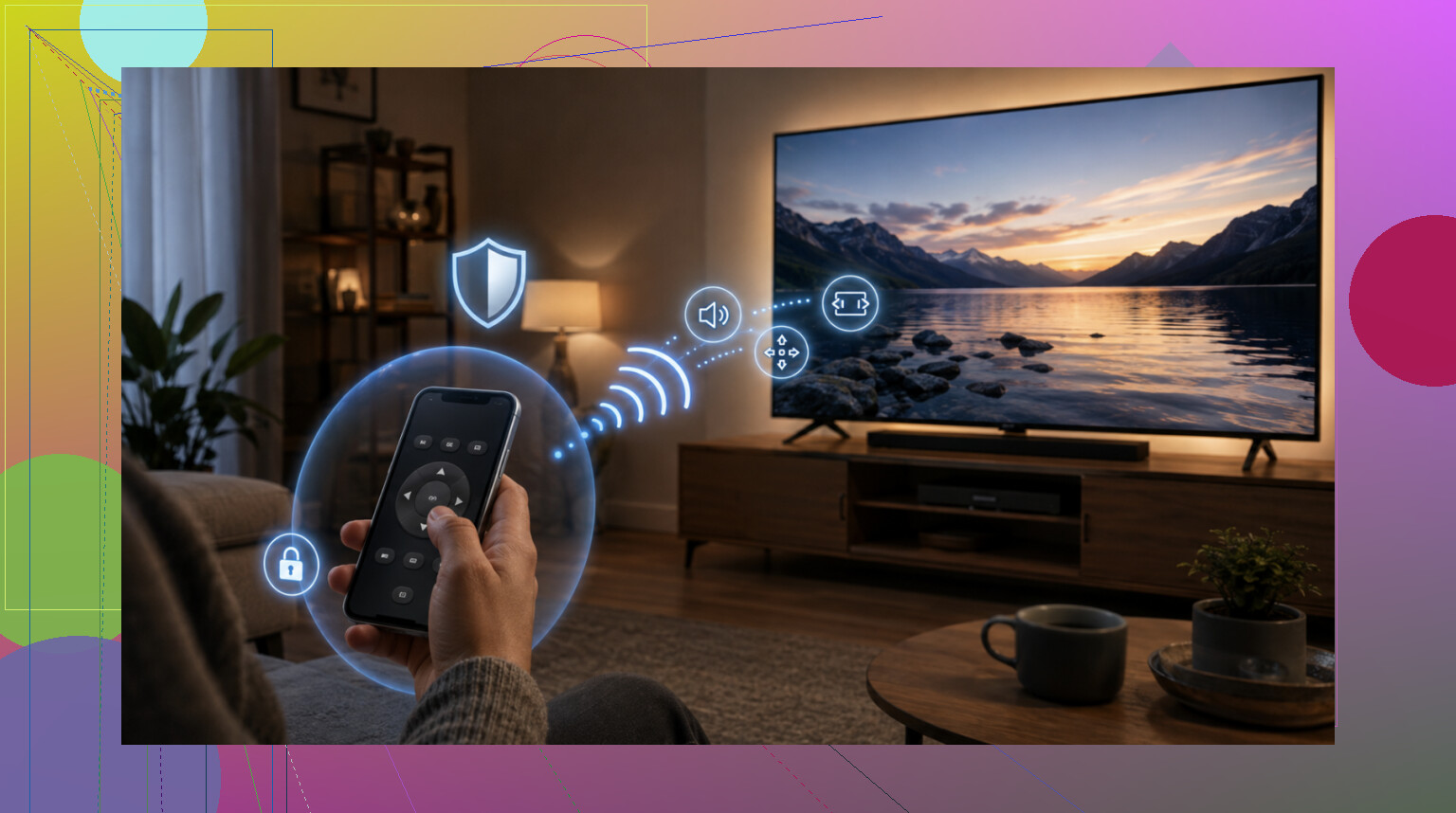
The main problems are usually ads and subscriptions, not malware. Plenty of remote apps call themselves free, then fill the screen with ads or steer you into a trial that automatically renews. If you start a trial, check Settings → your name → Subscriptions afterward so you know exactly what’s active.
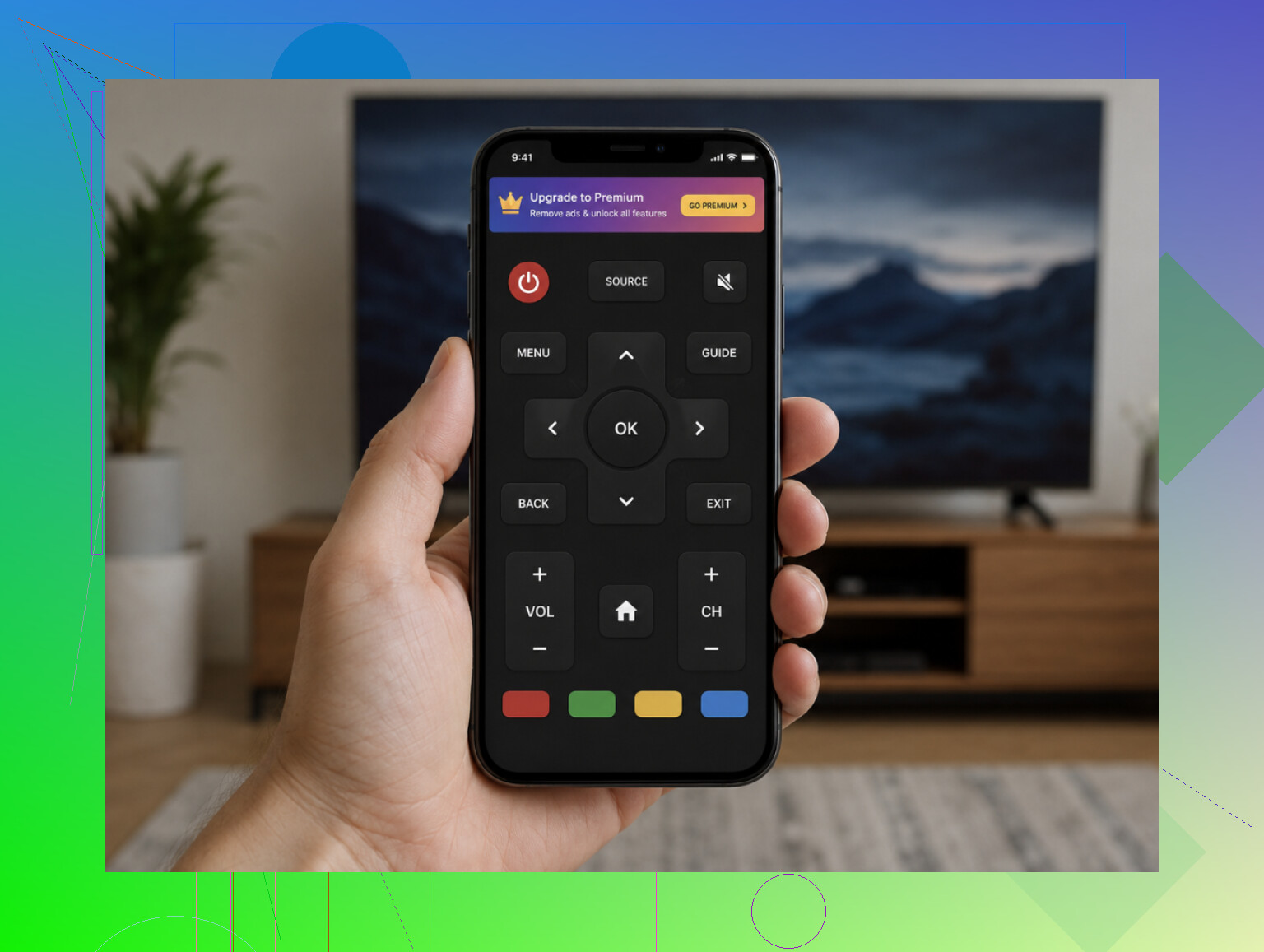
Privacy is worth checking too. Some apps collect device identifiers, usage information, or approximate location for advertising. Look at the App Privacy section on the App Store page before installing. An app that collects little data, especially data that isn’t linked to your identity, is the better choice.
Stick with apps from the official App Store. Don’t install random remote-control software from websites or forum downloads. Apple’s review process isn’t perfect, but it’s still much safer than getting an app from an unknown source.
Your home Wi-Fi is also the best place to use one. Shared networks in hotels or apartment buildings can expose connected devices to other people on the network. With a TV remote, the likely worst case is someone messing with the channel or volume, so it’s more annoying than dangerous.
So yes, it’s low risk. Just avoid aggressive subscription traps, check the privacy label, and choose a reputable app. A free, low-tracking option such as TVRem is one option. The app’s pricing and privacy practices matter more than the remote-control feature itself.
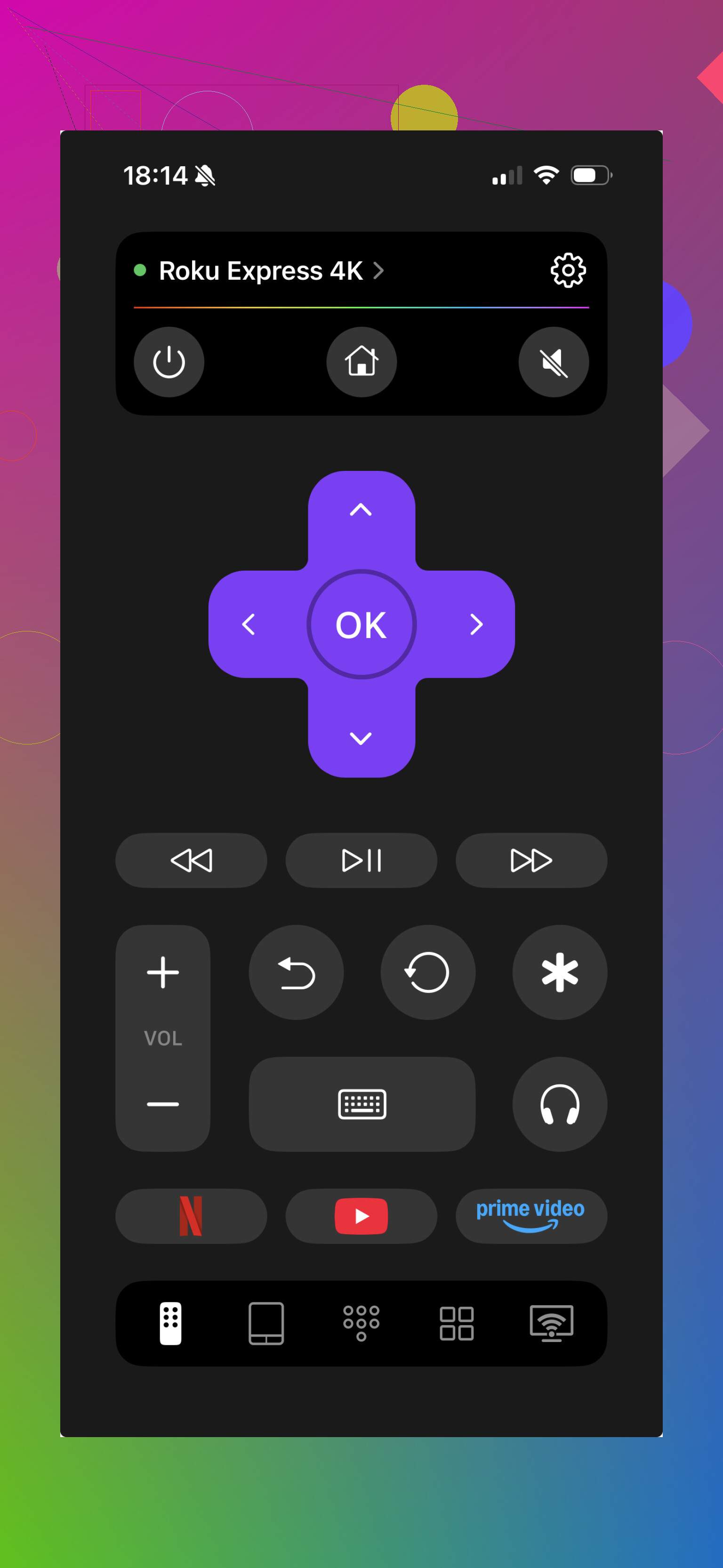
If you’re worried about something specific, the two areas to check are data collection and recurring subscription charges.
24 Likes
Don’t pair the app over public or shared Wi-Fi if you can avoid it. At home, the bigger nuisance is reliability: when the phone locks, changes networks, or the TV drops into deep sleep, the remote may stop responding until you reconnect. Battery drain should be minor unless the app stays active in the background, so disable its background access if it seems unusually hungry.
Check whether your TV already supports Apple’s built-in Remote in Control Center before installing anything. That avoids a third-party app, ads, tracking, and another subscription. If it isn’t supported, use the TV maker’s official app and grant only local-network access. The connection itself is low risk on your home Wi-Fi, but an unnecessary app with broad permissions is the bigger concern.
The hidden cost may be the TV’s “quick start” or “network standby” setting. Some sets need it enabled before an iPhone can wake them over Wi-Fi, and that means the TV keeps more hardware active while it appears to be off. It is not dangerous, but it can increase standby power use. If you only need the phone after the TV is already on, leave that feature disabled.
@stackhacker9150 is right about shared Wi-Fi, although proper pairing matters just as much. Your TV should display a PIN or ask you to approve the phone the first time. Be suspicious of an app that immediately controls devices without any confirmation. Check the TV’s paired-device list occasionally and delete phones or tablets you no longer use.
The remote connection normally does not give the app access to everything on the TV. Still, someone holding your unlocked phone might be able to open streaming apps, change settings, or start a rental on accounts that lack a purchase PIN. Use purchase protection on the TV and streaming services, especially if children or guests use your phone.
Battery drain should be close to trivial while the app is closed. If it shows heavy background usage in Settings → Battery, turn off Background App Refresh for it or replace it. A remote app has no good reason to request contacts, photos, microphone access, or precise location. Local Network and possibly Bluetooth are reasonable; a long permission list is a reason to uninstall it.
Being in the App Store does not automatically mean a remote app is trustworthy. The actual remote commands are low risk, but a third-party app can still collect data, sell subscriptions, or trick you into connecting an account it does not need.
For a safer setup, I would do this in order:
- Try the iPhone’s built-in remote option if your TV setup supports it.
- If that does not work, install the TV manufacturer’s official app.
- Use a third-party universal remote only as the last choice.
- Allow Local Network access so the app can find the TV. Bluetooth may be reasonable for setup. Deny contacts, photos, microphone, precise location, and anything else unrelated.
- Pair using the code or approval message shown on the TV.
Pay close attention to account requests. A normal local remote may need a PIN from the television, but it should not ask for your Apple ID password, streaming-service password, or TV manufacturer account credentials. If an unofficial app says you must sign into Netflix, your cable account, or your Samsung/LG/Roku account just to change the volume, stop there. That creates a much bigger risk than connecting over Wi-Fi.
Keep the television software updated too. People tend to inspect the phone app and forget that the TV is another networked device with installed apps, saved payment methods, microphones on some models, and years of account history. Turn on purchase confirmation, remove apps you no longer use, and avoid leaving payment purchases available without a PIN.
Battery use should normally be small because you only open the remote briefly. Check Settings → Battery after using it for a day or two. If the remote shows substantial background activity, disable Background App Refresh. If that breaks notifications or device discovery, replace the app rather than accepting constant background use.
When you stop using the app, complete the cleanup instead of merely deleting it. Remove the phone from the TV’s paired-device list, revoke any account access you granted, check for an active subscription, and then uninstall it. Deleting the icon alone may not cancel billing or remove the old pairing.
So yes, using an iPhone as a remote is generally safe. Treat the pairing code as normal, but treat unnecessary passwords and unrelated permission requests as reasons to back out immediately.
Safe, yes. A complete replacement for a physical remote, no.
The phone version depends on your iPhone, Wi-Fi, and TV all cooperating. It is slower when you have to unlock the phone, reopen the app, or interrupt whatever else you were doing just to lower the volume. Guests cannot use it easily either.
I’d keep the app for convenience but buy a cheap compatible replacement remote for everyday use. The app is a useful backup, while the physical remote remains faster and still works when the router or phone is unavailable.
Before you get too deep into app hunting, check what your TV actually accepts as a remote signal. The iPhone has no IR blaster, so any app you install is talking to the TV over the network, not beaming infrared like an old physical remote. If your TV is older and only listens to IR, no App Store remote will control it at all, no matter how good the reviews look. People burn an afternoon trying different apps when the real problem is the TV never supported network control in the first place.
That’s the part I think the thread skips over. Everyone’s discussing permissions and subscriptions, which is fair, but the first question is whether the pairing can even happen. Newer smart TVs are fine. Anything more than a few years old, or a basic set hooked to a separate box, and you may need a Wi-Fi bridge or you’re stuck with IR only.
On the account stuff @rocketspark6846 raised, I’d go a little harder. A remote app asking for your streaming or manufacturer login isn’t just a bigger risk, it’s usually a sign the app is a launcher pretending to be a remote so it can farm accounts. Real local control needs the code on the screen and nothing else. If it wants an email signup before it’ll change the volume, that tells you what the app is actually for.
I’m with @swiftstream on keeping a cheap physical remote around, but for a slightly different reason. It’s not just speed. When your Wi-Fi hiccups or the TV drops off the network, the phone app is dead weight, and that always happens at the worst moment. A generic replacement remote for most brands runs a few bucks and needs zero permissions or updates. Hard to beat that for a backup.
The apps mentioned here, TVRem included, are fine for what they are, low-tracking and free, but treat them as the convenient option, not the reliable one. If you only ever open it to nudge the volume while your real remote is lost somewhere in the couch, low risk is a fair description. Just don’t build your whole setup around it.